Drive Summary n8n
Automate Google Drive summaries with n8n workflows
Turn Google Docs into a searchable knowledge base — automatically.
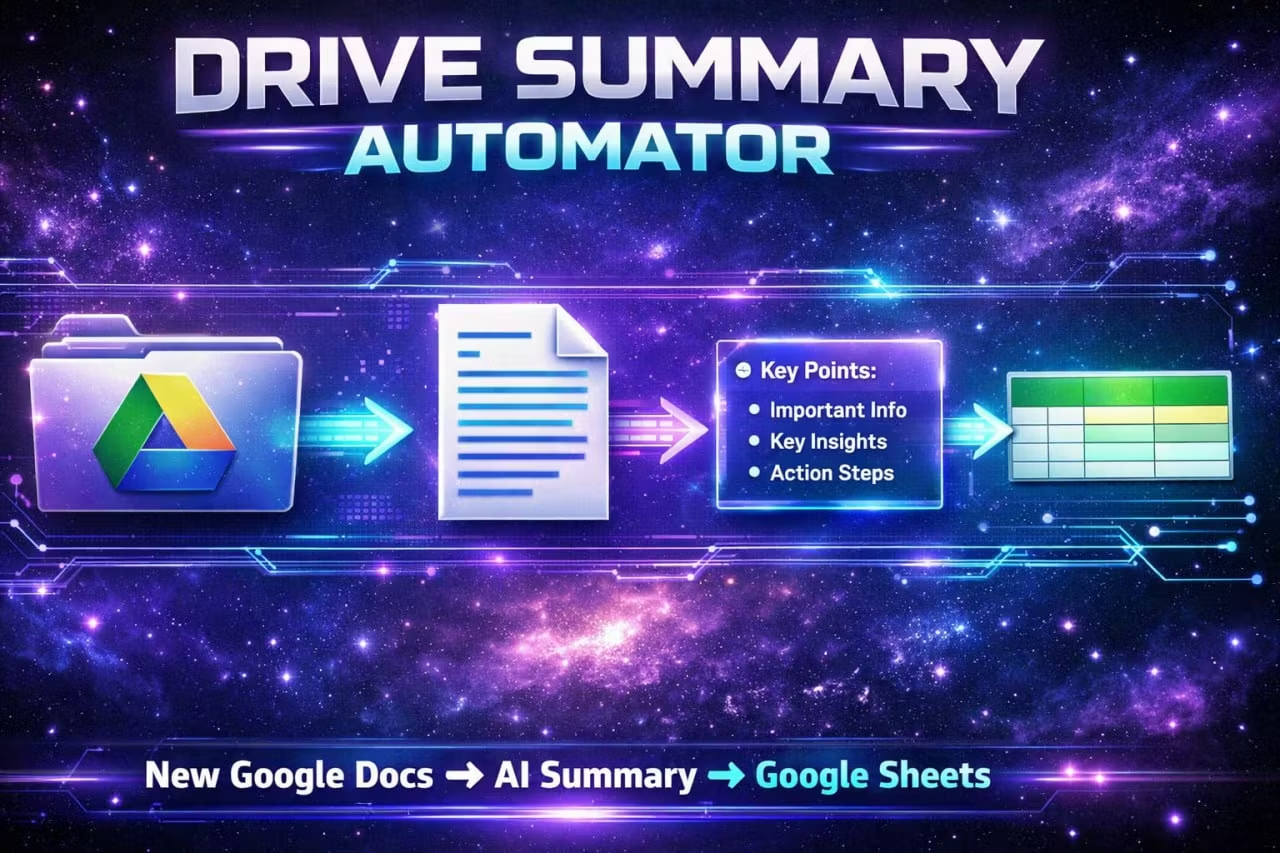
Drop a Google Doc into your Drive and this n8n workflow will:
Detect the newest doc in your chosen Drive folder
Extract the content and generate a clean AI summary
Save the summary into Google Sheets with the doc name + date, so you can search, filter, and never “lose” information again
Perfect for: freelancers, founders, students, marketers, and anyone drowning in documents but still needing quick recall.
What you get n8n workflow template (import-ready)
Plug-and-play structure: Drive → AI Summary → Sheets Knowledge Log
A simple Google Sheets database format (Doc Name / Date / Summary) you can extend later
Use cases Build a personal knowledge base from proposals, meeting notes, SOPs, research docs
Create an “AI memory” sheet you can search in seconds
Keep teams aligned by logging every doc summary in one place
Requirements n8n (cloud or self-hosted)
Google account access (Drive + Sheets)
Any AI provider you prefer (Claude/OpenAI/etc.)
Setup time 10–15 minutes. Import → connect Google → paste AI key → done.