product image
Thumbnail 3
Profile picture

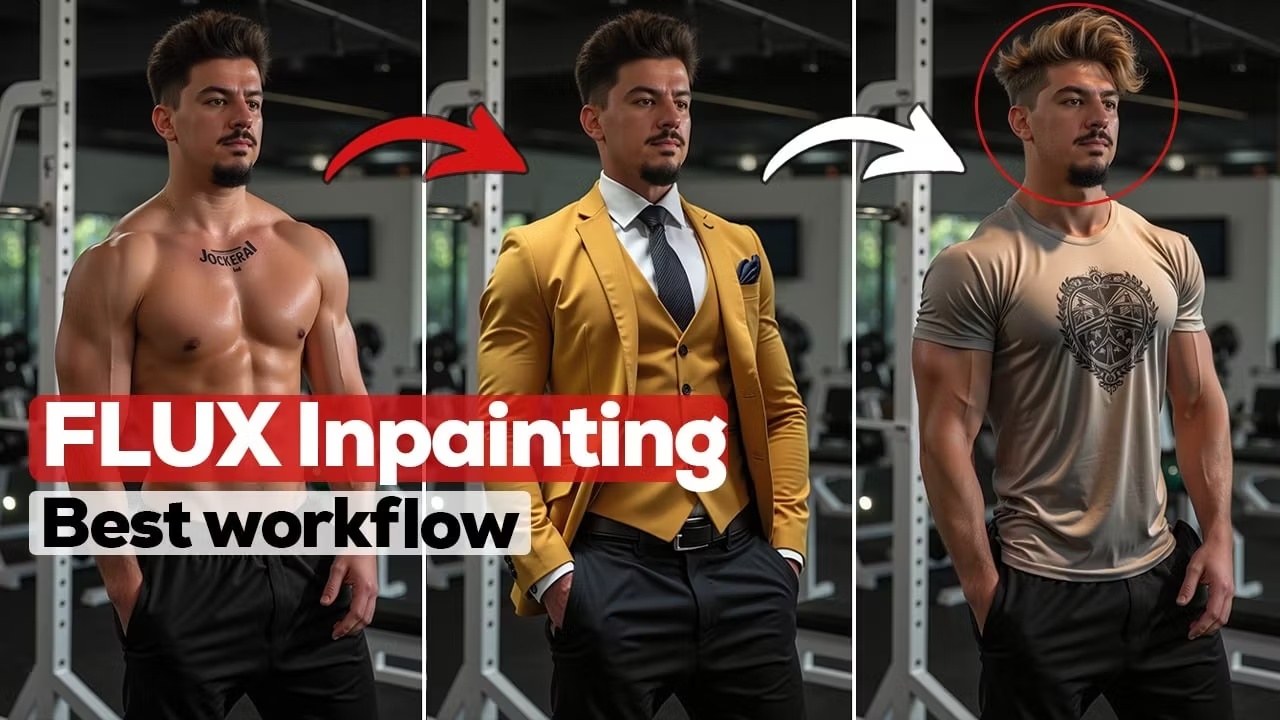
Inpainting workflow

💥The secret of easy Flux inpainting in ComfyUi

4.9
AI

To watch full video tutorial check out this link : https://youtu.be/U4RLjDKrM3E

Features

  • Access only to inpainting workflow

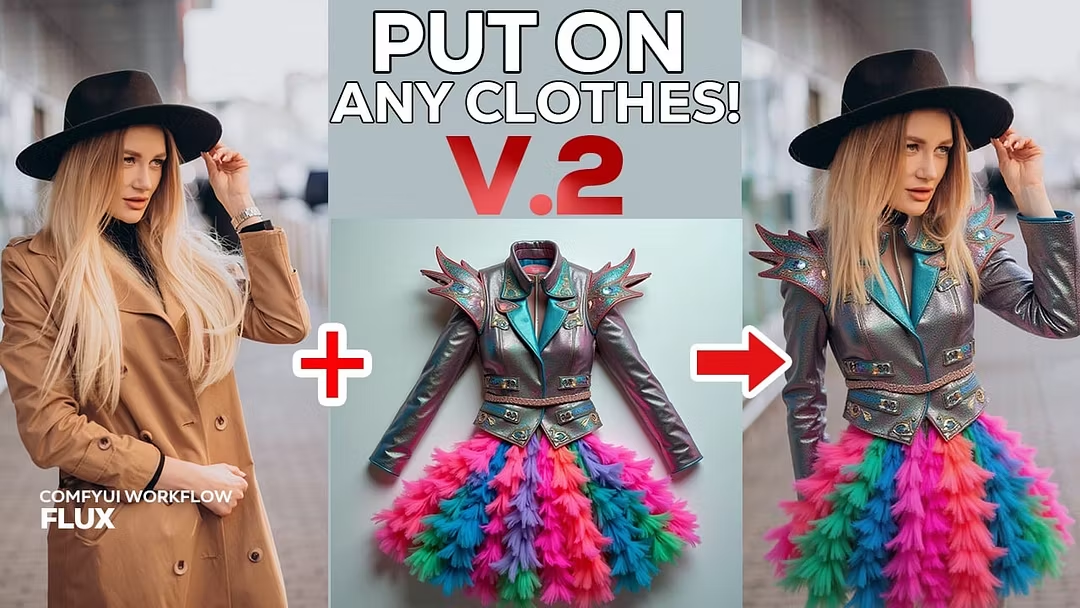
  • Easy Image Editing – Remove, replace, or fix any part of an image seamlessly!

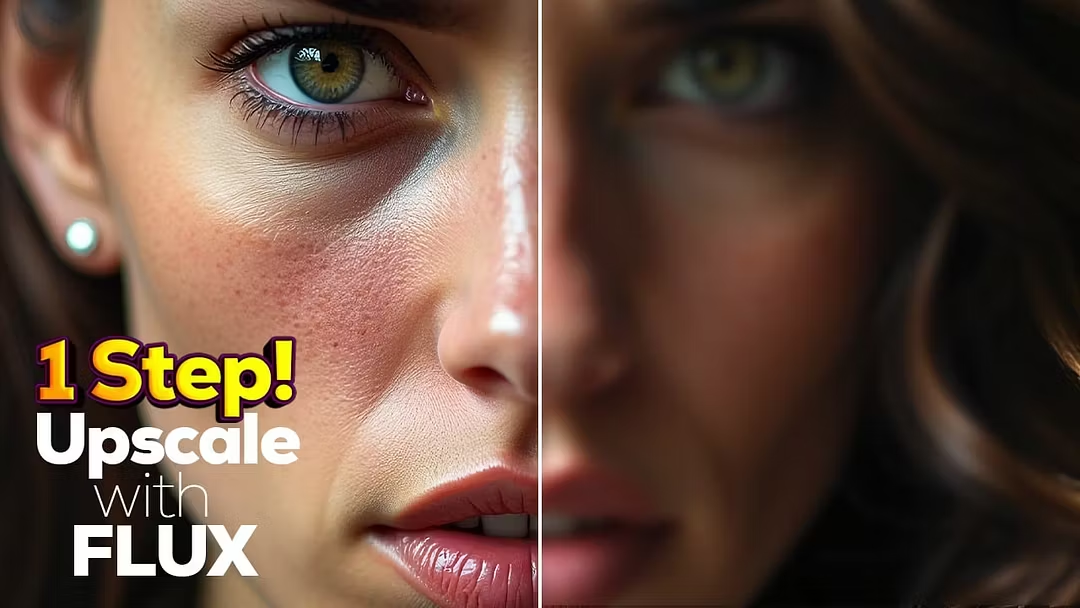
  • Realistic Results – AI-powered inpainting blends perfectly with the original.

  • Creative Control – Adjust settings for precision edits and custom refinements

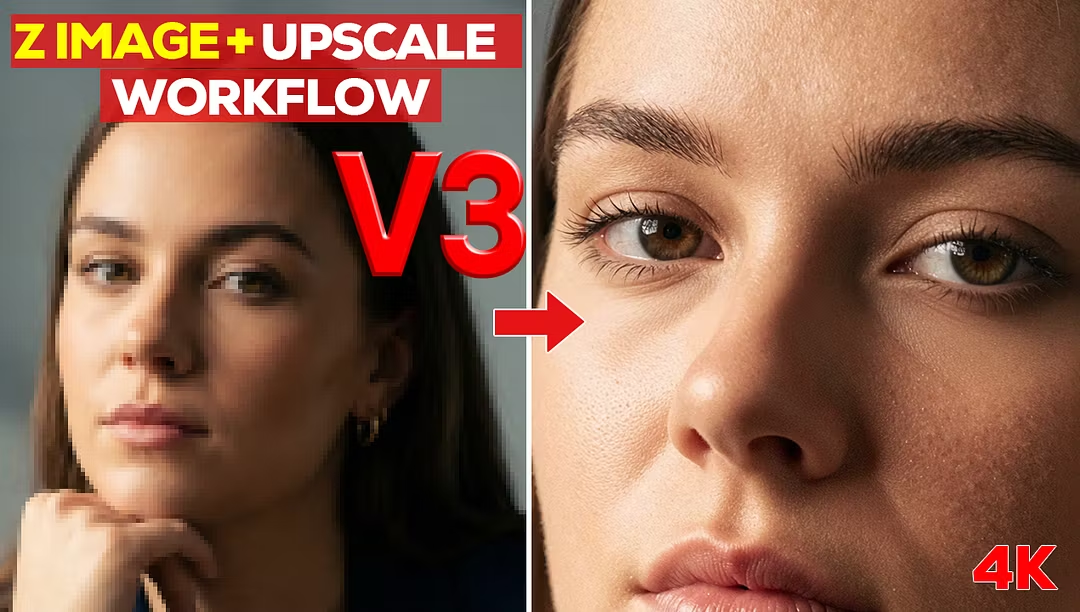
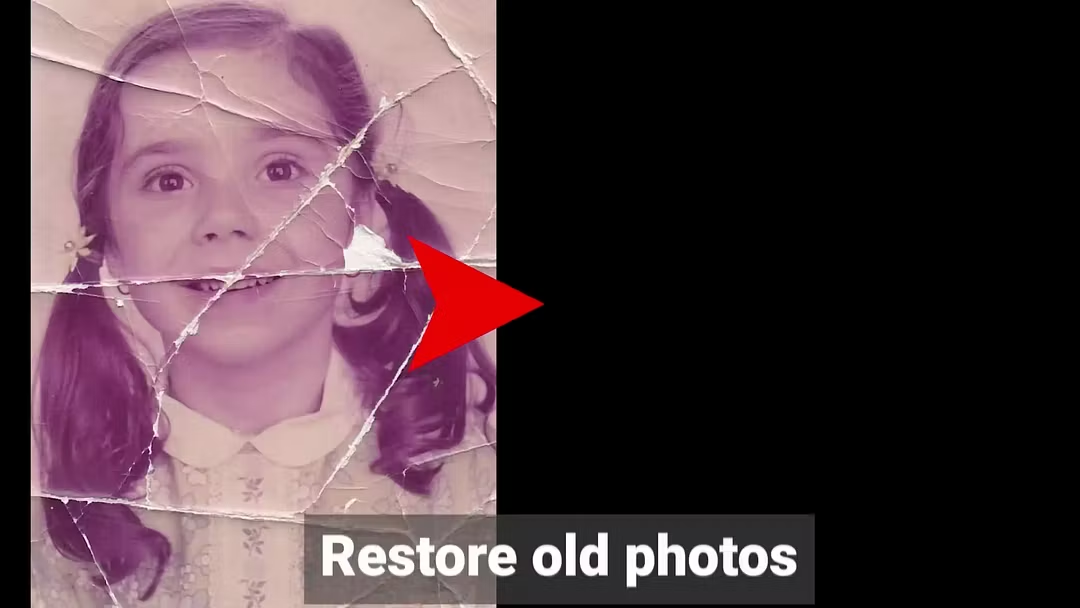
  • Works with Any Image – Restore, enhance, or modify photos in any style with ease

Reviews

4.88 out of 5
52 total reviews
5 stars
4 stars
3 stars
2 stars
1 star
  • Helping me a lot! Thank you for being so kind :)

  • Excellent way to understand comfyUI, its super helpful.

  • A wonderful way to learn comfy. Keeps things simple and giving you what you need to know without overwhelming you. But also gives the option of learning more if you want.

  • Nothing bad to say here. The workflows work and that's really all that matters. Good Job

About the creator

Profile picture
Jockerai@jockerai • Joined Feb 2025
I’ve spent years deeply researching, studying, and working with AI. Four years ago, I stepped into the AI world and got completely immersed. Then I discovered ComfyUI, a total game-changer. Now, I’m here to make your AI journey easier. If you want clear, detailed, and practical tutorials on ComfyUI and Flux, you’re in the right place. Let’s explore AI together! 🚀🔥

Affiliates

Profile picture
Jockerai
30% reward

Earn money by bringing customers to Jockerai. Every time a customer purchases using your link, you'll earn a commission.

$5.00 one-time purchase
Inpainting workflow | Whop