Z - Image Turbo Workflow
Z - Image Turbo Workflow
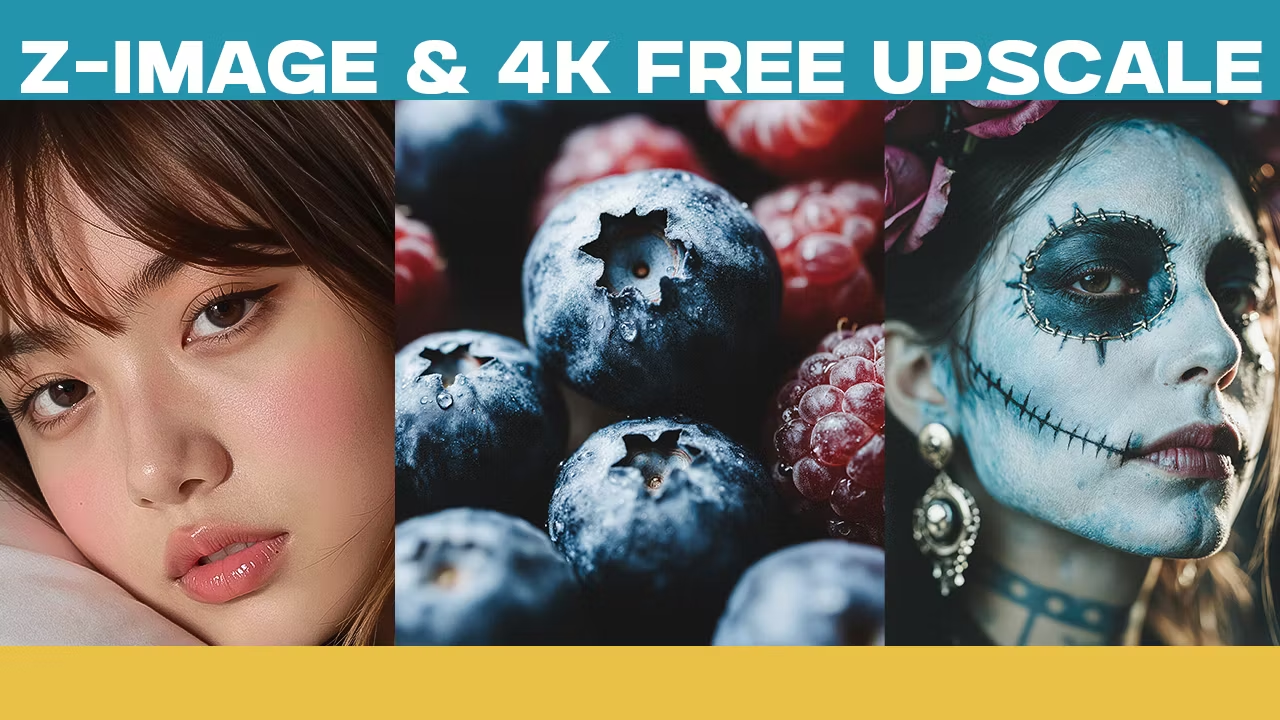
In this video, I introduce Z-Image Turbo, a lightweight 12GB open-source AI image model capable of producing highly realistic results directly on your own hardware.
Despite its compact size, it delivers impressive detail, strong prompt understanding, and default image generation up to 2K resolution — all completely offline.
You’ll learn:
• How to install Z-Image Turbo step by step
• How to fix common setup and dependency issues
• How to optimize performance on your own GPU
• How to get clean, consistent, high-quality 2K outputs
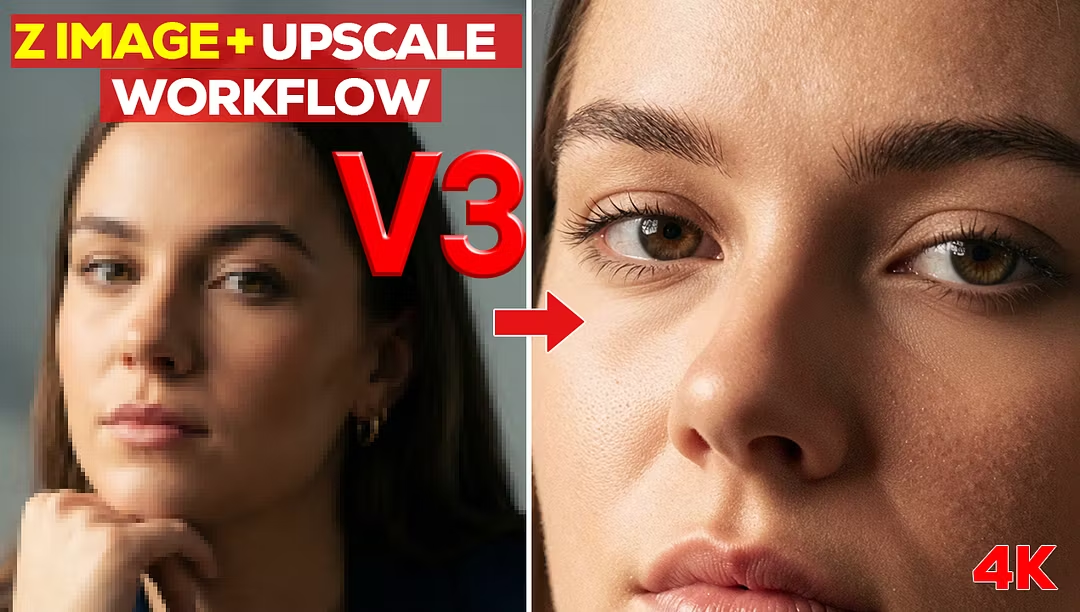
In the next few days, I will release a free upscaling workflow tutorial that demonstrates a special combination method to push results from 1K and 2K all the way to 4K — with maximum clarity and consistency.
It’s a method that hasn’t been publicly discussed until now.
Make sure to subscribe and turn on notifications so you don’t miss the upcoming free upscaling release.
Stay tuned — more advanced Z-Image workflows are coming soon.
- 2 months ago
You were very helpful, thank you.
- 2 months ago
Always great videos and workflows to back them up, thank you
- 3 months ago
From a newbie hobbyist standpoint, so far so good, has been a nice experience, questions are answered at a reasonable time frame. I am able to get good results on my own pc following the guides.
- 3 months ago
Great site