3D Print like a PRO
Stop Wasting Hours and Filament - Get Perfect Prints from Day One
Stop Wasting Time and Filament – Get Perfect Prints from Day One
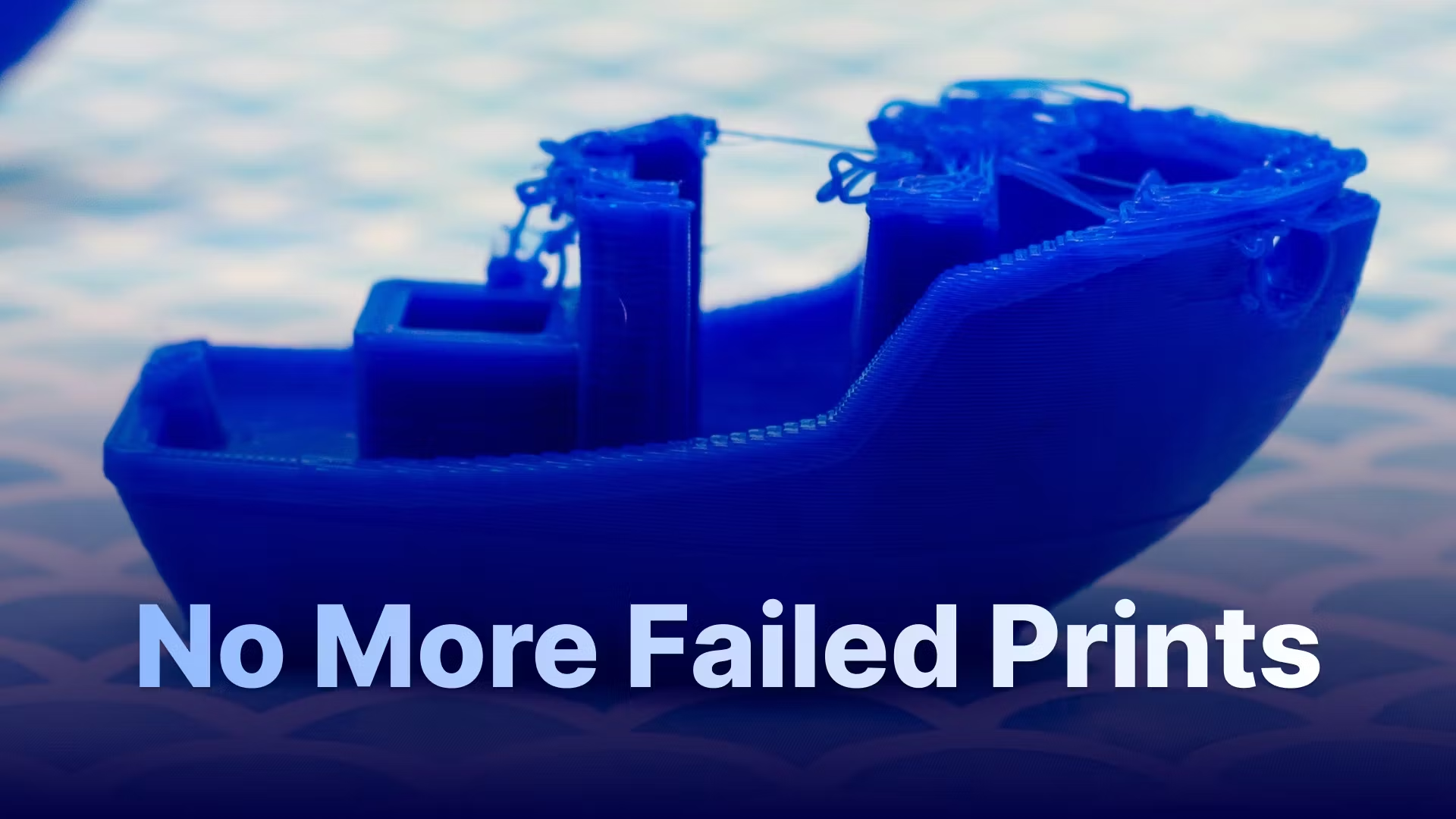
Every 3D printer is different. Every filament brand behaves in its own way. And if you’ve spent hours tweaking settings, burning through spools, and watching failed prints pile up, you know how frustrating the trial-and-error game can be.
That’s why we built the ultimate slicer settings library for FDM printers. With just a few clicks, you’ll get tested, ready-to-use profiles tailored to your printer and filament — no guesswork, no wasted material.
✅ Proven Settings: Temperature, speed, cooling, retraction, layer height, bed adhesion – all optimized. ✅ Plug & Print Ready: Copy-paste settings directly into Cura, PrusaSlicer, or Bambu Studio. ✅ Top Printers Covered: Ender 3, Prusa MK4/Mini, Anycubic Kobra, Bambu X1C, Creality K1 (more coming). ✅ Filaments That Work: Profiles for PLA from leading brands like eSun, Polymaker, Hatchbox, Prusament, and Overture. ✅ Save Money & Stress: Stop burning through spools while testing settings. Start printing right.
Whether you’re a beginner who wants reliable first-layer adhesion or a hobbyist chasing smoother surfaces and fewer clogs, this resource gives you the exact slicer settings the community has proven to work.
Print smarter, not harder. Unlock the settings today and watch your 3D prints succeed on the first try.