Whop Store Visibility Fix Kit
Fix missing Whop store banners and recover your store’s visibility fast.
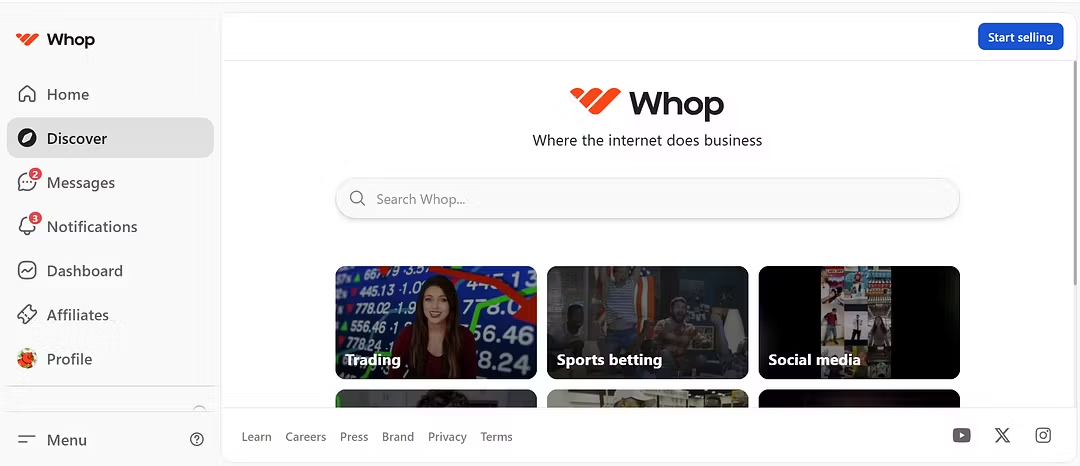
Is your Whop store banner missing or your store no longer visible after making a sale or editing your page? You’re not alone — this is a common display issue that affects many creators. The Whop Store Visibility Fix Kit gives you a simple, proven system to get your banner and discoverability back in just minutes.
Inside, you’ll find an easy step-by-step recovery guide for when your store banner appears in your dashboard but not publicly. You’ll learn exactly how to re-save or re-upload your banner, verify image formats (PNG/JPEG), check visibility settings, and clear cached versions that hide your updates. It also includes detailed troubleshooting steps like testing your store in an incognito browser, verifying desktop vs. mobile visibility, and ensuring all store page settings are properly saved.
You’ll also get ready-to-use templates for contacting Whop support if the banner still doesn’t appear, plus optimization tips to prevent visibility drops after future edits or sales. Whether your store vanished from Discover or your banner simply stopped displaying, this kit helps you restore visibility and keep it stable.
Pair it with the Whop Discoverability Kit for the complete visibility solution — fix your hidden store and stay discoverable long-term.
- 5 months ago
Amazing product, very simple and easy. Highly recommend !
- 6 months ago
Truly amazing product, great seller and 5 star store! Highly recommended!