Automate Tradingview to Interactive brokers Basic
Basic Setup for Interactive brokers automation
Basic Setup For interactive brokers automations this product will setup basic setup in your server and final setup will be done after client’s satisfaction .
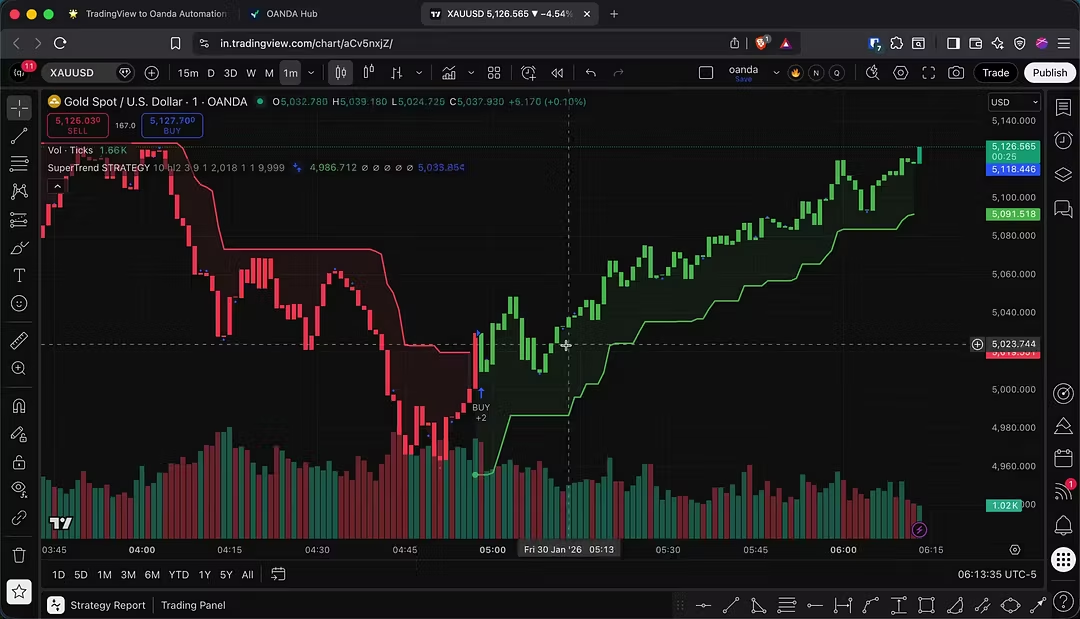
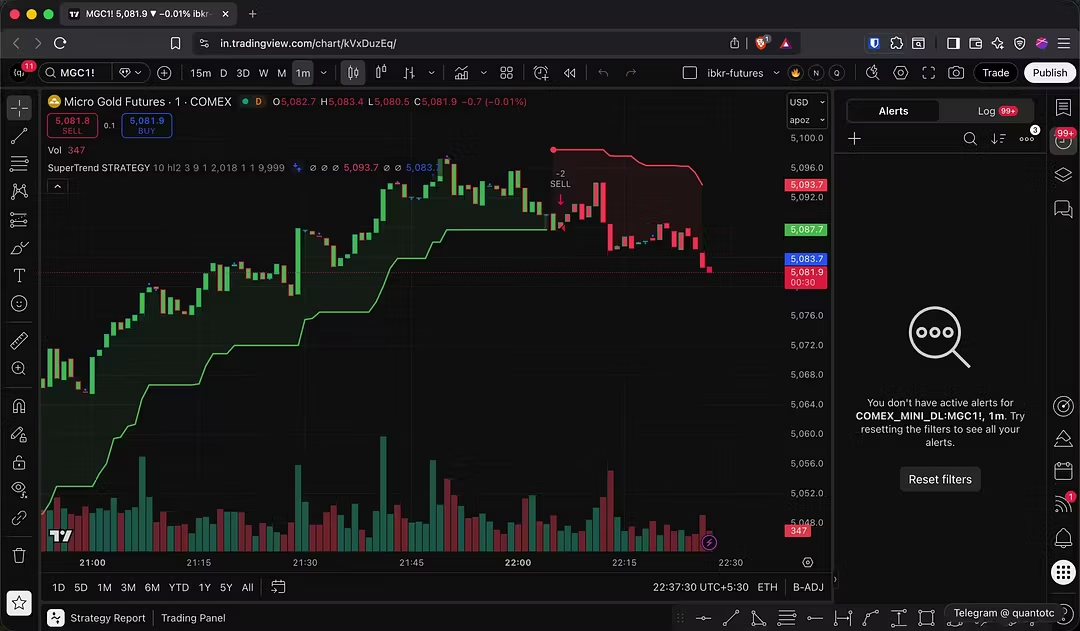
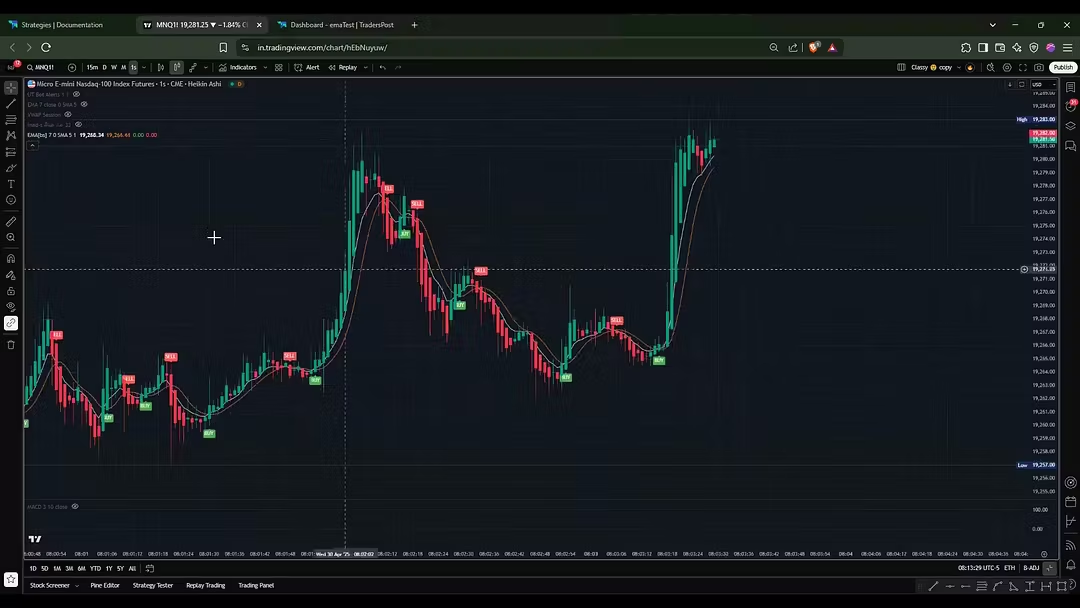
In this video, I demonstrate how to connect any TradingView strategy to Interactive Brokers (IBKR) for fully automated trading. You can use any public or private TradingView strategy and link it directly to your Interactive Brokers account.
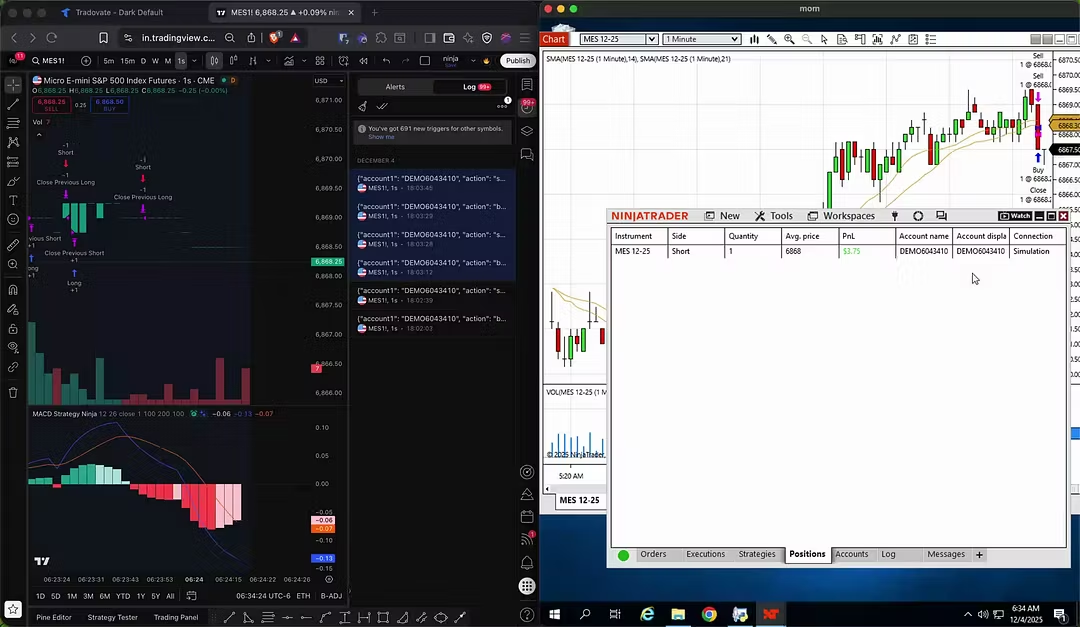
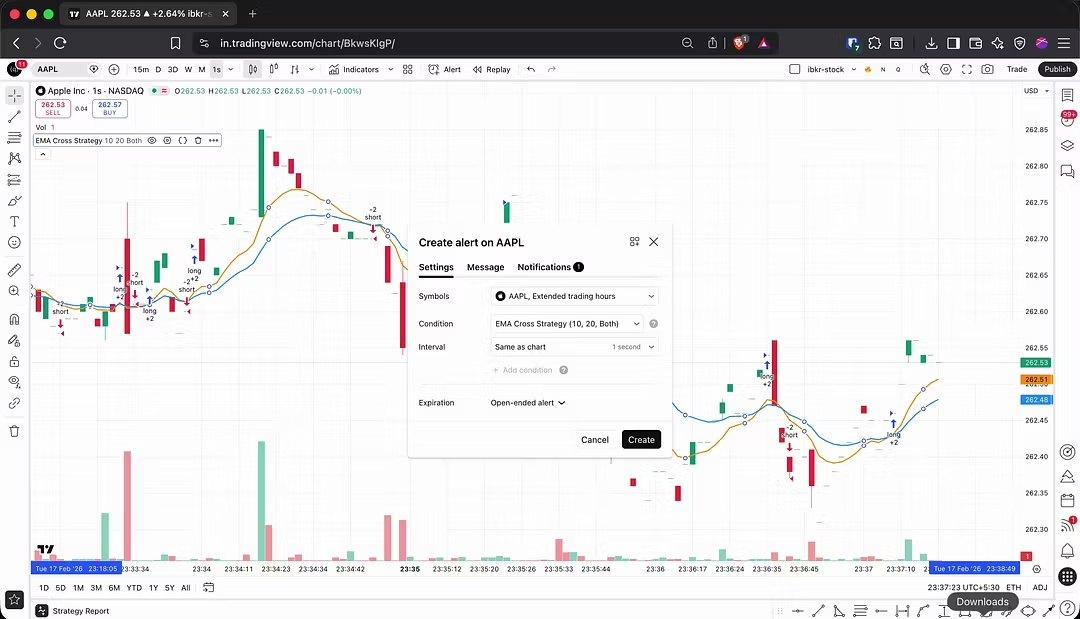
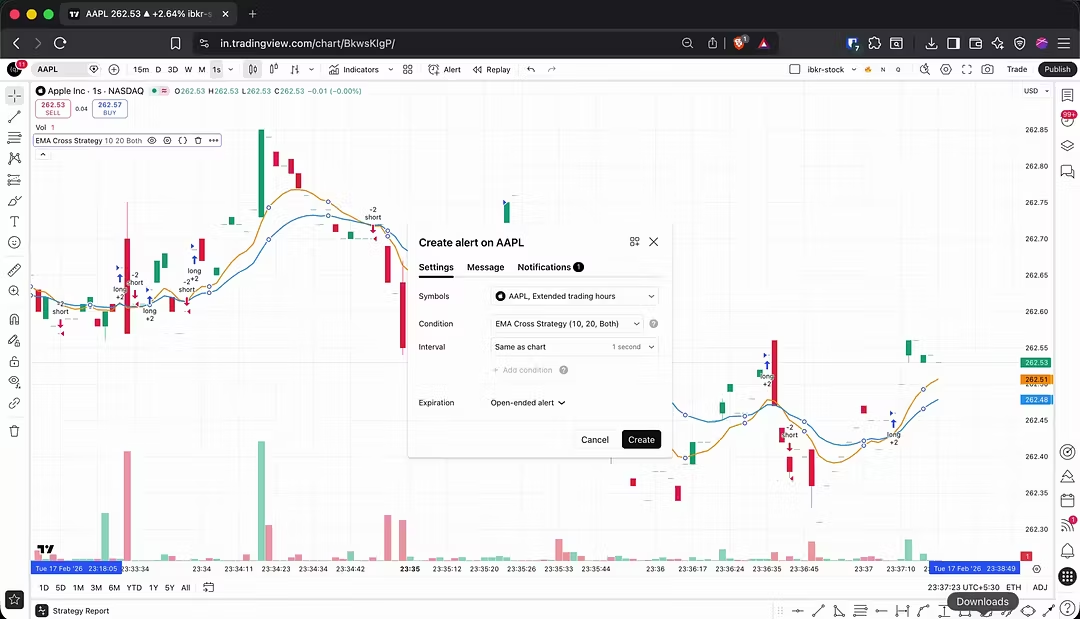
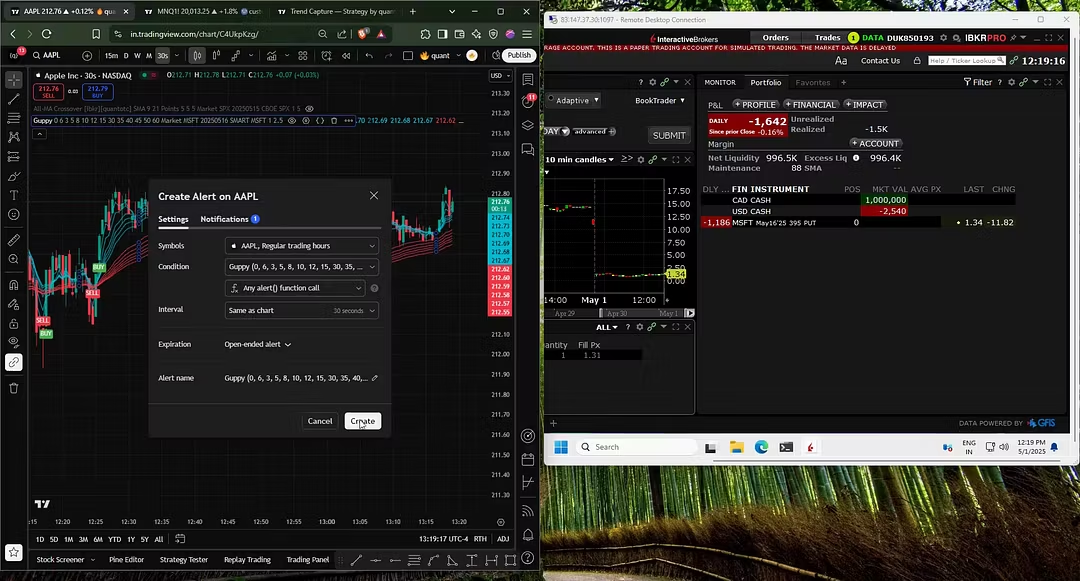
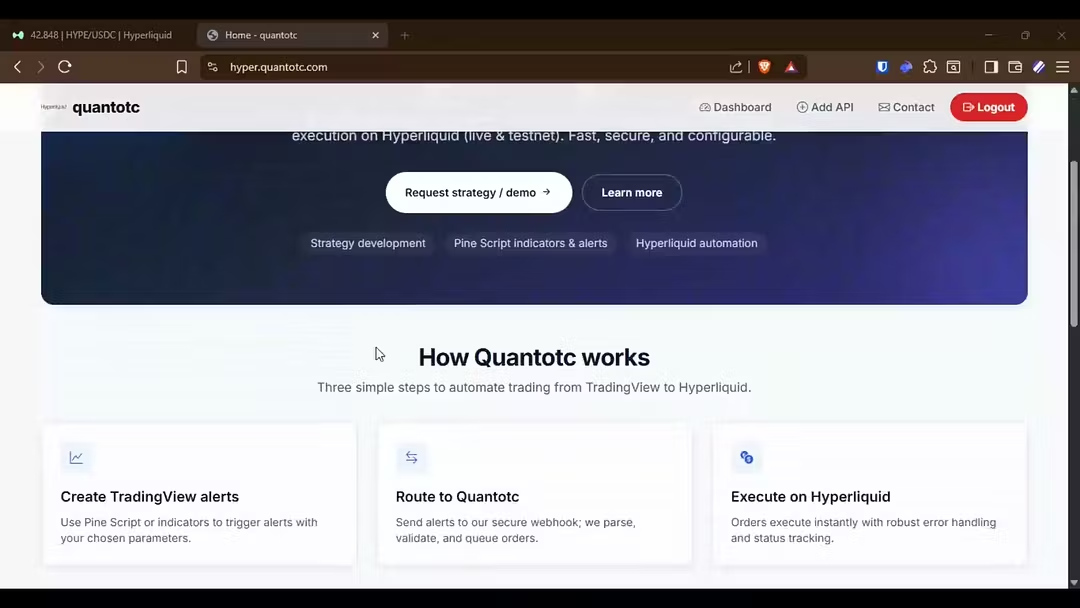
For faster execution, the strategy runs on a 1-second timeframe. Alerts are created using a custom message format that converts TradingView alerts into real trade orders. These alerts are sent to my own server through a secure webhook URL.
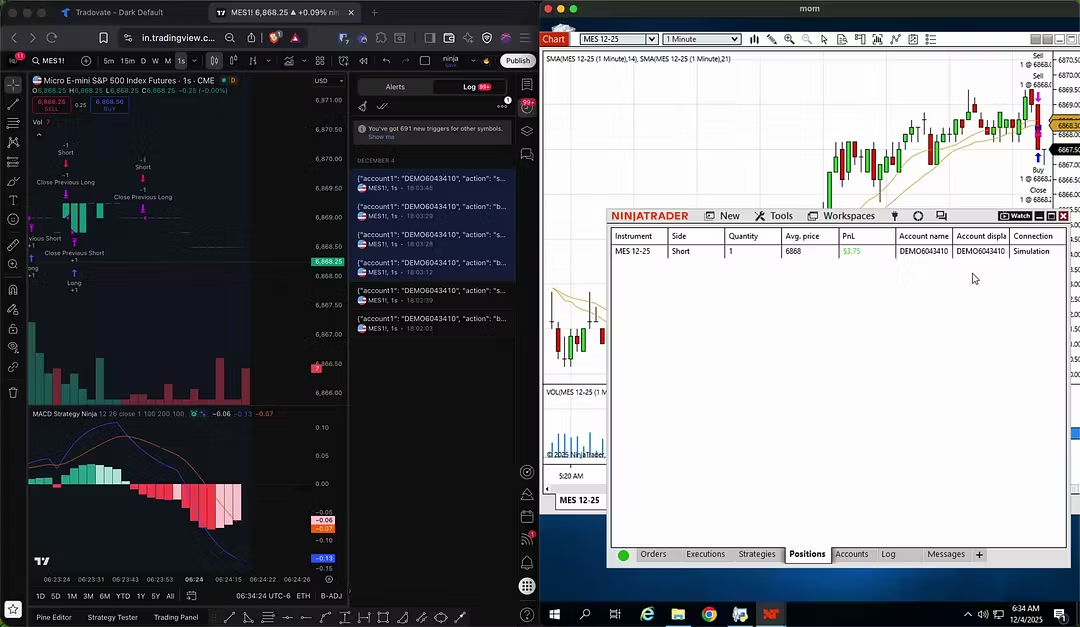
The entire system runs on your own server — no third-party tools or external automation services are involved. As soon as an alert is triggered, execution logs appear instantly, confirming real-time order placement.
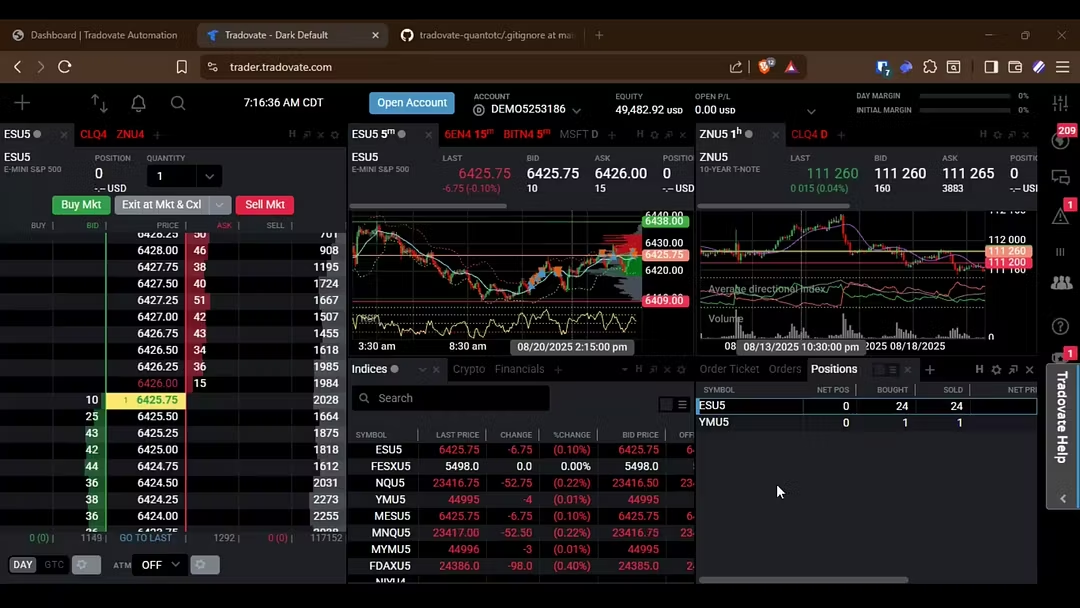
On the Interactive Brokers side, trades are executed automatically. When an opposite signal is generated, the system closes the existing position and opens a new one, fully aligned with the TradingView strategy conditions.
You have complete control over position size, timeframe, and execution settings, with the flexibility to start or stop automation at any time. Order execution is extremely fast, typically under one second.
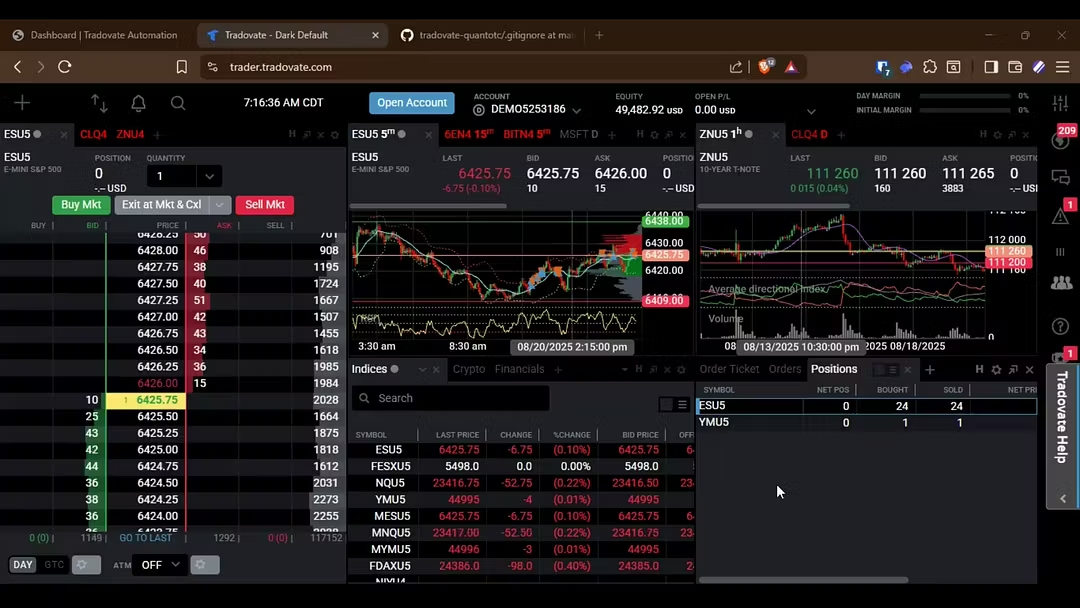
This demo shows futures trading, but the same automation system works for stocks and options as well. You can test everything on a demo account before deploying it to your live account.