Lavdrim Mustafi

5.0 (2 Reviews)
Self-taught editor • 300+ Fiverr orders, AMV & Car Edits • Speed ramps, 3D cameras, Clone & Liquid effects • Full AE Masterclass below
Location hidden
Created byProfile pictureLavdrim Mustafi
13 joined
Profile picture
Lavdrim MustafiProfile picture@lavdrimmustafi·Sep 3
Pinned post

$49.99 for 21 hours of After Effects training and 4 full projects, and you keep access permanently.

That's less than a single hour of most freelance editing lessons.

If you've been putting off learning AE because the free tutorials online are scattered and never finish what they start, this is the alternative.
Profile picture
Lavdrim MustafiProfile picture@lavdrimmustafi·Sep 2

If you edit AMVs, you already know most After Effects tutorials aren't built for you. They're built for corporate motion graphics. Slide transitions, lower thirds, that kind of thing.

This course runs the other direction: Creatively insane effects, 3D Cameras, Liquid Explosions, Music Videos, Paper Film Transitions, Datamoshing, Pixel sorting, Chromatic Aberration, One-framers, Beat-synced cuts. The stuff that actually defines the AMV look.

Profile picture
Lavdrim MustafiProfile picture@lavdrimmustafi·Sep 1

Most beginners skip render settings and then wonder why the export looks worse than the preview.

Lesson 8 covers this before the course touches a single effect, because it wrecks more edits than any missing technique does.

Set it once, correctly, and stop guessing every export.

Profile picture
Lavdrim MustafiProfile picture@lavdrimmustafi·Aug 29

I've been editing for over 7 years, self-taught, no film school.

Most of that was client work through Fiverr. 300+ orders, mostly AMV and music video edits.

The course is the version of that experience I wish existed when I started: the actual techniques, not a 10-minute YouTube tutorial that skips half the steps and leaves you re-Googling the rest.

Profile picture
Lavdrim MustafiProfile picture@lavdrimmustafi·Aug 29

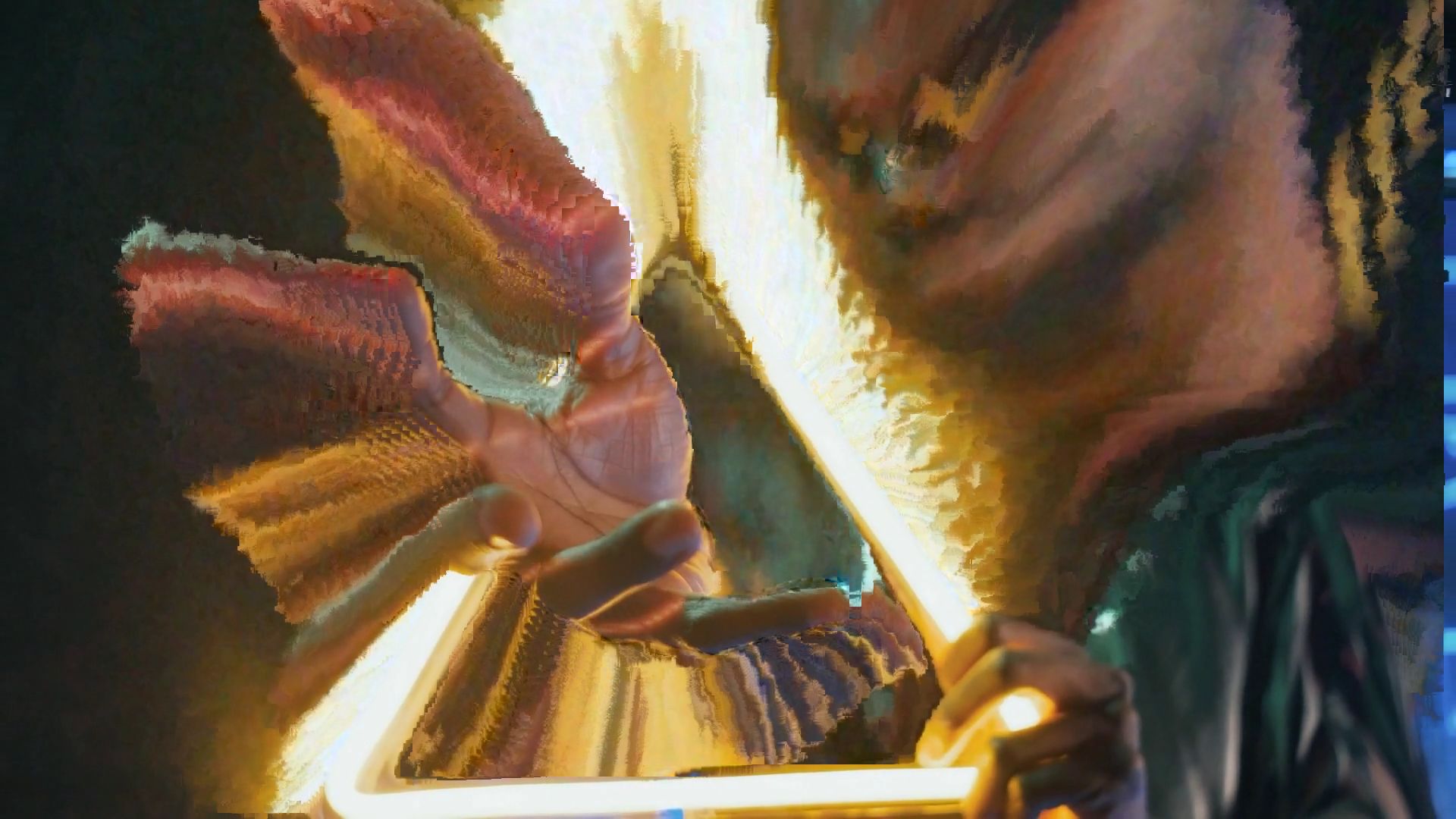
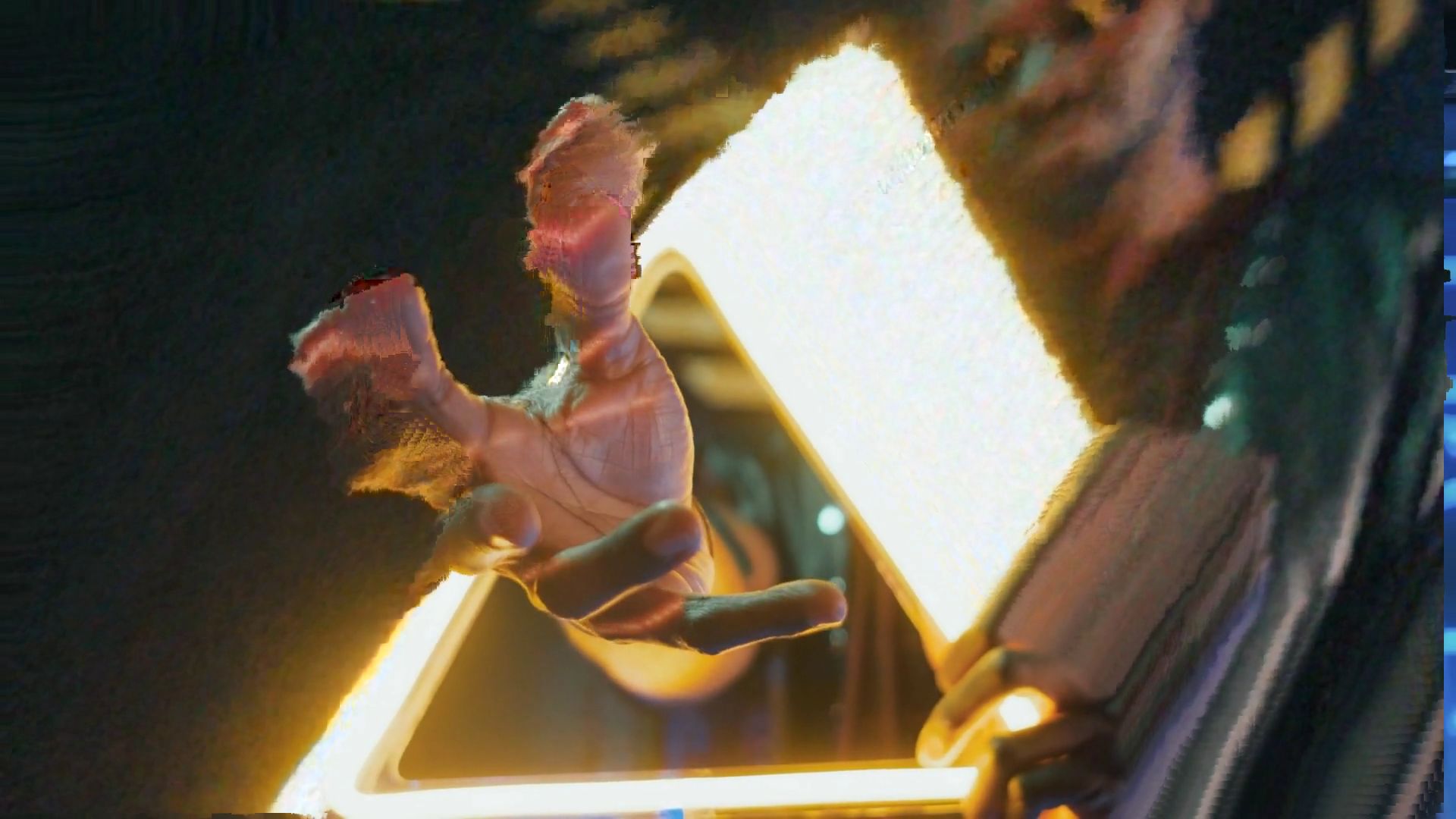
Datamosh is one of the most searched effects in After Effects, and most tutorials get it wrong, because it ends up looking like broken footage instead of an intentional effect.

Lesson 34 covers the version that actually holds up: the technique, not just the "cool glitch" filter version.

Anyone here already tried datamoshing on their own footage? What broke first?

Profile picture
Lavdrim MustafiProfile picture@lavdrimmustafi·Aug 29

4 projects. Not follow-along-and-forget tutorials, but actual portfolio pieces.

Project 1: your first edit, once you know layers, keyframes, and match cuts.

Project 2: glitch transitions, datamosh, pixel sorting.

Project 3: a full animated lyric video.

Project 4: camera tracking, clone effects, liquid explosions.

By project 4 you have four pieces you can put in a portfolio. That was the point of structuring it this way instead of 60 disconnected lessons.

Profile picture
Lavdrim MustafiProfile picture@lavdrimmustafi·Aug 29
Pinned post

The After Effects Masterclass is live.

21 hours, 60 lessons, 4 full projects covering the After Effects techniques behind viral edits: Speed Ramps, Glitch Effects, 3D Cameras, AMV-style cuts, and animated lyric videos - the exact techniques from the last 7 years I've spent editing.

I built it this way because every AE tutorial I found on YouTube taught corporate motion graphics. Nothing about the edits people actually go viral for.

If you want the AMV / viral-edit side of After Effects, this is built for you.

Link's in Products. Any questions on what's covered, ask below.