
NotchFit
Work out while Claude Code works
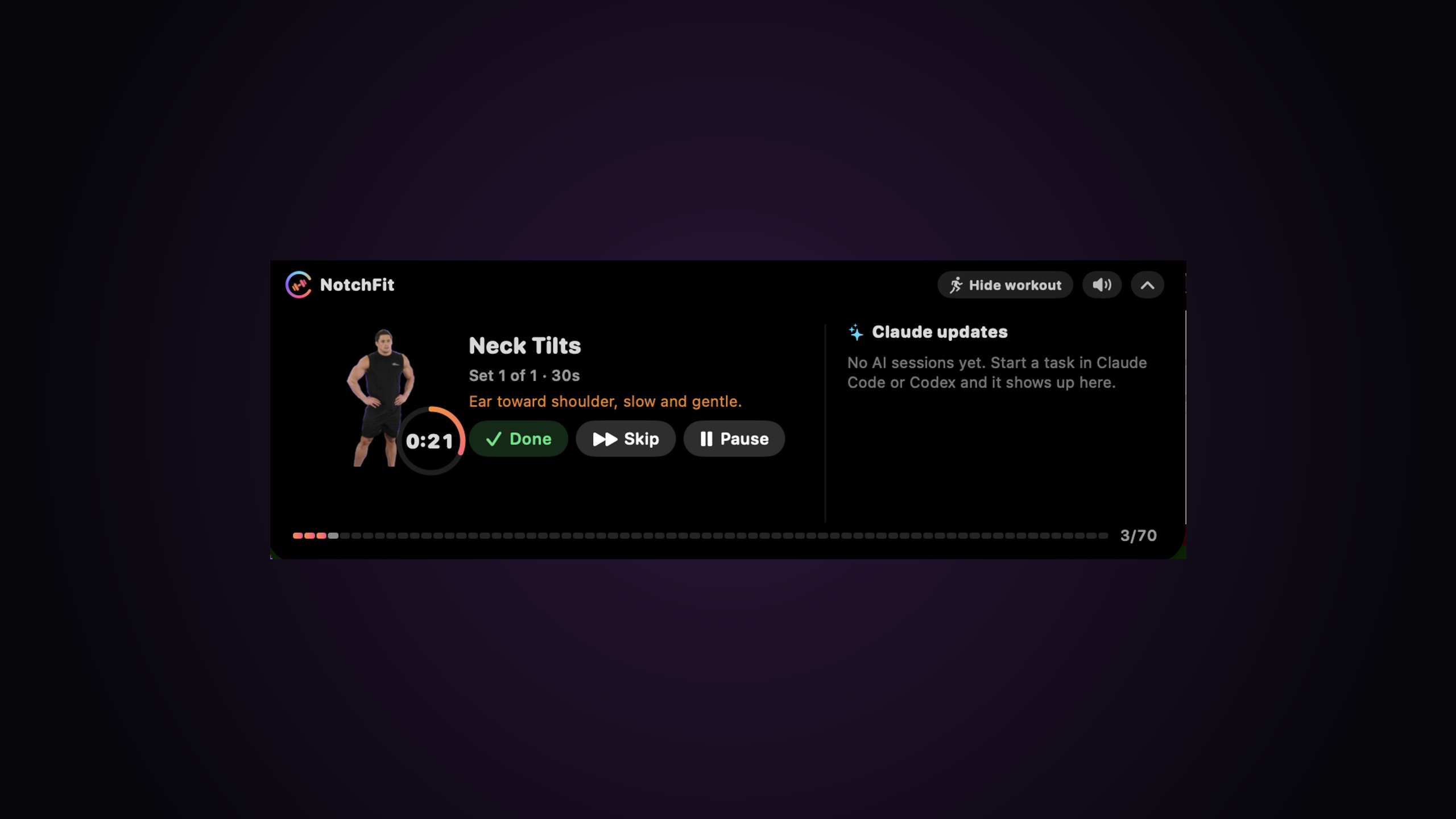
NotchFit turns your MacBook notch into a workout coach for the minutes you spend waiting on Claude Code or Codex.
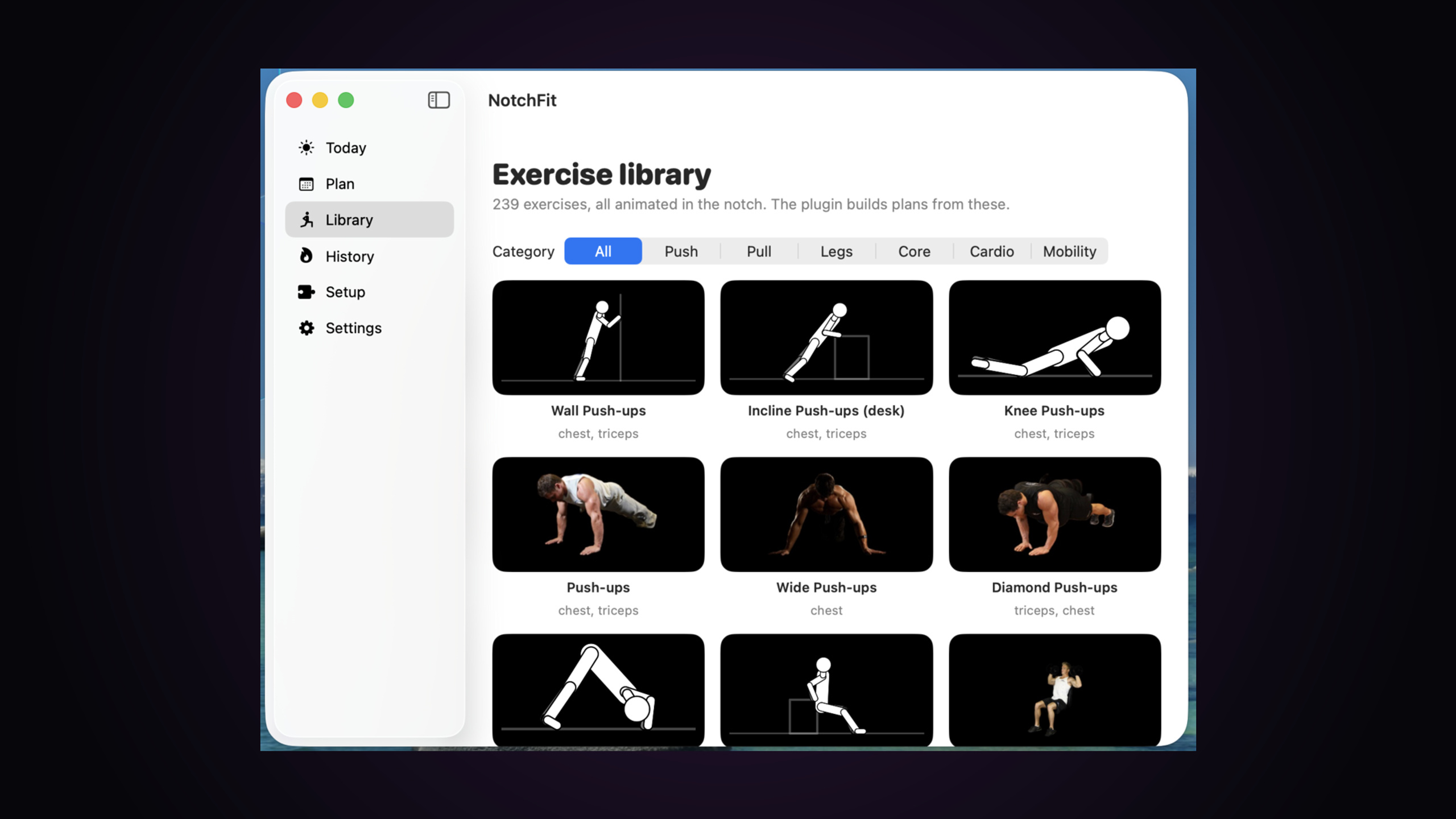
• While your AI works, the notch opens: an animated exercise on the left (239 moves, real-athlete photo animations), your AI’s live progress on the right.
• Get a heads-up the moment Claude or Codex finishes or needs your permission — held until your set is done.
• Your AI builds your plan: run /notchfit:plan in Claude Code (or $notchfit-plan in Codex) with your age, goals, equipment and injuries.
• Every set starts when you tap Start. Rest timers, streaks, history, confetti.
• Hide the workout anytime and just follow your AI. Optional spoken alerts, one-click mute.
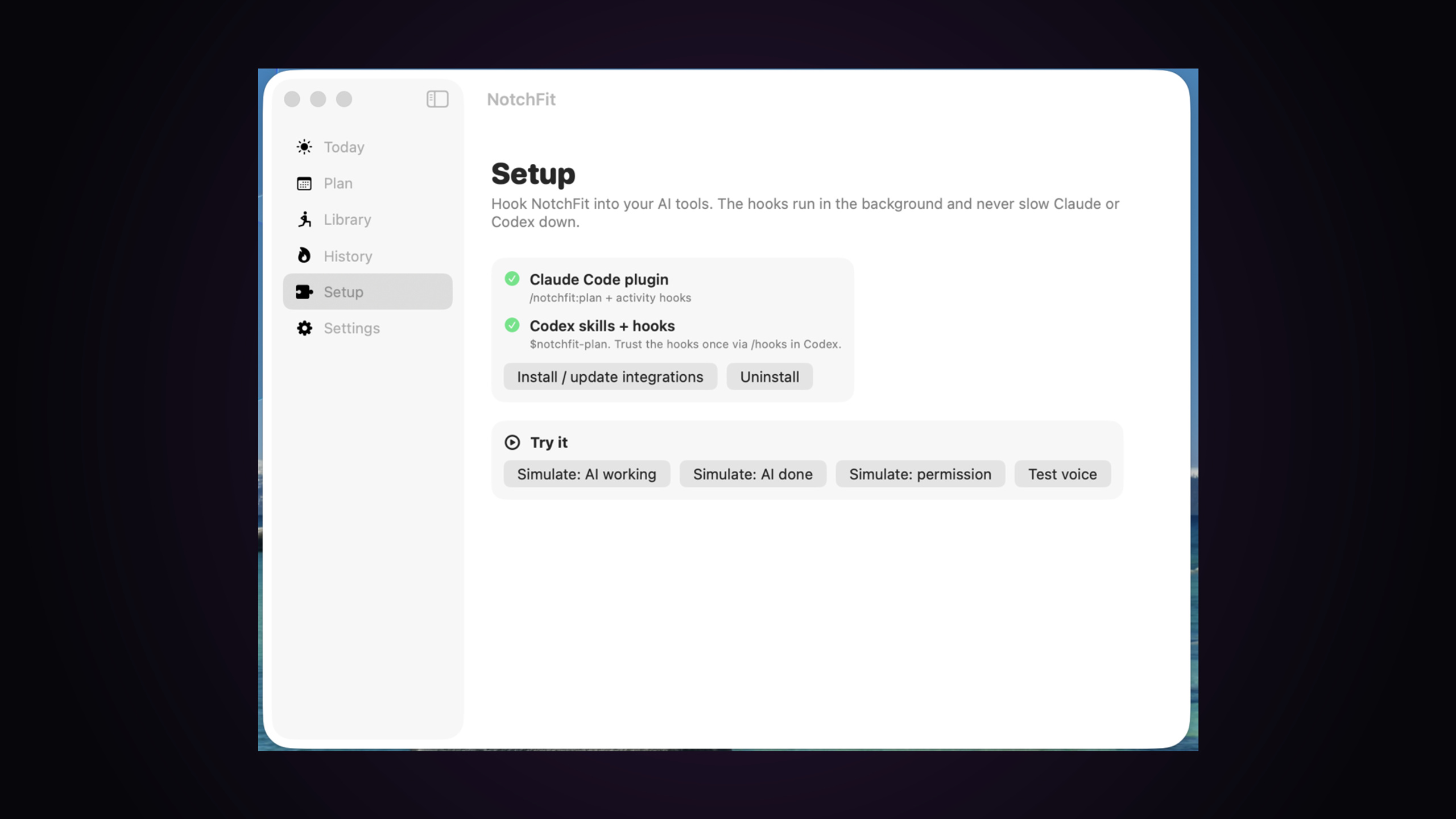
• 100% local: no account, no telemetry, hooks never slow your AI down.
One-time $20 — lifetime access and instant download of the signed & notarized macOS app (macOS 14+, Apple Silicon & Intel).
Quick start after purchase:
- Software → Download → open the DMG and drag NotchFit to Applications.
- Open NotchFit — the welcome walks you through connecting Claude Code / Codex.
- In Claude Code run /notchfit:plan (Codex: $notchfit-plan) to get your plan.
- Give your AI a task and tap Start workout in the notch.
Full guide: https://www.aidonenow.com/notchfit/guide