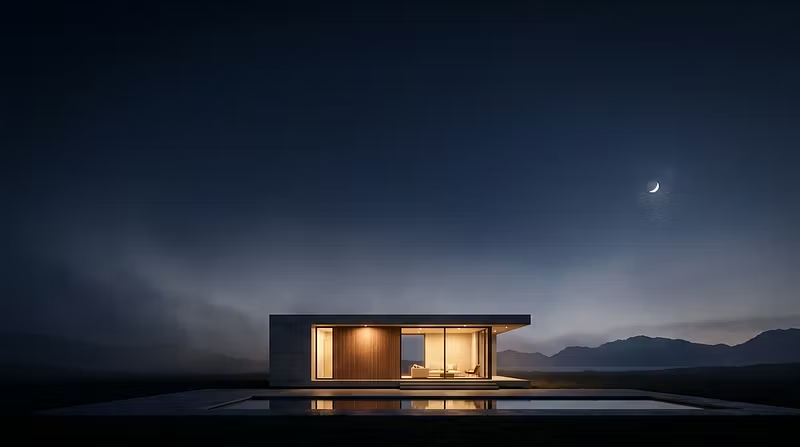


3 Mistakes That Make Architectural Renders Look Fake
3 Mistakes That Make Architectural Renders Look Fake (And How to Fix Them)
After producing hundreds of architectural visualizations for small firms, the same three issues come up over and over — and they're all fixable without a full re-render.
1. Flat, single-source lighting.
Most amateur renders use one light source (usually the default sun angle in the software). Real spaces have bounced light — light hitting a wall, then bouncing softly onto a ceiling or floor. Add at least one bounce/fill light opposite your key light, even at low intensity. This alone makes a huge difference in perceived realism.
2. Materials that are too "clean."
Real concrete has micro-variation, real wood has grain irregularities, real glass has slight imperfections. If your materials look airbrushed, add subtle noise/roughness maps. Perfectly uniform textures are the #1 tell that a render is CG.
3. Empty context.
A building floating in a pure white or empty void reads as fake immediately. Even a simple ground plane with soft shadow falloff, some basic landscaping blocks, or blurred background context (other buildings, trees, sky) will ground the render and make it feel like a real place.
We build these into every render we deliver — happy to break down our workflow further if anyone's curious. Drop a comment if you want the technical settings we use for lighting setups.