
Crypto Tip Jar Widget – No-Code Crypto Donation Button
Accept Crypto Tips on Your Website — No Coding Required
Accept crypto donations on your website with the Crypto Tip Jar Widget — a simple, no-code crypto donation button for creators, bloggers, freelancers, and website owners.
✨ KEY FEATURES
✅ No-Code Setup: Configure your wallet addresses and generate ready-to-embed HTML code.
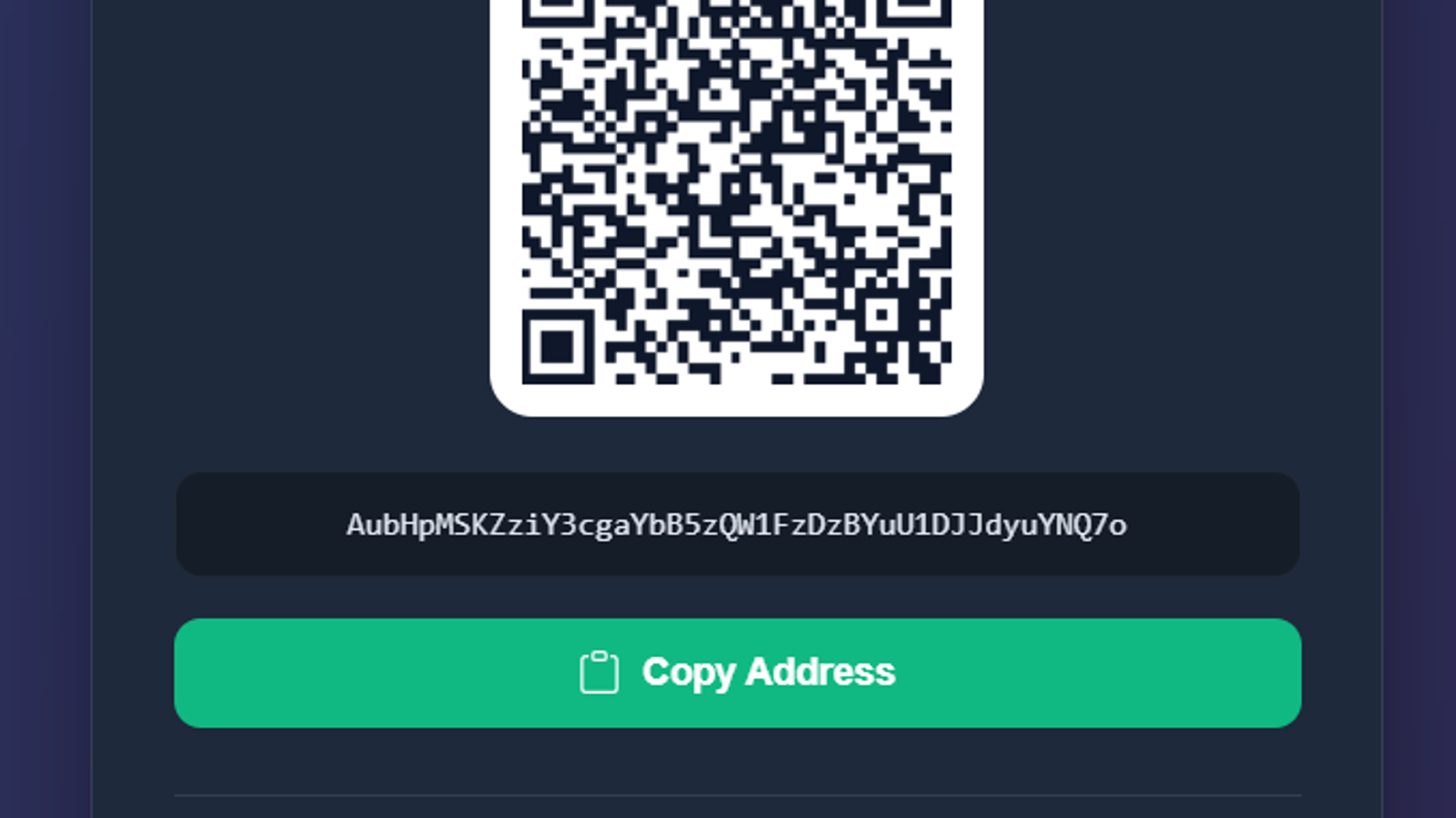
📱 QR Codes: Automatically generate QR codes for wallet addresses.
💰 Direct-to-Wallet Tips: Donations go directly to your configured wallets. No platform fee charged by the widget itself.
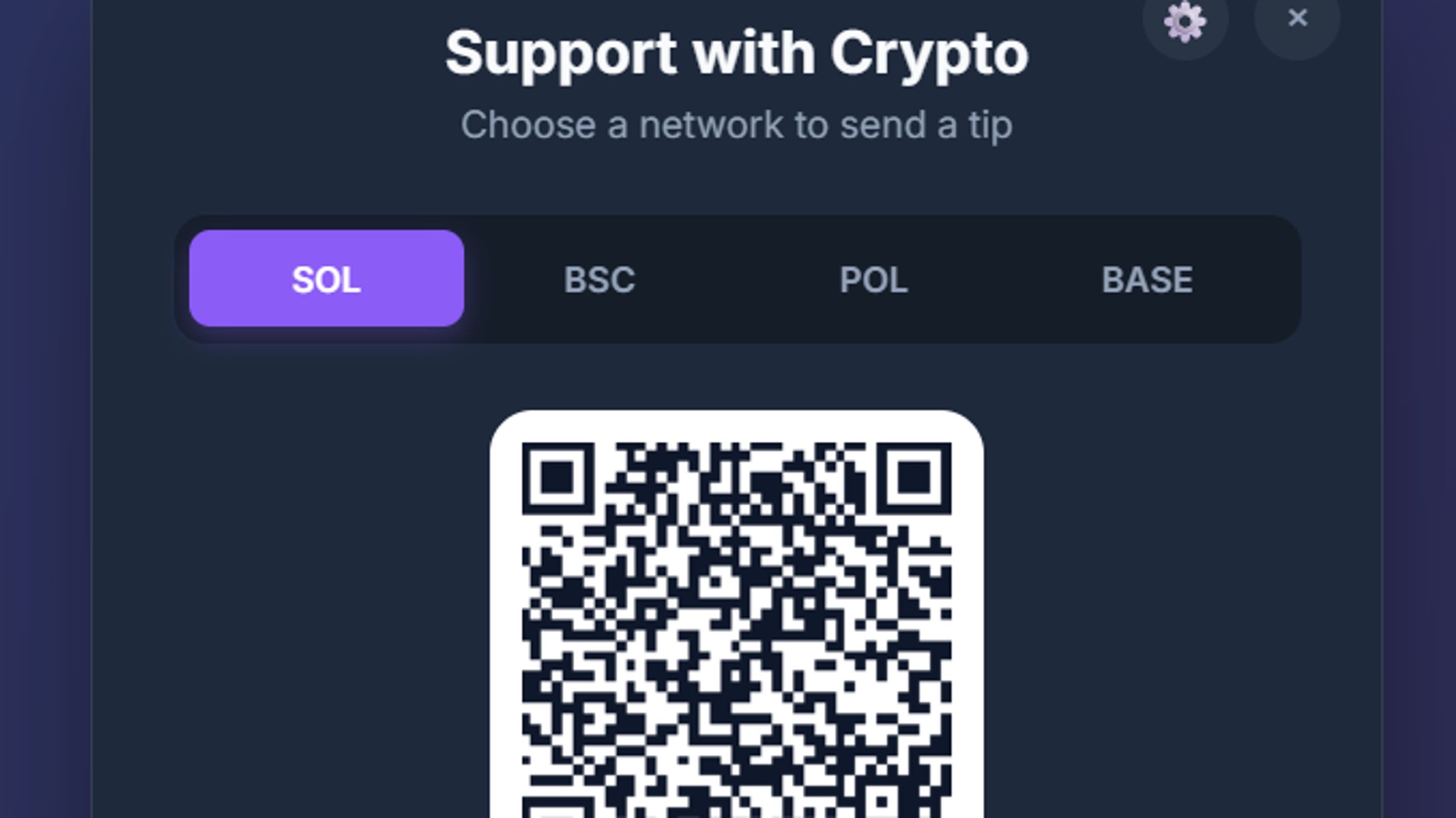
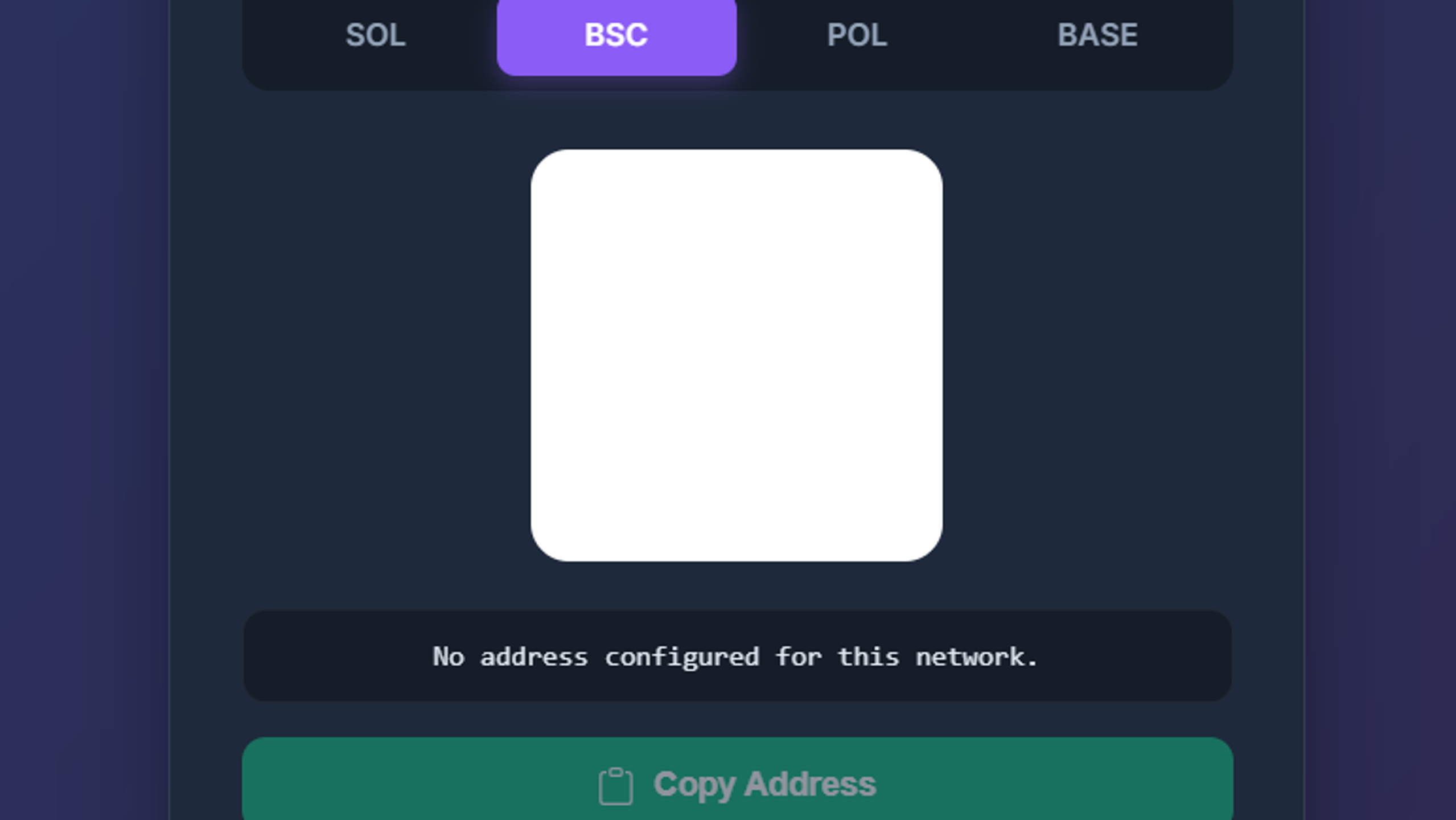
🔗 Multi-Chain Support: Solana (SOL), BNB Chain (BSC), Polygon (POL), and Base.
🌐 Website Integration: Add the widget to websites that support custom HTML and JavaScript embedding.
⚙️ Hidden Admin Access: Unlock wallet settings using a triple-click on the modal title, Ctrl + Shift + A (Cmd + Shift + A on Mac), or the ?admin=true URL parameter.
🚀 HOW IT WORKS
- Open the widget setup file.
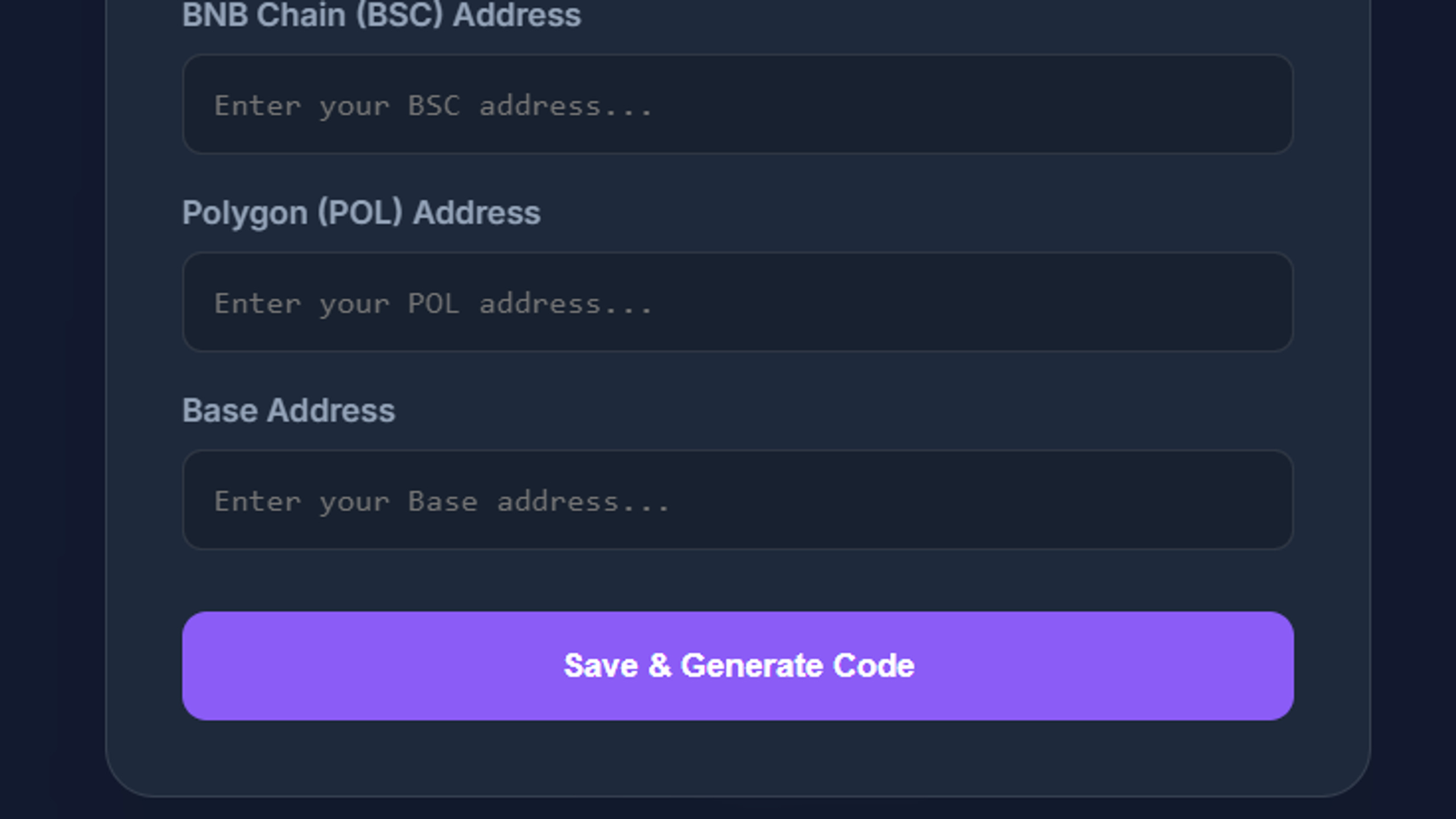
- Unlock Admin Settings and enter your wallet addresses.
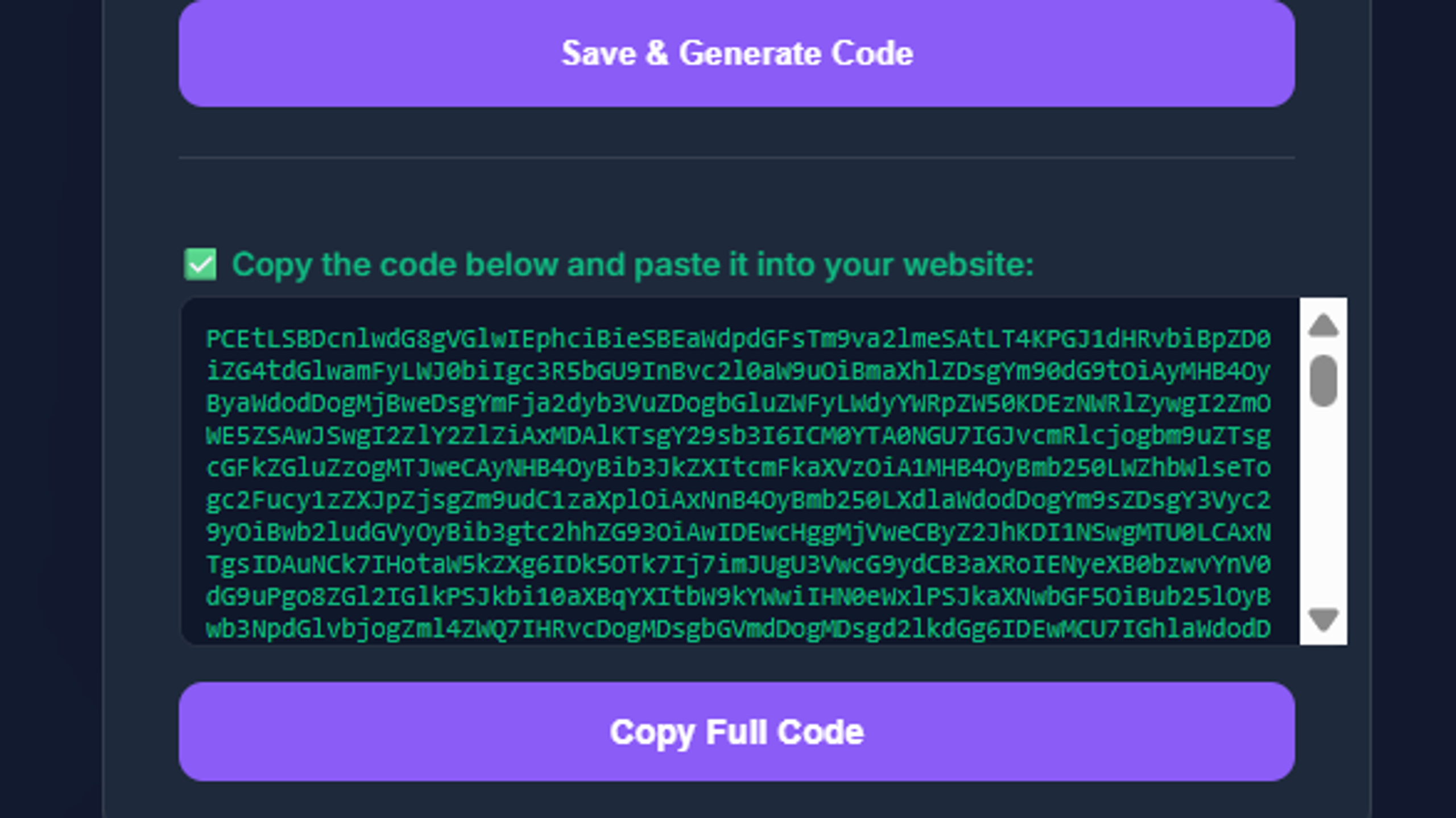
- Click “Save & Generate Code.”
- Copy the generated code and paste it into your website.
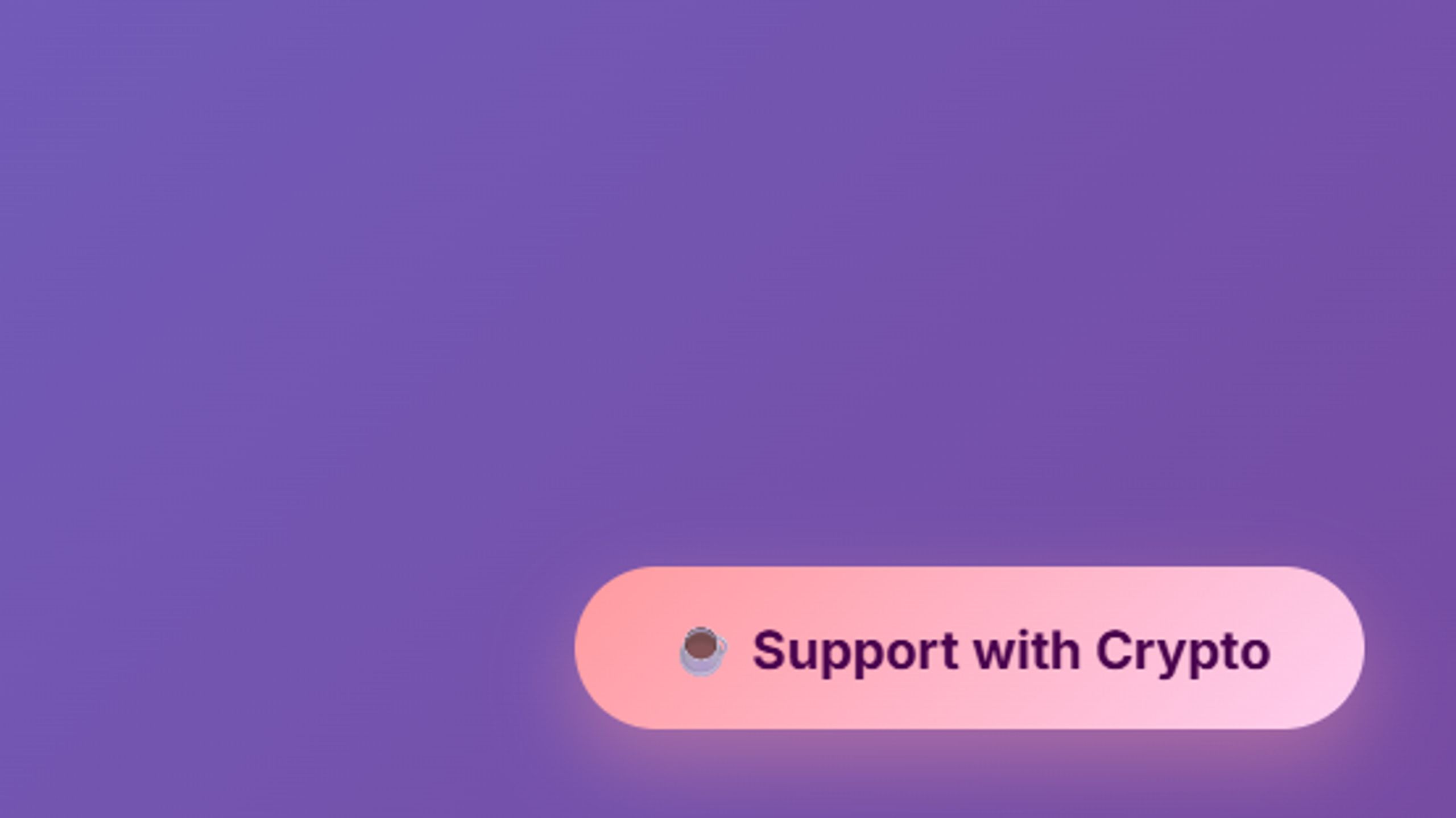
The floating “Support with Crypto” button appears in the bottom-right corner by default. Visitors can select a network, scan the QR code, or copy the wallet address.
Ideal for anyone looking for a crypto tip jar, crypto donation widget, or no-code cryptocurrency donation button.
Note: Blockchain transaction fees may apply. Verify the network and wallet address before sending funds. Token compatibility depends on the receiving wallet and network.