
ESMH Gantt Planner Free for Google Sheets
Gantt chart planner for Google Sheets: tasks in windows, bars drawn for you
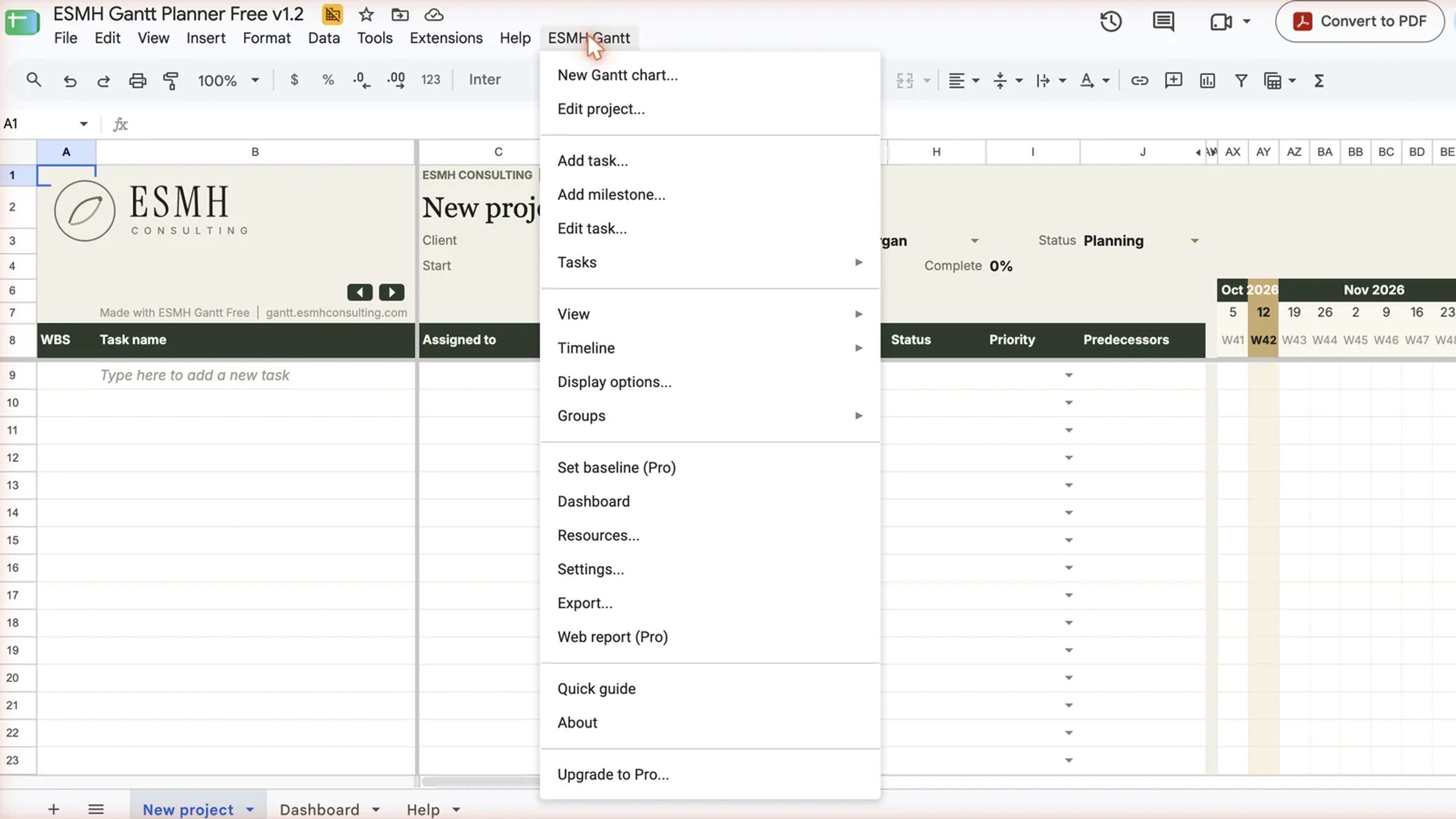
ESMH Gantt Planner turns Google Sheets into a project planner. Add tasks, milestones and phases in pop-up windows from the ESMH Gantt menu; the planner numbers the tasks, draws the Gantt bars and moves linked tasks when a date changes.
The Free edition plans one project of up to 30 tasks and includes:
- Tasks, milestones and phases (subtasks roll up into their phase)
- Finish-to-start links that move the following tasks
- Working days and company holidays
- Daily to yearly timeline views, filters and grouping
- People, % done and status colours
- A dashboard with progress, task status, milestones and what needs attention
- PDF export (with a small “Made with ESMH Gantt Free” line)
You get a link that saves your own copy of the planner in your Google Drive. The first time you use the menu, Google asks you to allow the planner’s script; it works only inside that spreadsheet. Works in any desktop browser on Mac, Windows, Linux or ChromeOS, with a free Google account or Google Workspace (some Workspace admins block scripts). The menu and windows do not work in the Sheets apps for phones and tablets.
Free for personal and commercial use. ESMH Gantt Pro adds unlimited charts and tasks, the critical path, baselines, actual dates, costs and budget, workload and a status report for clients. Your plan comes with you when you upgrade.
More: https://gantt.esmhconsulting.com · Questions: gantt@esmhconsulting.com