
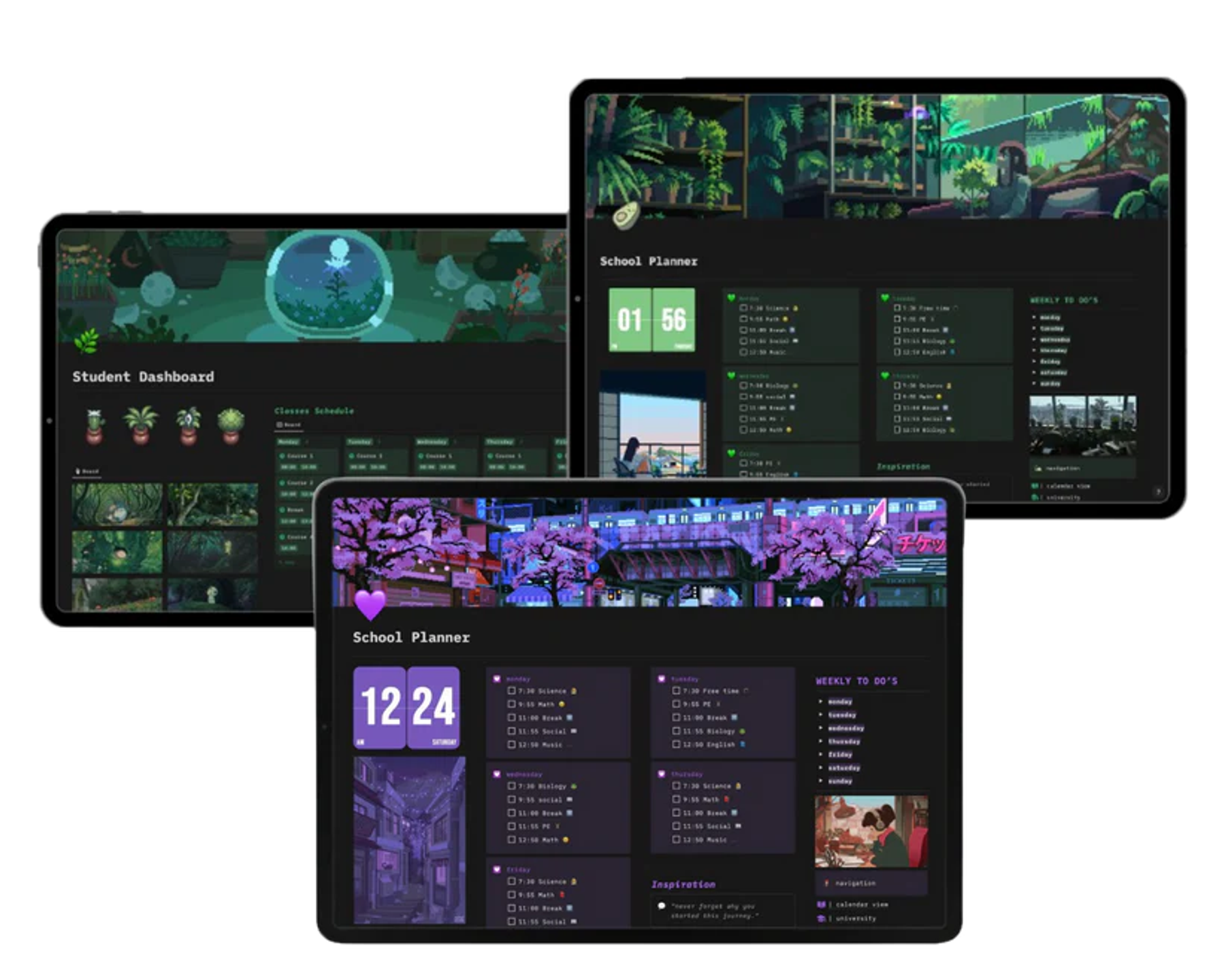
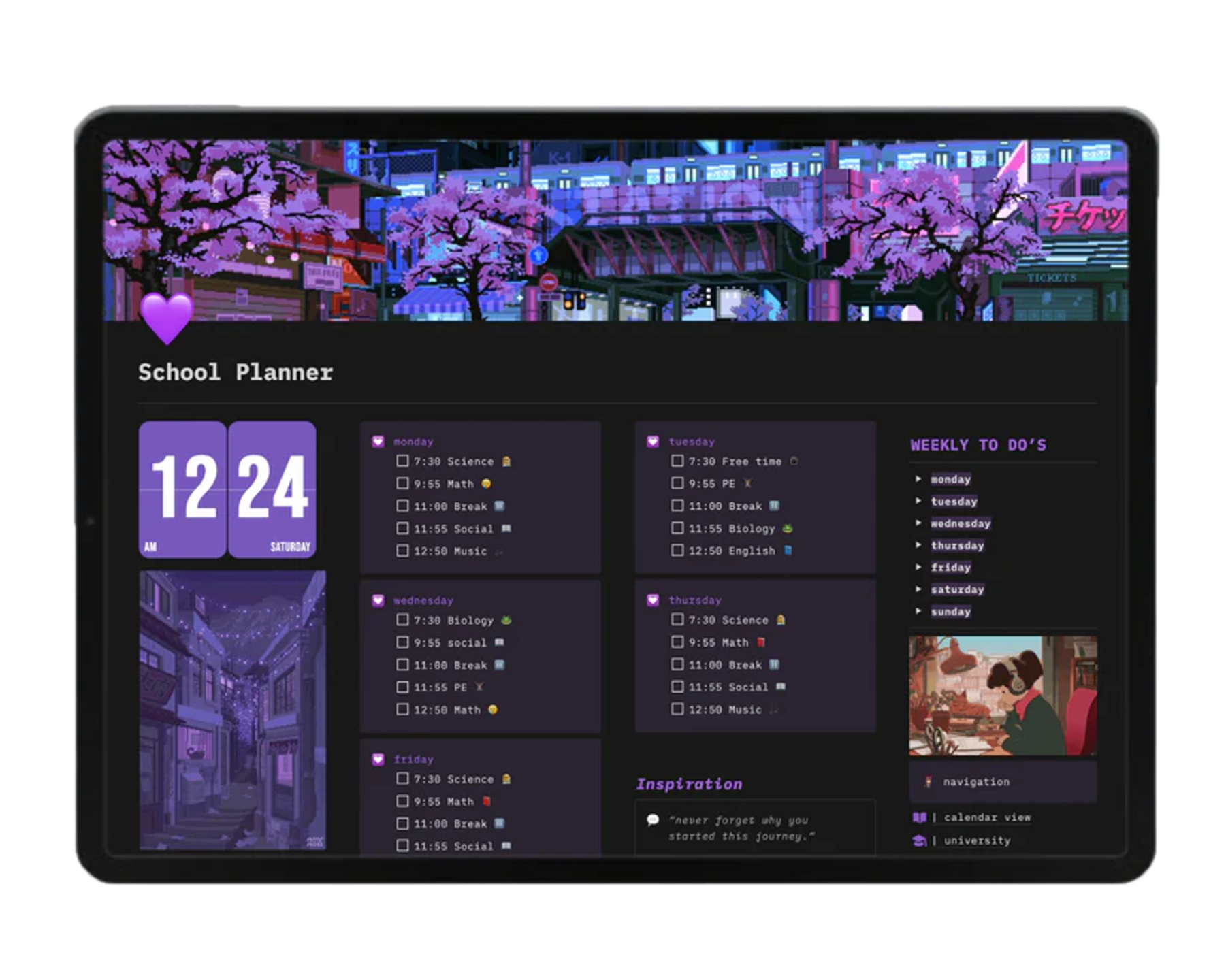
e-Notion Monthly Planner
All in One Productivity Notion Template
No subscriptions. Pay once for lifetime access.After your purchase, you’ll receive an email with all products and a step-by-step installation guide.
- Choose Your Template
Explore the EvoraUp Notion Collection and find the system that fits your lifestyle whether it’s for productivity, content creation, or personal growth.
💳 2. Instant Download
After checkout, you’ll instantly receive your Notion template link. No waiting, no setup headaches just open, duplicate, and start organizing.
🧭 3. Duplicate to Your Workspace
Click “Duplicate” in the top right corner of Notion, and your new EvoraUp template will appear in your own workspace ready to customize.
✨ 4. Personalize & Start Creating
Add your tasks, goals, and notes. Adjust colors, icons, and pages to match your style.
Within minutes, your digital life feels calm, clear, and beautifully organized.
💡 5. Enjoy Lifetime Access
Once you own an EvoraUp template, it’s yours forever. You’ll also get access to free future updates and layout improvements.
- 1 year agoThis notion template turned my messy todo lists into a calm clear system that actually worksWritten 14 minutes after purchase