
ClipLedger: Offline Clip Payout Tracker
Track clip minimums, estimated payouts and pay dates in one offline file
LAUNCH7 = $7 instead of $12 for the first 20 buyers, until 30 Nov 2026. Enter it at checkout.
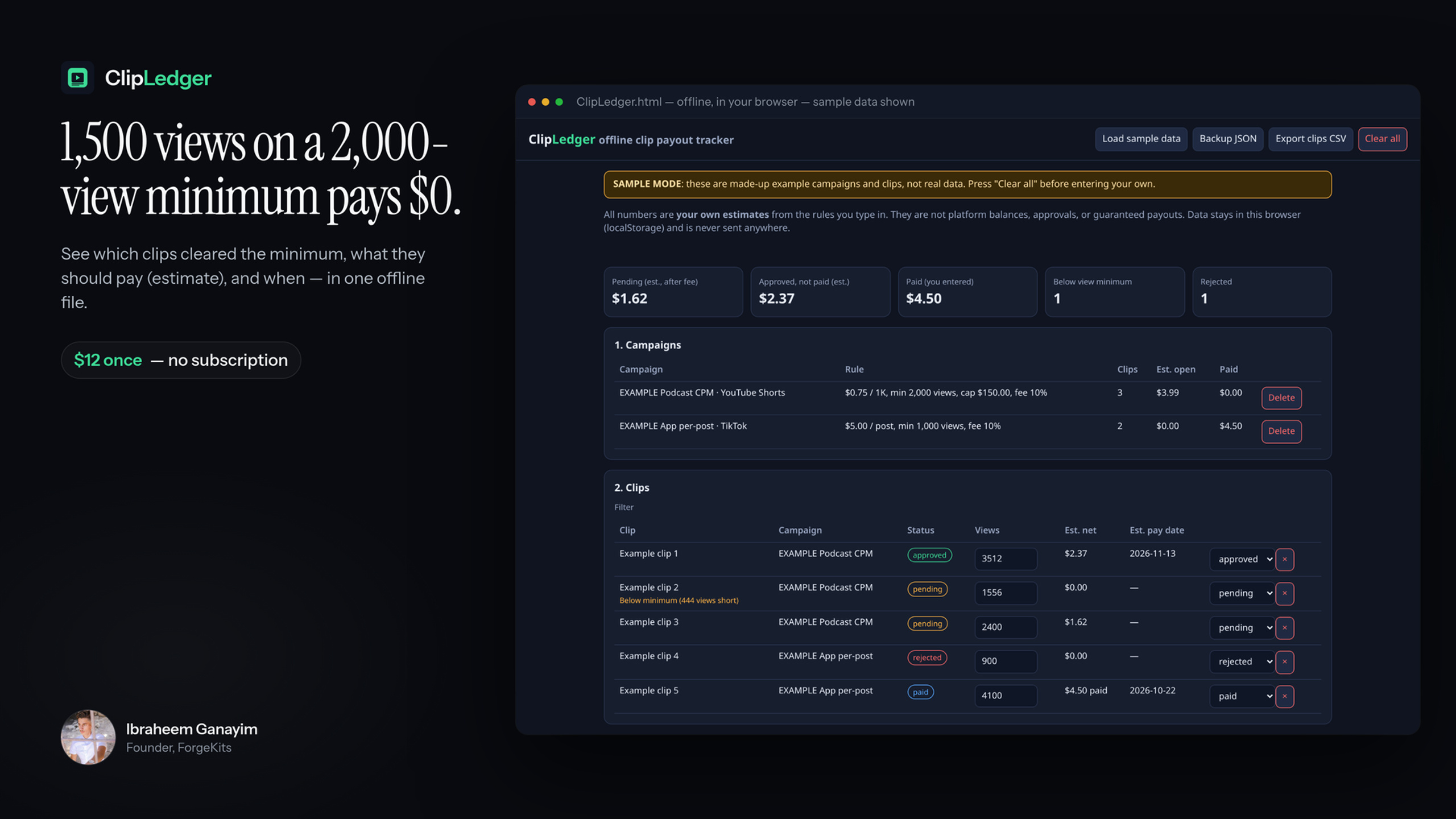
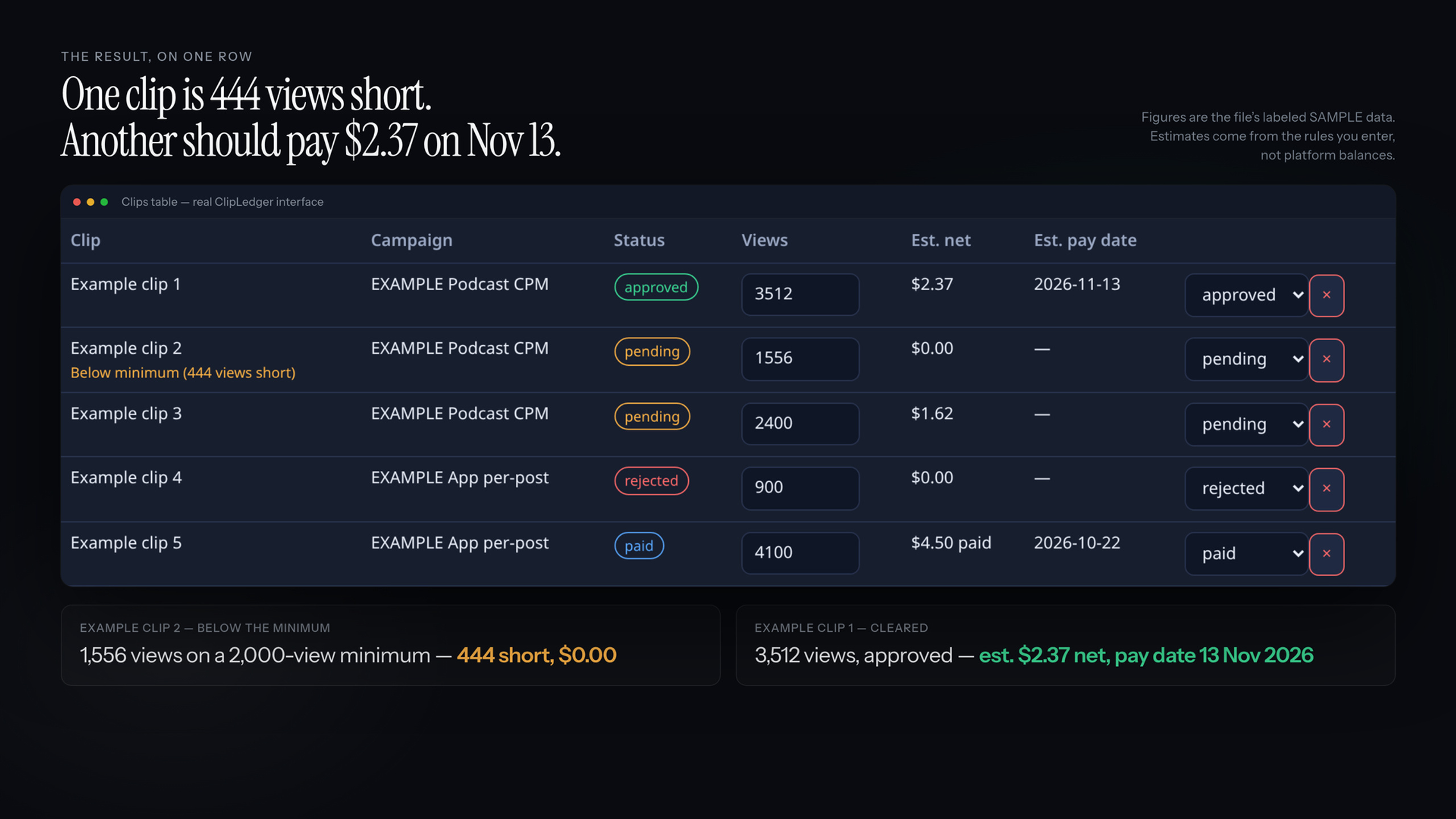
77 pending, 1 approved, $0 paid? On per-view campaigns, “pending” can mean under the minimum, campaign closed, or still in review. And 1,500 views on a 2,000-view minimum pays $0. ClipLedger shows which clips cleared each minimum, what they should pay (estimate) and when. One payment, no subscription.
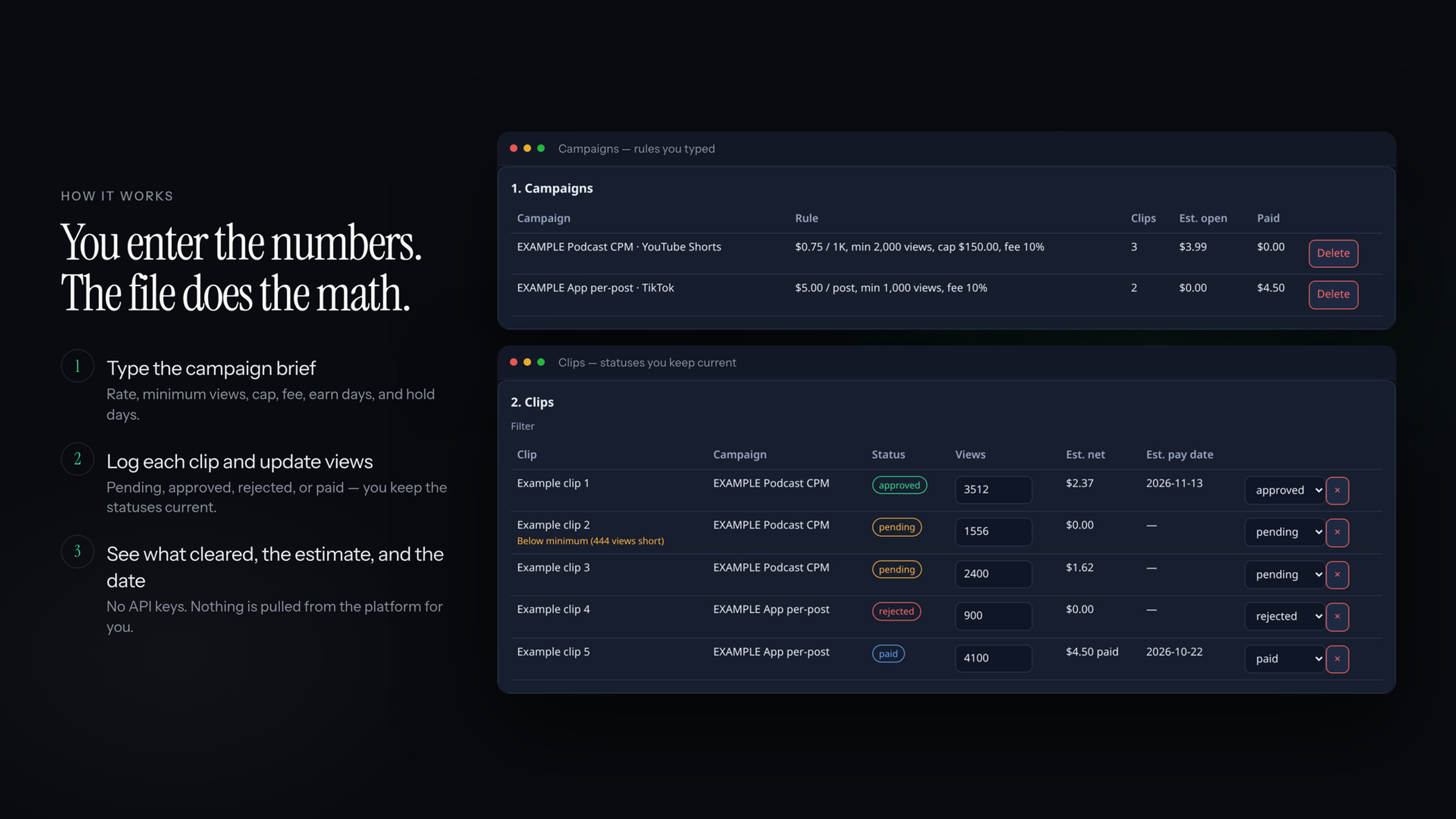
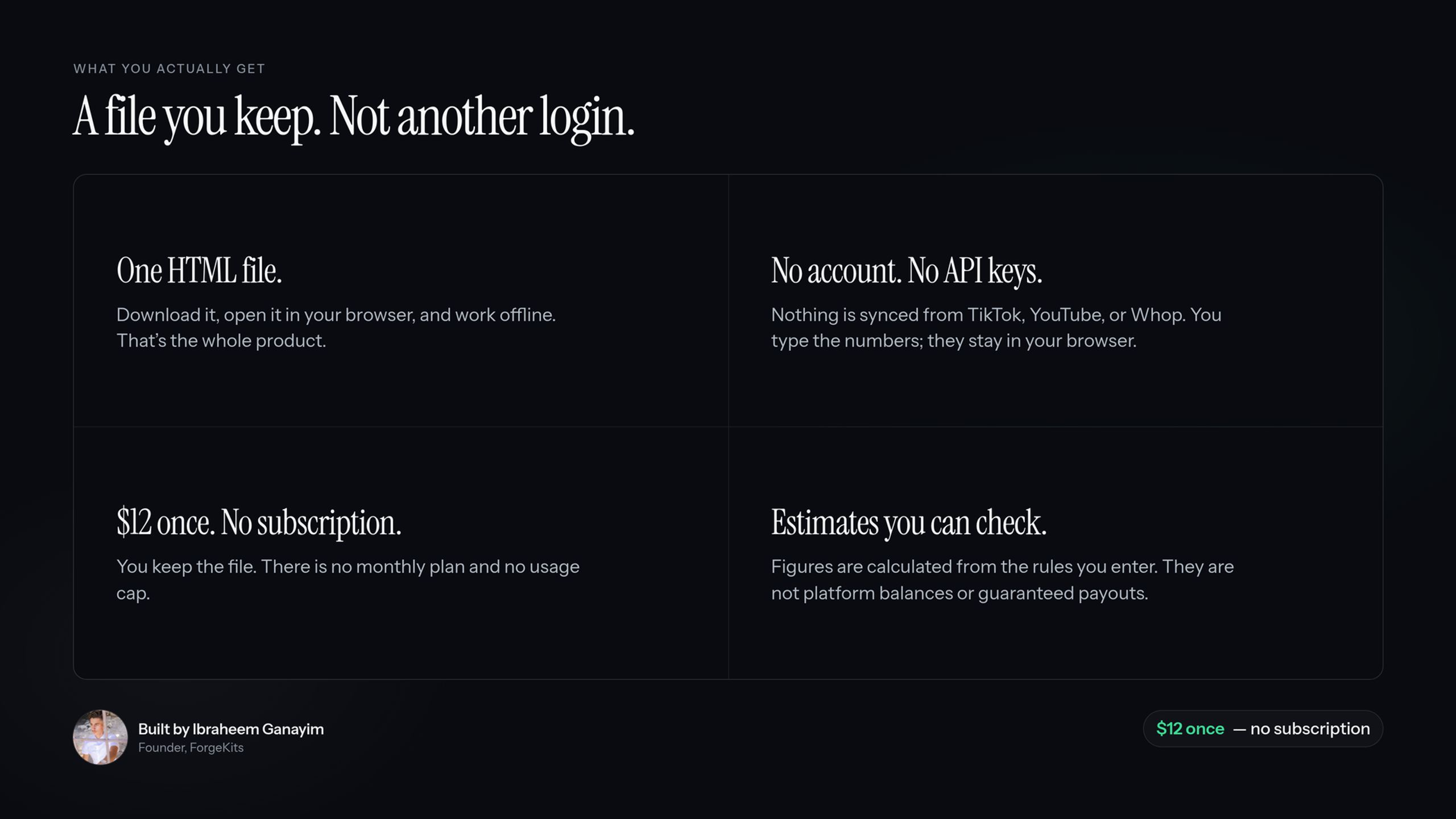
One offline HTML file. Enter each campaign’s rate, minimum views, cap and fee, log your clips and update views and status. It shows:
- clips below the minimum, and how many views short
- estimated net per clip (CPM or per-post, cap, fee)
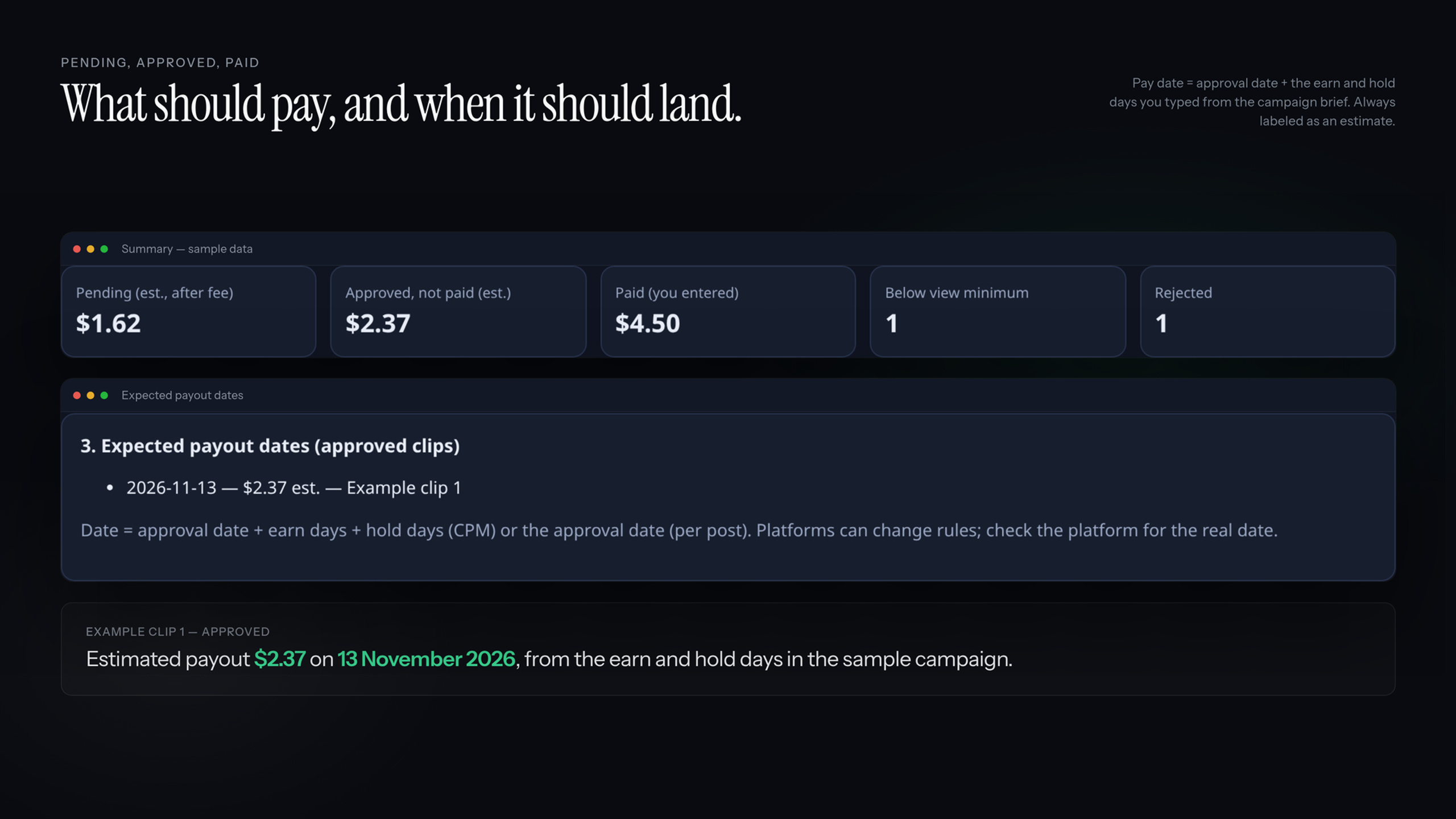
- pending, approved-unpaid and paid totals
- estimated pay date per approved clip; past dates flagged
- CSV export, JSON backup/restore, CSV import
No login, no API keys, no tracking. Data stays in your browser. Tested in desktop Chrome.
Delivery: after checkout, open the “ClipLedger Download” course in your Whop account and download ClipLedger-1.0.1.zip. The file is yours and works offline. Save your download.
FAQ
- Pulls my views automatically? No, you type them in.
- Is “pending” money I’ll get? No, it’s an estimate under the rules you entered.
- Phone? Layout adapts; only desktop Chrome fully tested.
Affiliates earn 30% per sale.
Not affiliated with Whop, Content Rewards, Clipster, Vyro, TikTok or YouTube. Figures are estimates, not guaranteed earnings. Personal and commercial use; no resale.