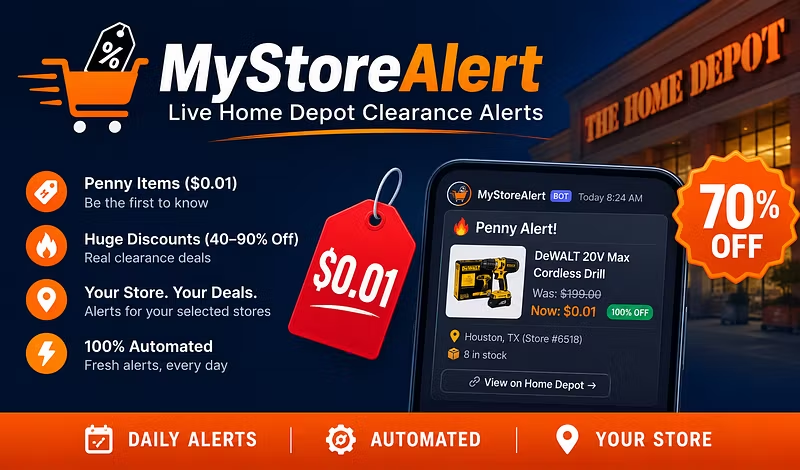


Start here: your first five minutes, then a daily habit
Welcome to myStoreAlert. Three steps and you are looking at your own store's markdowns.
1. Sign in. Go to https://www.mystorealert.com/login and use "Continue with Whop", with the same account you paid with. No second password.
2. Add your ZIP. On the dashboard, enter your ZIP code. We match your three nearest Home Depot stores and start scanning them. Your first scan lands within a day.
3. Bookmark your dashboard. https://www.mystorealert.com/dashboard is where every scan lands, every day. Each item shows the price, how many are in stock, and the aisle and bay where we saw it.
Then check it daily. The scan runs every day and clearance moves fast, so the best finds are the ones you see the morning they appear. Open the dashboard each morning, pick what is worth the drive, and confirm the price at the store app or the register before you buy. Prices were real at scan time; the store gets the last word.
Stuck on any step, or something looks wrong? Reply here or message us on Whop and a real person will help.