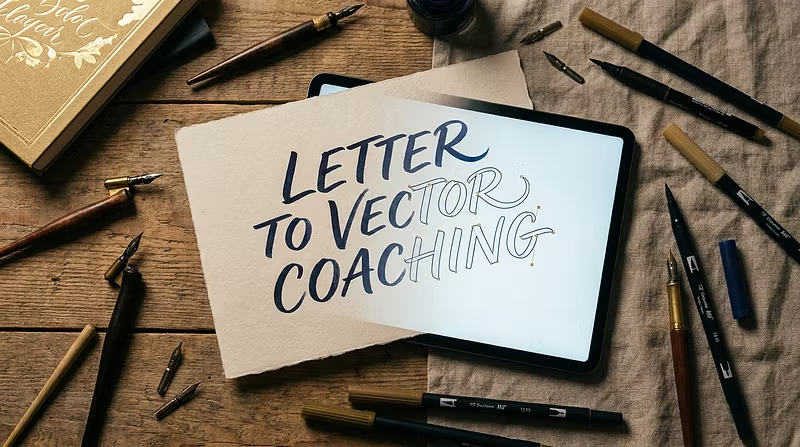
Ink to Vector

Master the art of turning hand-lettered scans into pristine digital vectors. Weekly live critiques, structured coursework, and hands-on...
Angeles City, PH
•Created byProfile picturealinglen-
1 joined
Profile picture
@alinglen-Profile pictureJun 14
Pinned post

Welcome to Hand Lettering to Vector Mastery šŸ–Šļøāž”ļøšŸ–„ļø

Welcome to the crew! You're about to master the full workflow from hand-lettered scan to polished, client-ready vector file.


Here's what's inside:


šŸ“š The Course — 15 lessons across 5 chapters covering scanning, cleanup, tracing, and final export. Work through them at your own pace, but follow the sequence — each lesson builds on the last.


šŸ’¬ Community Chat — Ask questions, share your work-in-progress, and connect with fellow lettering artists.


šŸ”“ Weekly Live Critiques — Submit your vectors and get real-time feedback on anchor points, stroke consistency, and overall polish. Details in Chapter 5.


Your first steps:


  1. Start with Chapter 1, Lesson 1 — get your scanning setup dialed in

  2. Introduce yourself in the community chat

  3. Submit your first scan-to-vector project for critique by week's end


Let's turn your ink into income. šŸš€

Profile picture
@alinglen-Profile pictureJun 14

Stop losing clients over bad vector files.

You hand-letter something beautiful. You scan it. Then you spend 3 hours fighting with Image Trace, cleaning up jagged edges, and deleting 400 unnecessary anchor points.


The vector never looks as good as the original. The client notices. You eat the revision.


There's a better way.


I built a complete system for turning hand-lettered scans into pristine vectors — covering scanning setup, Photoshop cleanup, Illustrator tracing (auto + manual), and final export for print and web.


Plus: weekly live critique sessions where I review your actual work and show you exactly how to fix it in real time.


→ 1-day free trial, $282/week. If you're serious about doing lettering professionally, this pays for itself on your next project.