
03. Delta Trend ATM Panel
Delta Trend ATM Panel for Ninjatrader 8 (Lifetime License)
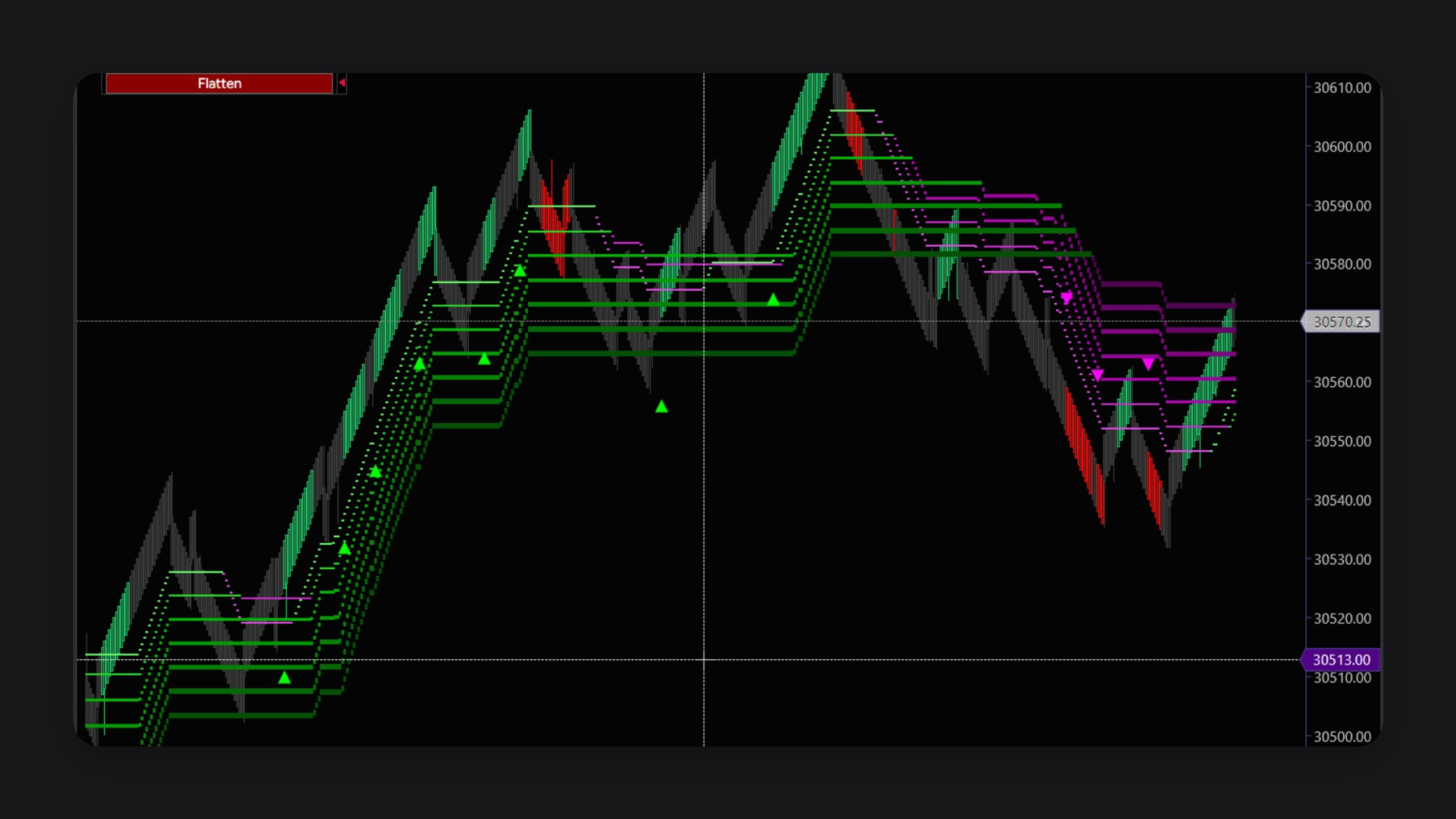
Delta Trend ATM Panel watches the chart for the moment buying or selling pressure leaves a quiet, neutral stretch and turns into a clear up or down push. A trend filter sits in front of that signal, so a push only counts when enough of the trend lines agree with it. You see the state on the chart: colored candles, a status at the top, and a marker when a signal prints. Optional sounds can alert you when one fires.
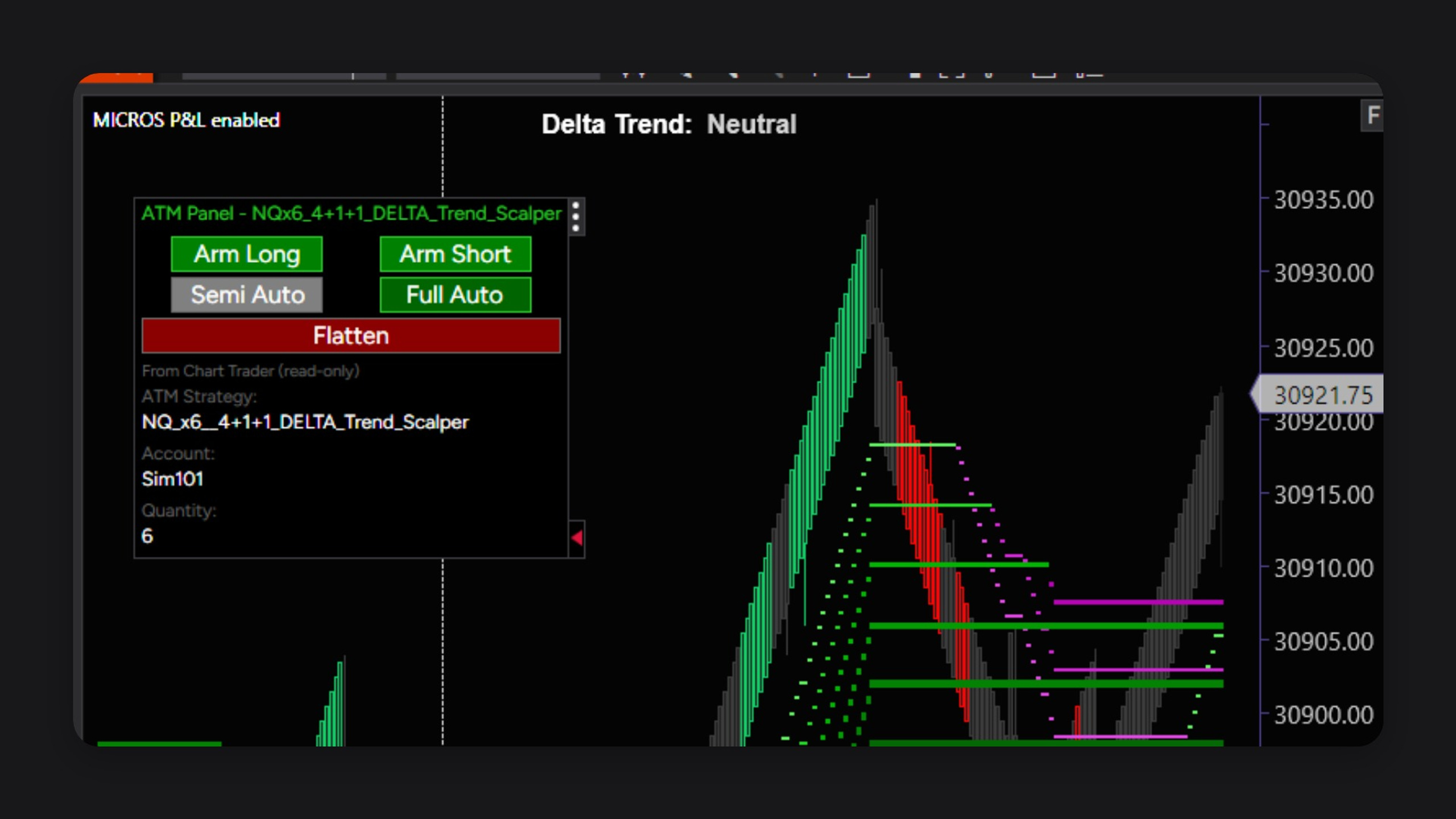
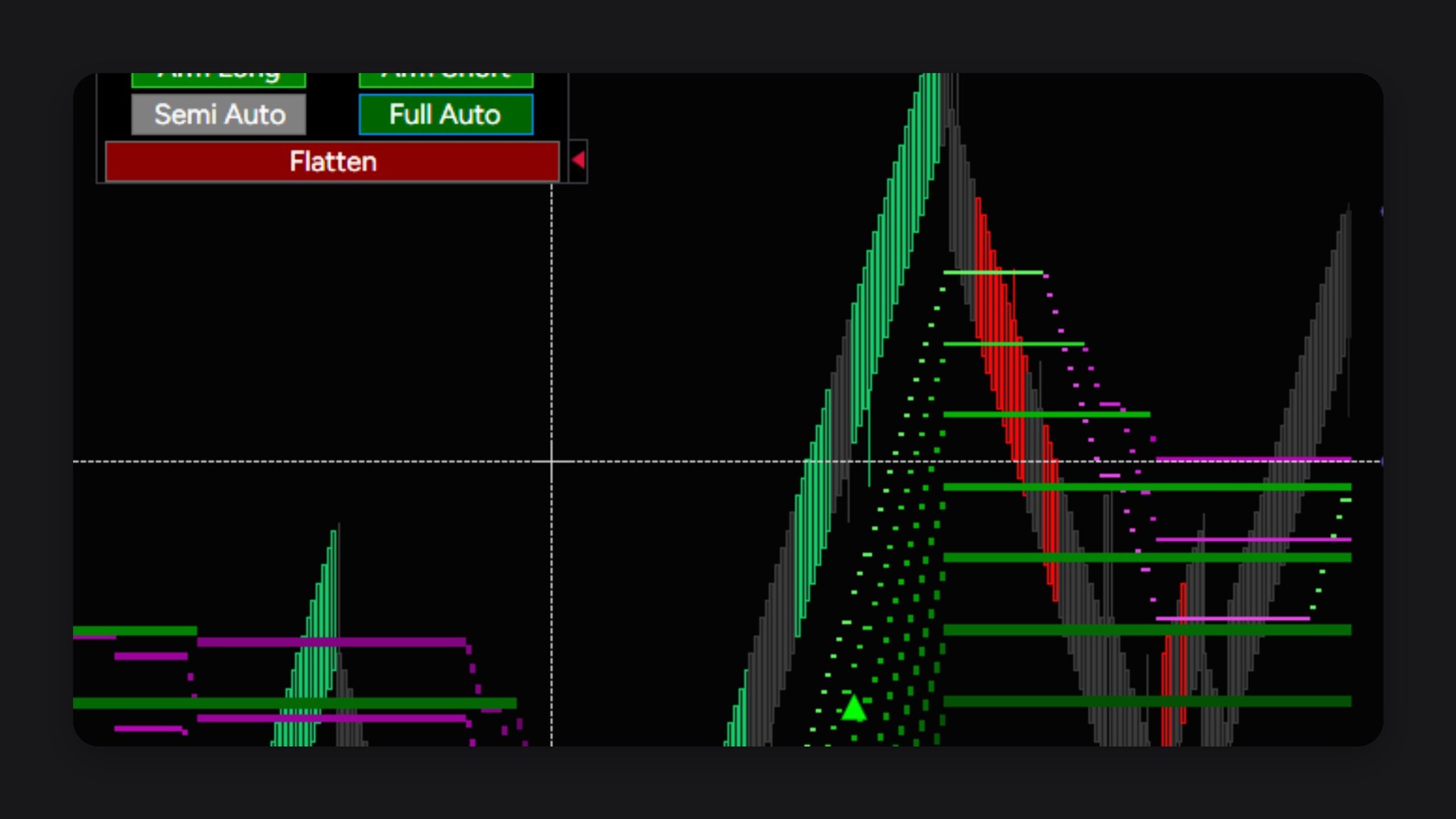
When you want the trade placed for you, the panel on the chart is the control. Arm Long or Arm Short for the side you will take. Semi Auto sends one matching trade and then turns itself off, so you review the next one. Full Auto keeps taking the next matching signal while it stays on. Flatten closes the open position from the same panel.
Your account, contract size, and ATM strategy stay in Chart Trader. Stops and targets are the ones you already built. The panel shows those choices so you can confirm them before anything is sent. Entries run on the live chart.