
Horus Close Panel
Horus Close Panel — Free MT5 and cTrader utility
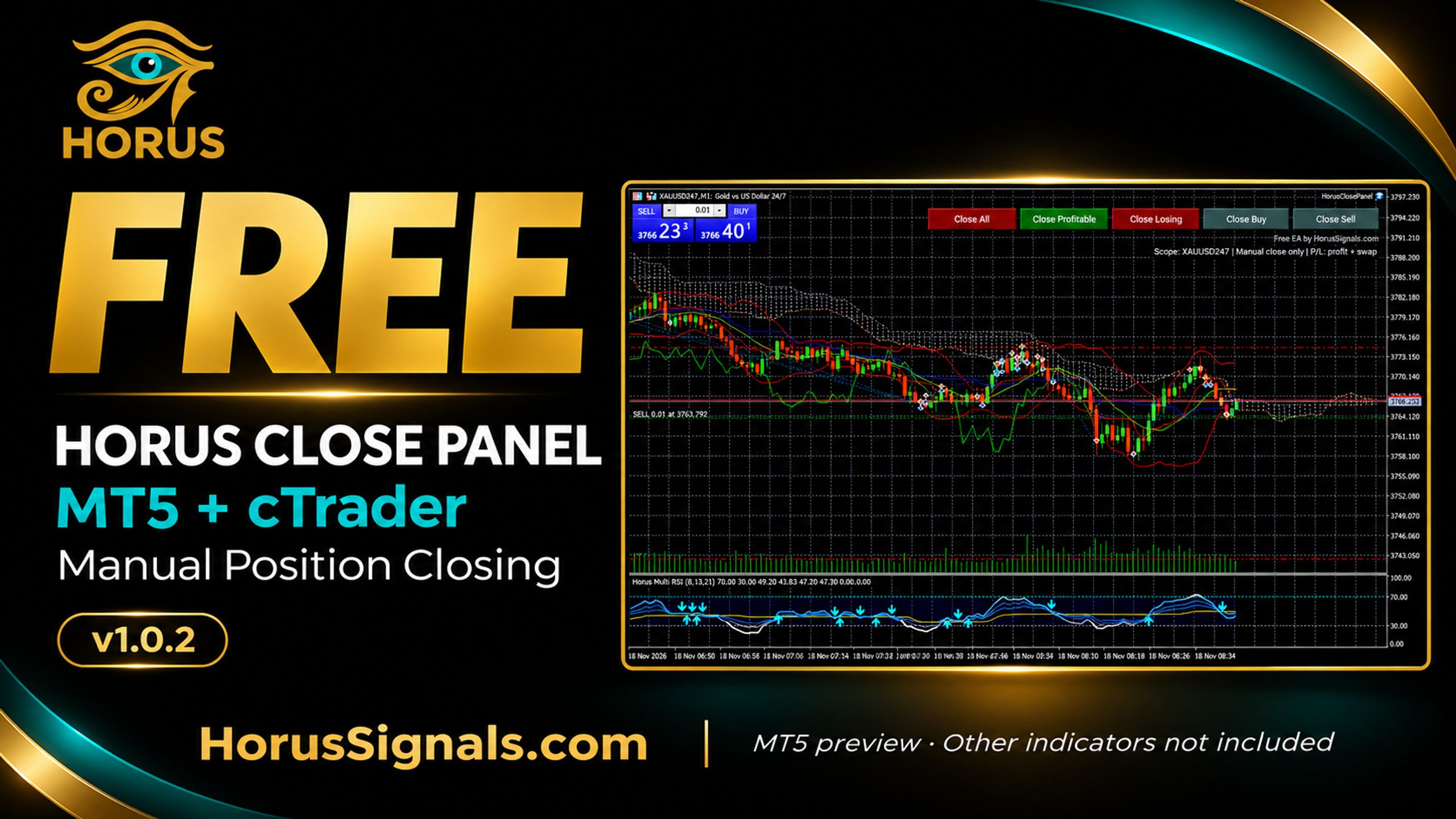
Free manual position-closing panel for MT5 and cTrader Desktop. Five buttons on the top right: Close All, Close Profitable, Close Losing, Close Buy and Close Sell. A small credit reads “Free EA by HorusSignals.com”.
Download version1.0.3 and installation instructions: https://horussignals.com/hs_tool/horus-close-panel/ . Free website registration is required to download; no payment, IB membership, key or expiry is required.
By default, buttons apply to the chart symbol, including manual positions and positions from other EAs/cBots. AllSymbols applies to the whole signed-in account. A click directly requests closing eligible open positions; it does not cancel pending orders. Use a separate MT5 chart if another EA is already running. cTrader requires a local Desktop instance.
MT5 classifies profit/loss by floating profit plus swap, excluding commission; cTrader uses reported NetProfit. Execution prices can change before closing. The panel never opens trades and has no automated trading strategy or price forecasts.
The banner shows the same panel layout introduced in1.0.2; the current download is1.0.3.