

FAQ
How do I access the indicator after purchasing?
After purchase, go to the TradingView app in Whop and enter your TradingView username to claim your access. Then open TradingView, go to Indicators → Invite-only scripts, and look for ICT Confluence Suite.
What indicator do I get access to?
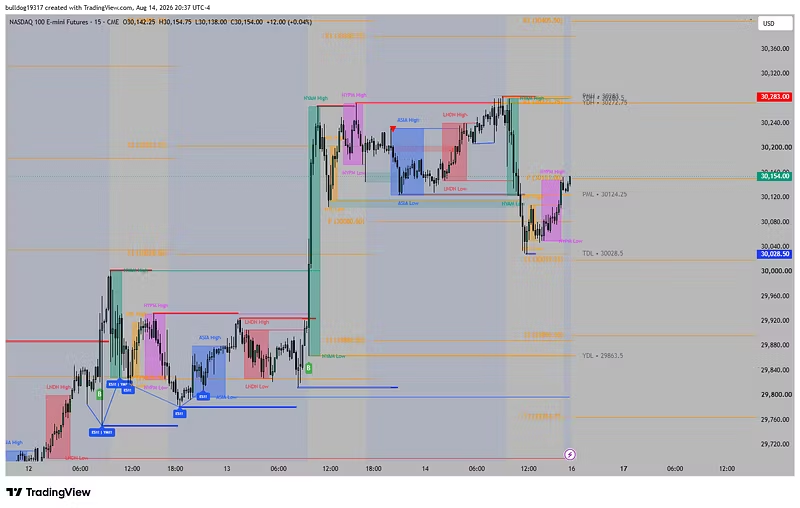
You get access to ICT Confluence Suite, featuring Killzones, Pivot Points, Support & Resistance, Breakers, PD Arrays, SMT, and more.
Is the indicator invite-only?
Yes. ICT Confluence Suite is private and only available to users who have claimed access through Whop.
Do I need a TradingView account?
Yes. You need a TradingView account to use the indicator.
Where do I find the indicator?
In TradingView, go to Indicators → Invite-only scripts and search for ICT Confluence Suite.
How long does access last?
Access lasts for the duration of the Whop plan you purchased.