
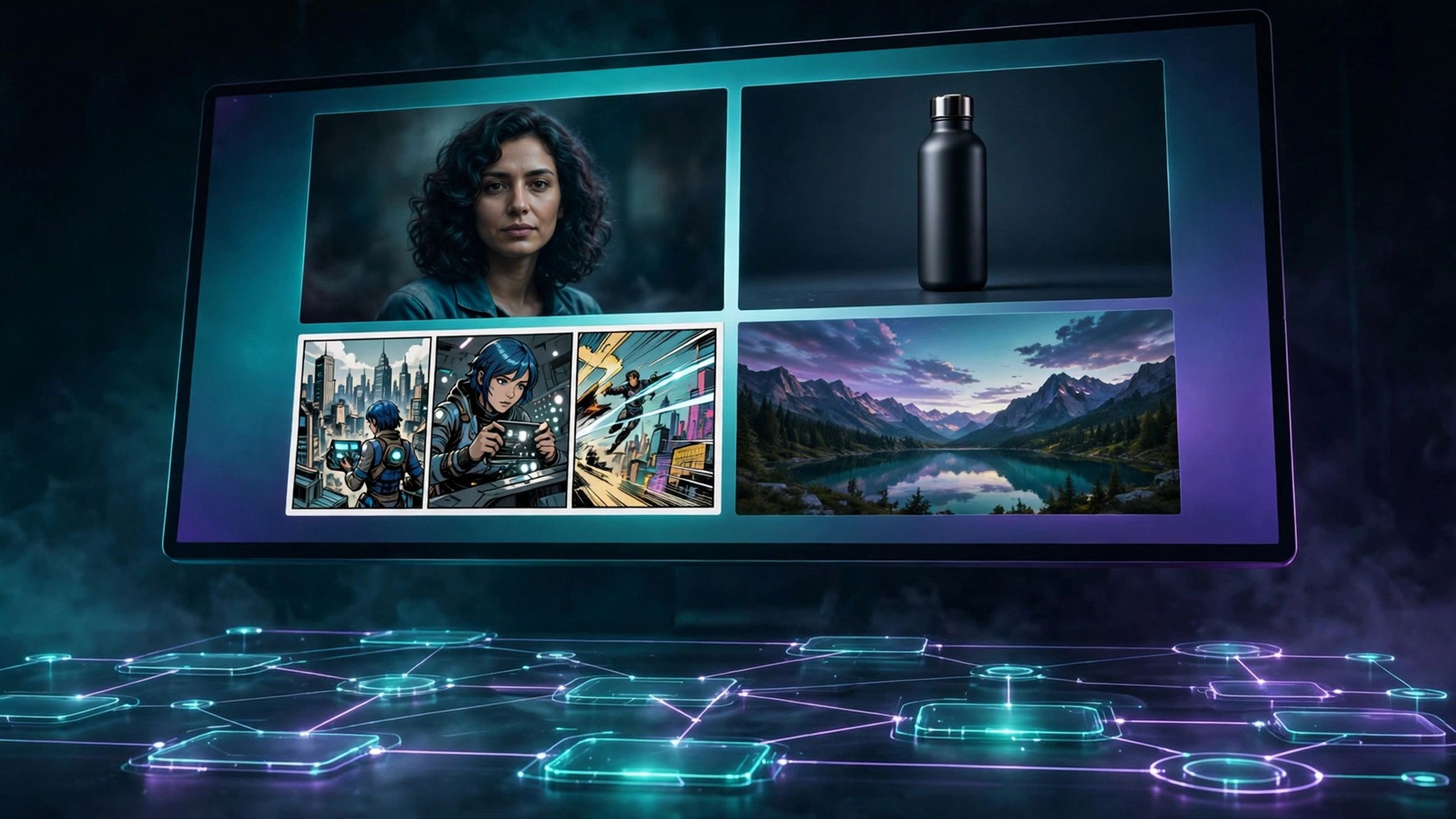
MOSS-Image Fast Workflows — Text to Image, Edit & Layout Boxes (ComfyUI)
MOSS-Image in 4 steps: text to image, photo edit and layout boxes
FREE vs FULL — Start free: https://whop.com/imagelab/free-starter-moss-image-text-to-image-workflow/ Use code MOSS30 for 30% off — $27.30 instead of $39.
Every new image model launches the same way: a flood of demos, no working setup, and hours lost wiring nodes before your first good image. MOSS-Image is the open model everyone is talking about right now — strong text rendering, layout control, a 4-step turbo mode — and this pack hands you the complete working system on day one.
WHAT’S INSIDE
• 3 official Comfy-Org MOSS-Image templates (text to image, image edit, layout boxes) — free, public, included as the study base
• Our adapted 4-step turbo workflow: 4 steps, CFG 1, Euler, with the turbo LoRA wired in — drafts in seconds, not minutes
• The comic-panel recipe: pick a layout from 196 samples, fill in character / scene / dialogue, 2–6 panels per page
• A prompt library in blocks (subject, style, lighting, camera, mood) + 10 ready copy-paste formulas + layout-box examples
• Quick-start guide (EN) + full workflow doc (AR): exact model files, settings tables, troubleshooting
For: creators who want posters, product shots, portraits and comic pages from an open model, fast. NOT for: anyone expecting a reference-photo face swap — this model takes no reference image — or anyone on a CPU-only laptop: a GPU (Comfy Cloud / GPU PC) is required.
Model files are NOT in the ZIP — they are ~14.4 GB and free to download from Comfy-Org/MOSS-Image; the guide names every file and folder.