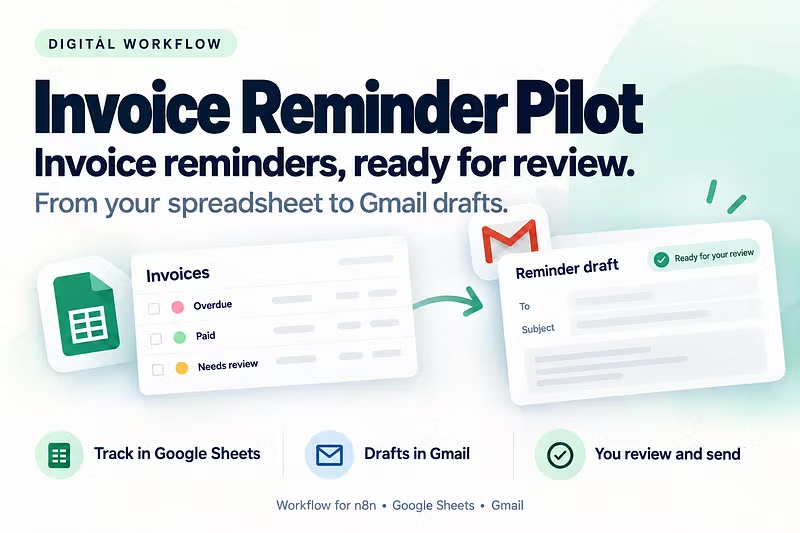


Quickstart Guide: Setting Up Invoice Reminder Pilot v1
Quickstart Guide: 5-Minute n8n Setup & Google Sheets OAuth
Follow this step-by-step walkthrough to connect your Google Sheets and automate invoice reminder drafts with Invoice Reminder Pilot v1.
Prerequisites
An active n8n instance (self-hosted or n8n Cloud)
A Google Cloud console project with Google Sheets API enabled
Gmail OAuth credentials configured in n8n
Step 1: Import Workflow
Open your n8n workspace.
Navigate to Workflows > Import from File / JSON.
Paste the provided workflow JSON from your downloads.
Step 2: Configure Google Sheets OAuth
Select the Google Sheets node in the workflow.
Click Create New Credential and authorize using OAuth2.
Paste your Sheet ID and select the sheet containing overdue invoices.
Step 3: Connect Gmail OAuth
Select the Gmail node.
Choose OAuth2 and authenticate your sending account.
Set the operation to Create Draft (safely staging reminders for human review).
Step 4: Verification
Run a single test execution using the Test Workflow button. Confirm that a draft email appears in your Gmail drafts folder without automatically sending.