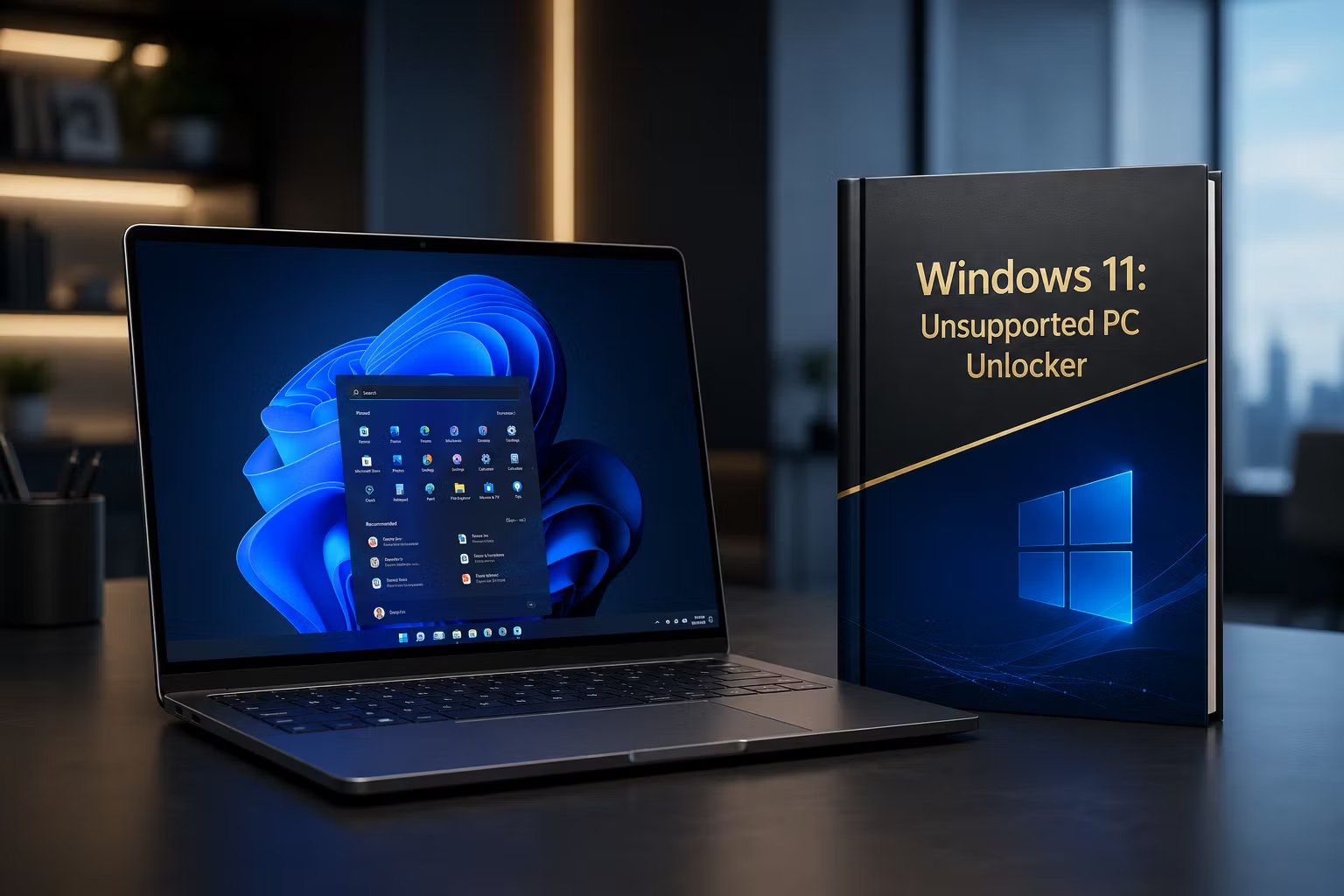
Windows 11 : The Unsupported PC Unlocker Guide
Flash Sale: Get the $10 Guide for just $5 (First 100 customers only).
Windows 11 : The Unsupported PC Unlocker Guide
Stop letting hardware restrictions hold you back. Microsoft’s strict requirements for TPM 2.0 and Secure Boot have left millions of perfectly capable computers behind. This beginner-friendly, step-by-step guide shows you exactly how to bypass these official restrictions and install Windows 11 on your older PC using official files.
What You Will Get Inside:
-
The Bypass Secret: Learn the exact Rufus settings needed to remove requirements for TPM 2.0, Secure Boot, and 4GB RAM.
-
The Clean Install Method: Step-by-step instructions for a fresh installation to ensure your older hardware runs at maximum performance.
-
Boot Menu Mastery: Clear guidance on accessing boot menus (F12, ESC, F9, etc.) for various PC brands.
-
Post-Install Optimization: Tips for boosting speed, including SSD recommendations, RAM management, and disabling unnecessary animations.
-
Troubleshooting & Fixes: Instant solutions for common errors like "This PC Can't Run Windows 11" or black screen issues.
Why pay for a new computer when you can unlock the latest OS for free?