
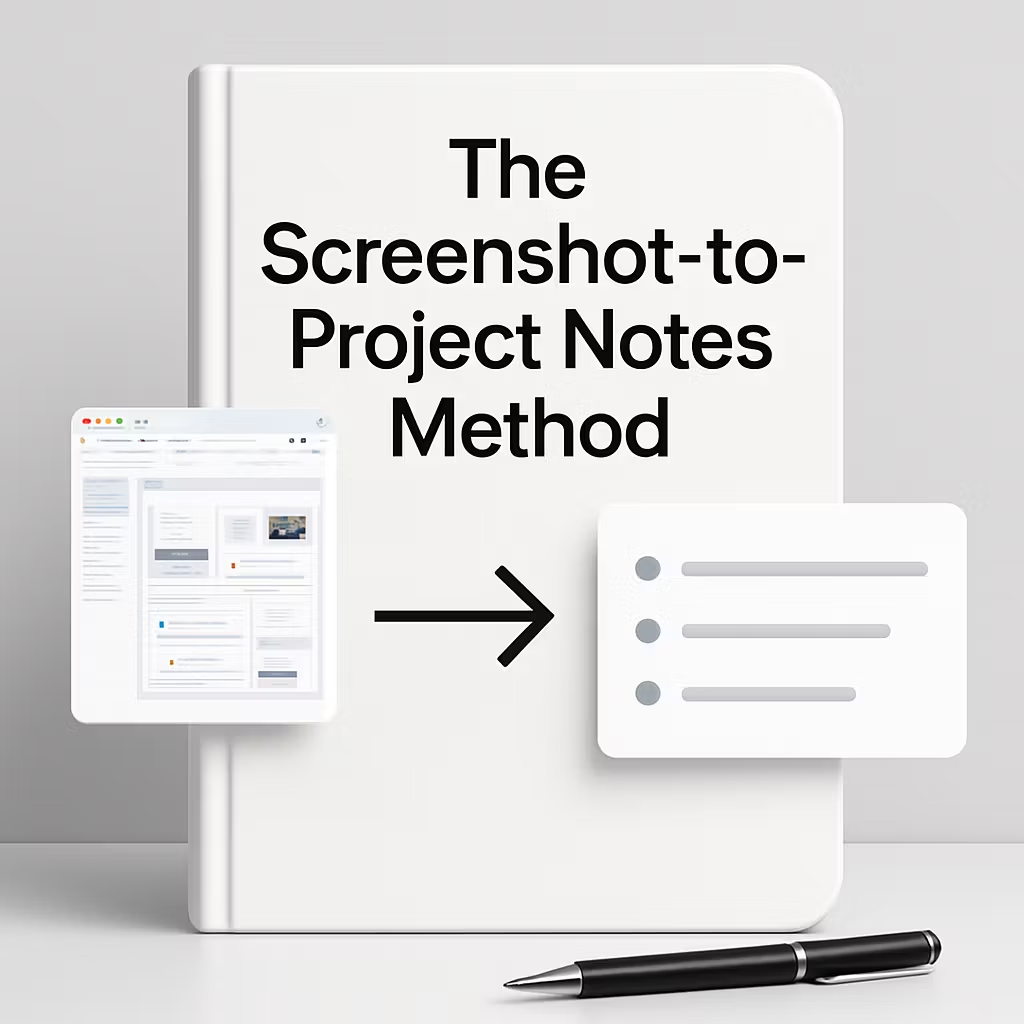
The Screenshot-To-Project Notes Method
Turn Visual Ideas Into Organized Project Notes Fast
Busy iPhone users save screenshots, receipts, quotes, and reference photos all day, then lose them inside the Camera Roll. This ebook gives you a practical screenshot system that helps you turn those images into searchable, project-based notes so work, travel, shopping, and life admin stay organized by context. Built around a simple screenshot-first workflow, it helps you move useful images into Notes, tag them properly, and find what you need later in under 30 seconds. If your Camera Roll has become your archive, this book gives you a small, repeatable way to fix it in 3 days.
What’s Inside:
• Introduction — Why Camera Rolls get cluttered
• 1: Screenshot Decision Filter
• 2: The 3 Pass Sorting System
• 3: Project Based Note Lanes
• 4: Context Tagging Matrix
• 5: Fast Implementation Workflow
• Bonus Materials — Copy ready templates, sorting flow charts, image organization checklist
Core Methods:
⚡ Screenshot Decision Filter
📸 3 Pass Sorting System
📌 Project Based Note Lanes
🧭 Context Tagging Matrix
🧩 Fast Implementation Workflow