AI Agent Mac Mini Setup
Turn your Mac mini into a 24/7 autonomous AI agent in one session
AI Agent Mac Mini Setup — Claude Code + OpenClaw + Telegram Control
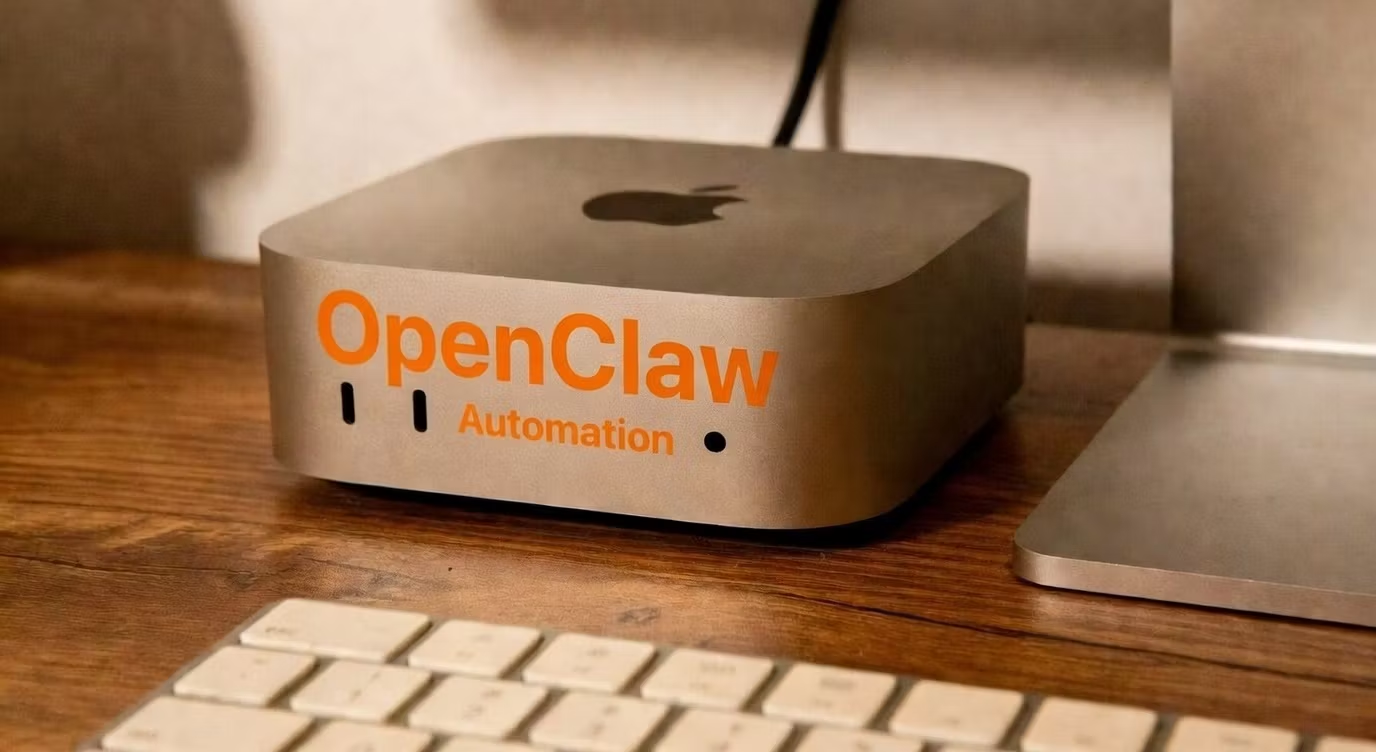
Your Mac mini is sitting on your desk right now doing nothing. In one remote session, I'll transform it into a fully autonomous AI agent that works for you 24/7 — building, automating, and executing tasks while you sleep.
What you get:
Claude Code installed and fully configured
OpenClaw autonomous agent deployed with a custom SOUL.md mission
Telegram bot paired to your account for remote control from anywhere
PM2 process management — your agent restarts automatically if anything stops
SSH access configured for secure remote management
How the session works:
You share your screen or grant SSH access
I handle the entire installation and configuration
We test everything live — you send a Telegram message, your Mac mini responds
Who this is for:
Mac mini owners who want to run AI agents without a monthly VPS bill
Entrepreneurs who want automation running locally on their own hardware
Builders who want Claude Code and OpenClaw set up correctly the first time
Anyone who's tried to set this up alone and got stuck
Why me: I run this exact stack on multiple machines for live trading operations, content pipelines, and autonomous business building. This isn't a tutorial — it's a hands-on setup from someone who lives in this infrastructure daily.
Delivery: Same day or next day session Duration: 1–2 hours via screen share or SSH