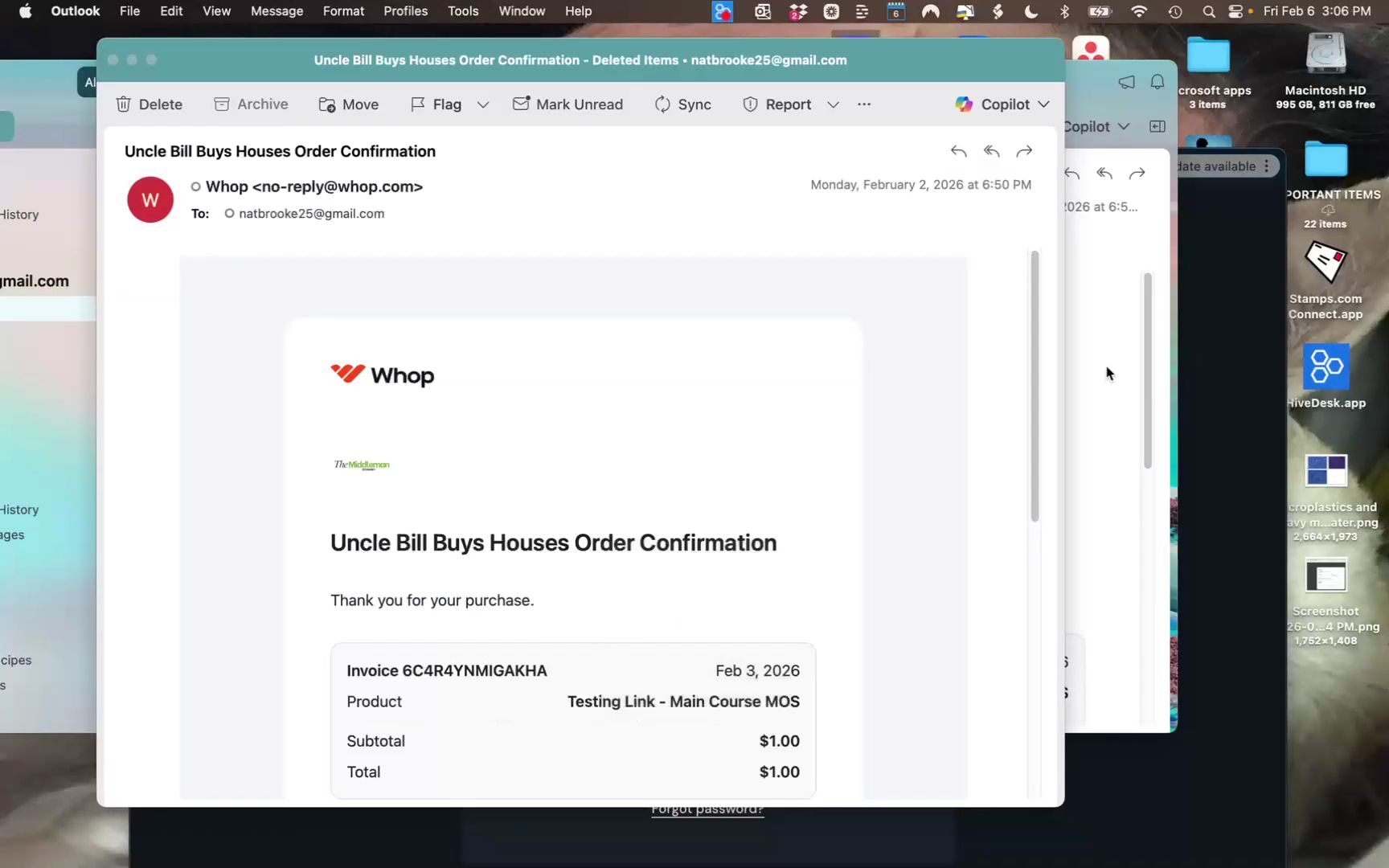


Welcome to the community. Follow these instructions to securely log in, navigate your Whop dashboard, and access your purchased courses or mentorship programs.
Logging In
Check Your Inbox: After your purchase, look for two emails from no-reply@whop.com (an order confirmation and an access link). If you don't see them, check your spam or junk folders.
Use the Right Email: You must log into Whop using the exact email address you used during checkout.
No Passwords Needed: Go directly to **whop.com/login**. Enter your email, and the system will send a unique, one-time code to your inbox. Enter that code to access your dashboard.
Navigating Your Dashboard
The Left-Hand Menu: All of your content—including course modules, PDFs, community announcements, and daily Q&A chats—is located on the left side of your screen.
Personalized Access: Your view is customized based on what you bought. You will only see the specific courses or mentorship areas included in your purchase tier. If you don't see a specific section (like the mentorship chat), it was not included in your package.
Getting Support & Contacting Me
Platform Support: Click Contact Support at the very top of the page, or click the Support Chat tab on your left-hand menu to get help right away.
1:1 with Vico: Book a call at www.vicolize.com/call
WhatsApp: Reach me personally at wa.me/61403812536