
localbridge for instance folder sharing to non tech clients
A
ajay shuklaLB @ajayshukla0·Jul 9
@ajayshukla0·Jul 9A
ajay shuklaLB@ajayshukla0·Jun 11
@ajayshukla0·Jun 11local bridge for instant folder and file sharing without uploading to cloud
A
ajay shuklaLB@ajayshukla0·Jun 3
@ajayshukla0·Jun 3Share local folders, build outputs, and docs instantly.
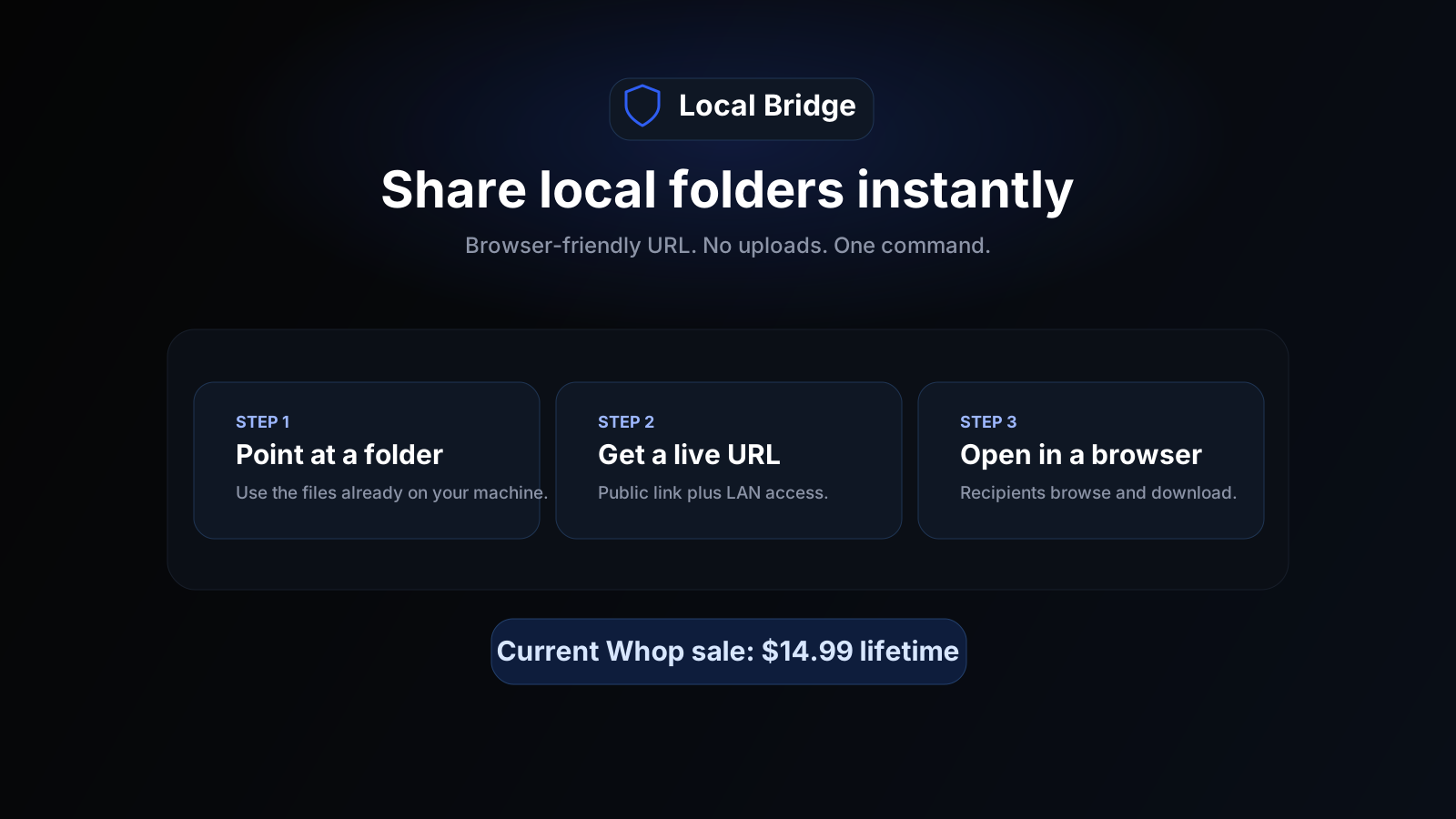
Browser-friendly URL. No uploads. One command.
A
ajay shuklaLB@ajayshukla0·May 28
@ajayshukla0·May 28I like developer tools because small workflow improvements can save people real time.
Not every tool needs to be huge.
Sometimes a useful product is just one annoying step removed from someone's day.
A
ajay shuklaLB@ajayshukla0·May 24
@ajayshukla0·May 24A practical guide for developers who need to share local folders, build outputs, docs, or artifacts without turning every handoff into an upload or deployment task.
#webdev #devops #productivity #cli
https://www.linkedin.com/pulse/temporary-local-folder-sharing-without-uploads-when-makes-shukla-ksfmc
A
ajay shuklaLB@ajayshukla0·May 21
@ajayshukla0·May 21If you see me posting about Local Bridge, just know there is no big company behind it.
It is me building, testing, writing, fixing, and trying to understand what real users need.
A
ajay shuklaLB@ajayshukla0·May 19
@ajayshukla0·May 19Uploading a folder to cloud storage just so one person can inspect three files is one of those tiny workflow taxes nobody questions.
Local Bridge exists for that exact tax.
A
ajay shuklaLB@ajayshukla0·May 17
@ajayshukla0·May 17one thing I am learning:
A product becomes easier to trust when it is clear about what it does not do.
Local Bridge is not cloud storage.
It is not permanent hosting.
It is not a CDN.
It is for temporary sharing of a local folder through a browser link.
A
ajay shuklaLB@ajayshukla0·May 16
@ajayshukla0·May 16sharing a local folder should not require uploading it first.
Local Bridge: one command, browser link, done. files stay on your machine.
$14.99 lifetime. 7-day refund. first 100 buyers get priority support and v2 improvements.
A
ajay shuklaLB@ajayshukla0·May 16
@ajayshukla0·May 16one workflow that quietly wastes time:
the folder is already on your machine. someone else needs to see it. so you zip it, upload it, wait, fix permissions, explain where to click.
if that happens once, fine.
if it happens every week for client handoffs, build reviews, or docs, it adds up.
I built Local Bridge for that narrow loop.
run one command, get a browser link, stop the share when done.
$14.99 lifetime. first 100 buyers get direct setup help from me + priority feedback + v2 improvements included. 7-day refund through Whop.
https://whop.com/the-neritic/local-bridge/
S
Sid@siddd14·May 17
https://whop.com/clipsterr/clipster-8c?a=jamescar11 join HERE FOR FASTER PAYOUT🔥