
Where my transfer go
EZs OverClocks
4 joined
D
Ezequiel DuranEO @durannn·Aug 26
@durannn·Aug 26D
Ezequiel DuranEO@durannn·Aug 22
@durannn·Aug 22Why your 'broken' gaming PC probably isn't broken
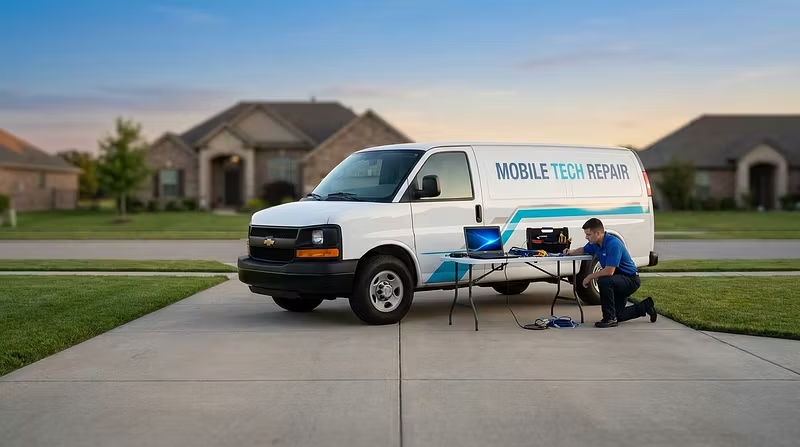
Ran mobile PC repair appointments for gamers for a while now, and the same handful of issues show up over and over. Sharing in case it saves someone a $150 trip to a repair shop.
1. Random crashes/BSOD during gaming, fine otherwise
9 times out of 10 this is unstable RAM overclock (XMP enabled but timings too aggressive) or a GPU driver conflict from not fully wiping the old one before updating. Not a dying part.
2. Massive FPS drops after a Windows update
Windows quietly resets power plan settings and sometimes re-enables CPU throttling features. Check your power plan is back on "High Performance" after any big update.
3. "My PC got slow over time"
Almost never a hardware problem. It's thermal paste drying out (2-3 years old = time to repaste) or just too much background bloat eating RAM. A repaste alone fixes more "slow PC" tickets than any part swap.
4. Won't boot, fans spin, no display
Check the GPU seating and the monitor cable first before assuming a dead motherboard. Reseating a GPU fixes this more often than people expect.
If you're in doubt, it's usually cheaper to have someone actually look at it in person than to guess-and-replace parts one at a time. That's the whole reason I started doing these as mobile appointments instead of shop drop-offs — most of this stuff takes 20 minutes once you're looking at the actual machine.