
Density Zones [OBS] Indicator
Density Zones [OBS]
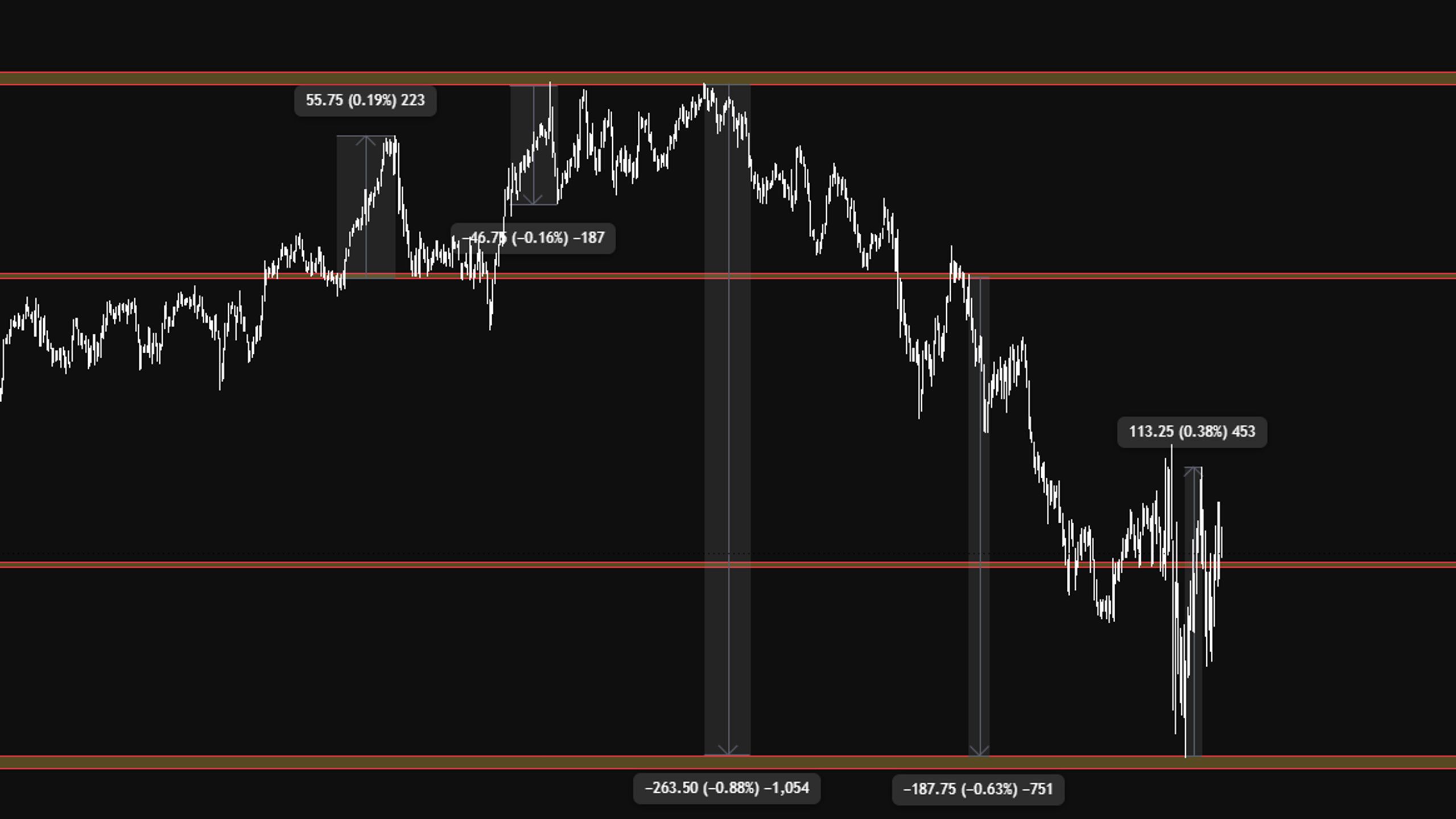
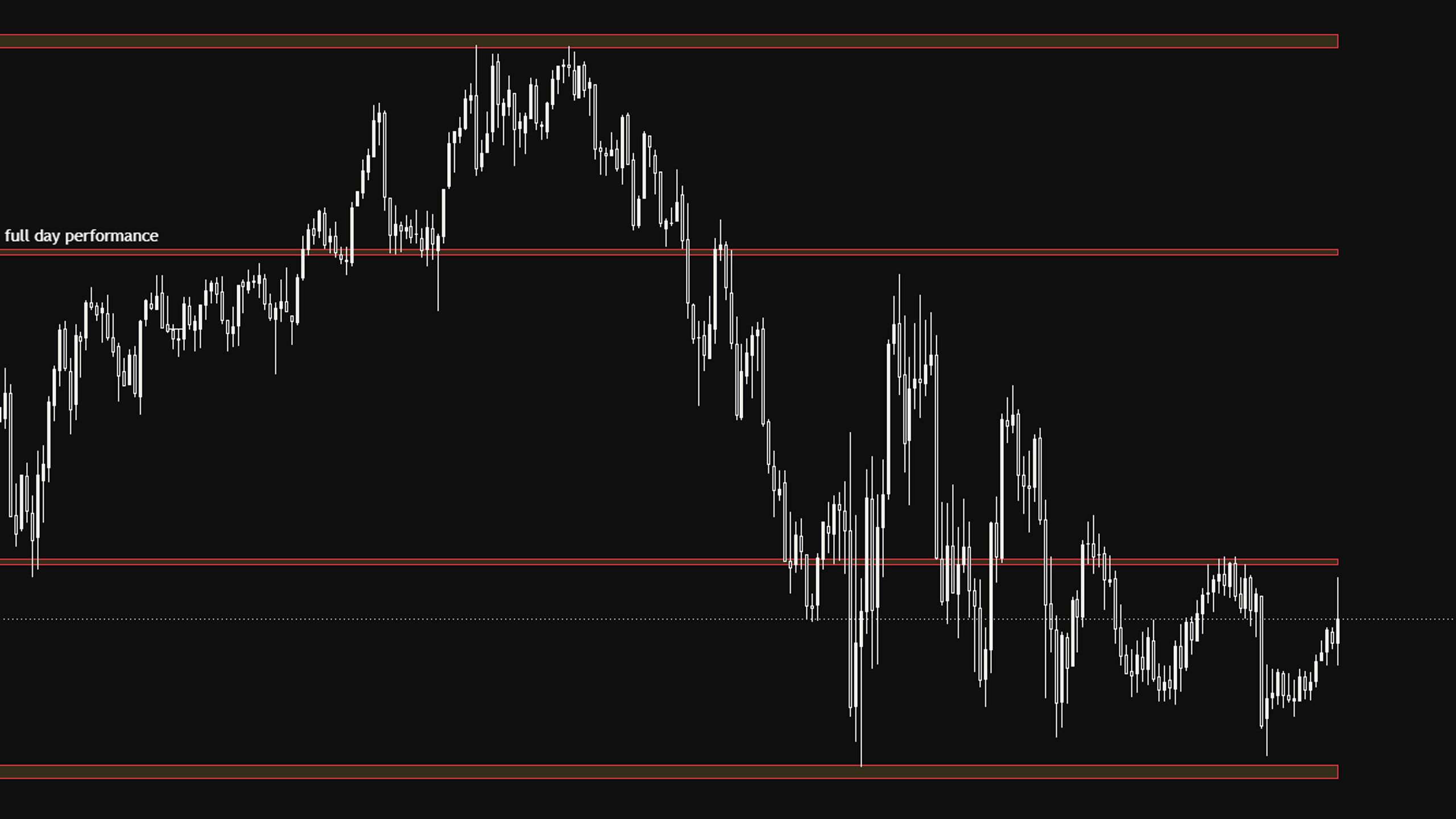
➠ Density Zones [OBS] keeps your chart clean by mapping only the areas that matter: a focused set of high-confluence zones where price tends to react, pause, continue, or expand from. Instead of dozens of levels fighting for attention, you get one clear map to build your decisions around.
The zones are a decision layer to run alongside your own analysis, not a standalone signal.
Modes
➠ Macro Range set to Max is the best all-round setting and the recommended way to run it. Glance at the other Macro ranges now and then, but Max is where to start and where most traders should stay. The defaults are tuned to work as they are.
Micro is the raw version: the granular form of every Macro range combined into one view.
⚠️ Micro is advanced and gets busy fast. Best for experienced traders who can read a dense chart. If that’s not you, stay in Macro with Range set to Max.
More info
Everything you need is built into the indicator. Open settings, go to the Inputs tab, and scroll to the bottom. with access you also get videos on how to use the indicator
Before you trade
Density Zones [OBS] is decision-support, not financial advice and not a signal service. No indicator predicts the market, so use these zones alongside your own analysis, risk management, and trading plan.
- 1 month agoBest indicator in the game! With some experience in the market, this tool is amazing. Catching Low’s and High’s of the day with these are simpleWritten 8 days after purchase