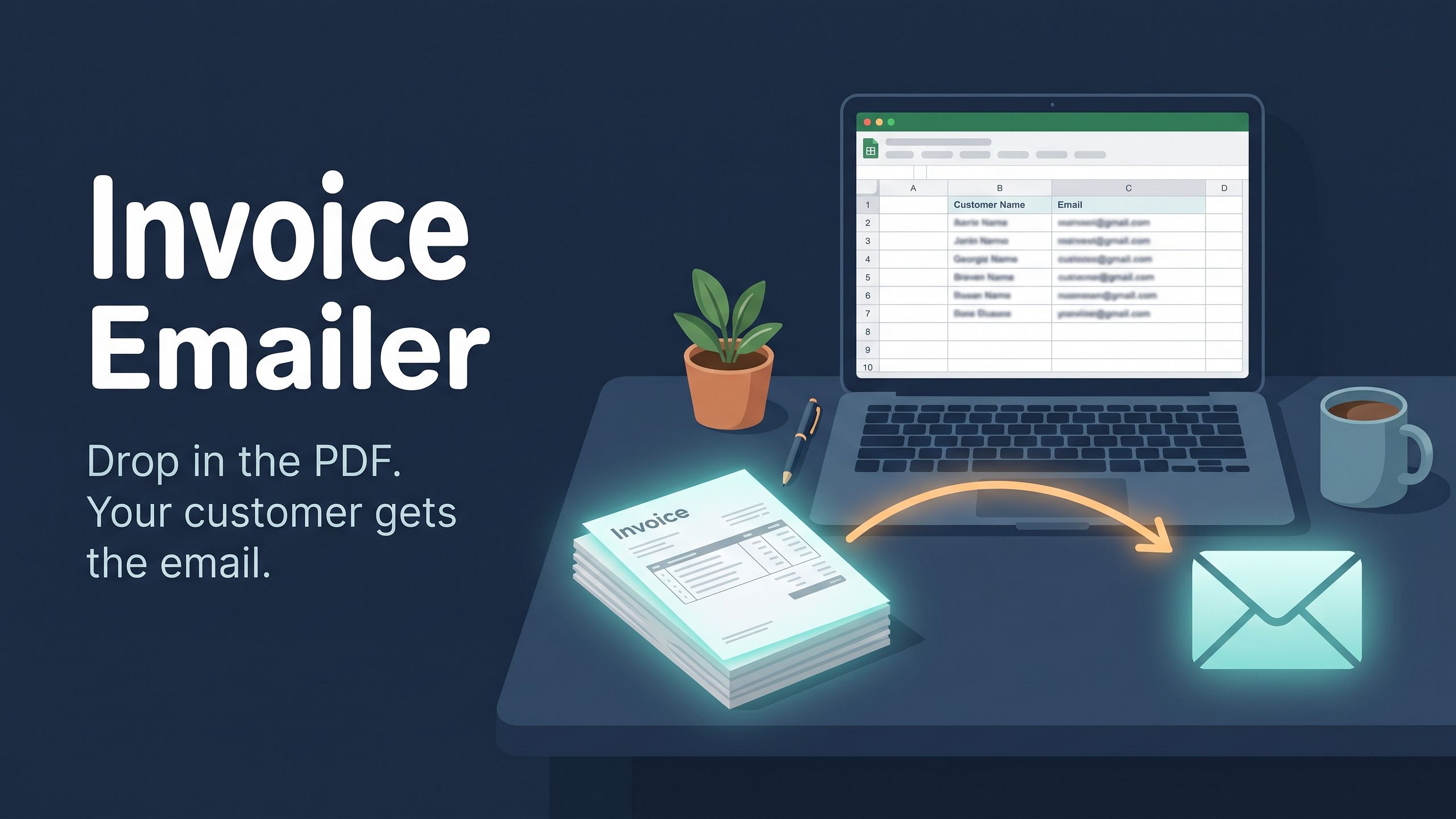
Plainflow Invoice Emailer for Google Sheets and Gmail
Email your invoices without typing a single email.
Email your invoices without typing a single email.
Still sending invoices by hand? Find the PDF, look up the email, write a message, attach the file, press send. Then repeat.
Plainflow Invoice Emailer does it for you. Drop an invoice PDF into a folder and it emails the right customer from your own Gmail.
HOW IT WORKS
- Name each file with its invoice number, like INV-1001.pdf
- List invoice number, customer name and email in the sheet
- Drop the PDF into your Inbox folder
- It finds the customer, writes the email, attaches the PDF and sends it
- The file moves to Done and a log records it
BUILT TO BE SAFE
• Starts in practice mode: Gmail drafts only, nothing is sent until you switch it on
• Problem files (unknown invoice, bad email, duplicate) go to a Review folder, not to customers
• It remembers what it already handled
WHAT YOU GET
• Google Sheet with the tool built in
• Fake sample invoices and customer list to practice with
• Step-by-step setup guide with screenshots
• Troubleshooting page
GOOD TO KNOW
• Works with Gmail and Google Sheets; best with a normal Gmail account
• Google limits daily emails, so it suits small businesses
• Google shows an “unverified app” screen once; the guide shows what to click
• Files must be named with the invoice number; it can’t read numbers inside scanned images yet
• It doesn’t create invoices or track payments