

After checkout you will see a button towards the bottom of your screen the says *Parlay Playbook Empire Page**, click this
This will bring you to a screen where it tells you that you are a member, and has a button that says *"Connect to Discord and claim"**, click this
* If you’re not already logged into Discord on your browser, it’ll ask you to log in.
* Then you’ll be prompted to authorize Whop Discord bot — do that to complete the role connection.
* Once it’s done, come back to the Discord server. You’ll now see the Diamond Klub Member channel unlocked and ready for you.
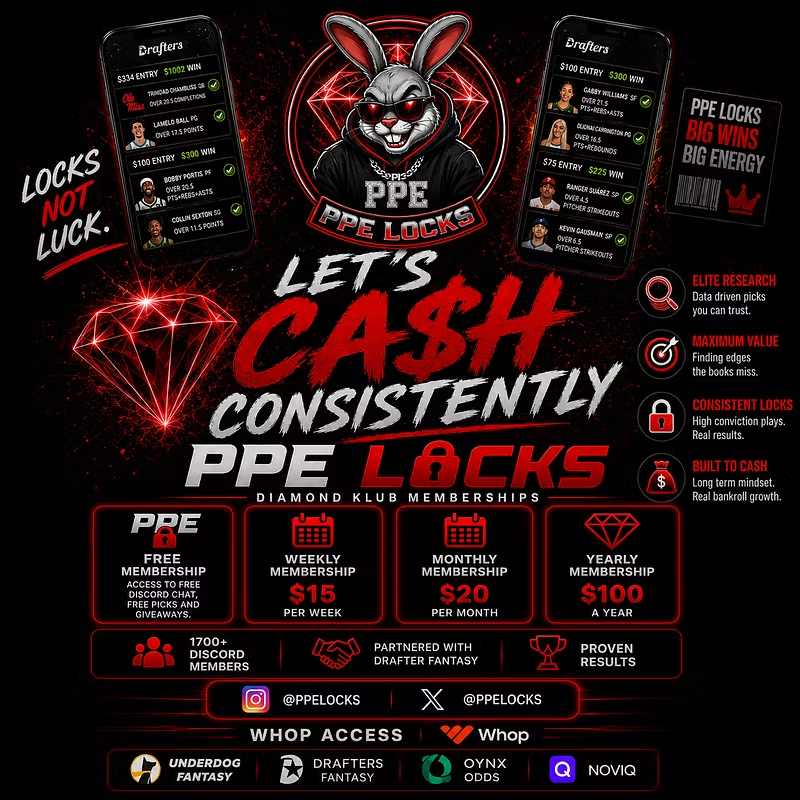
### Thanks for supporting Parlay Playbook Empire. Appreciate you joining — let’s cash consistently 💰🔥
This community keeps growing because of y’all.
