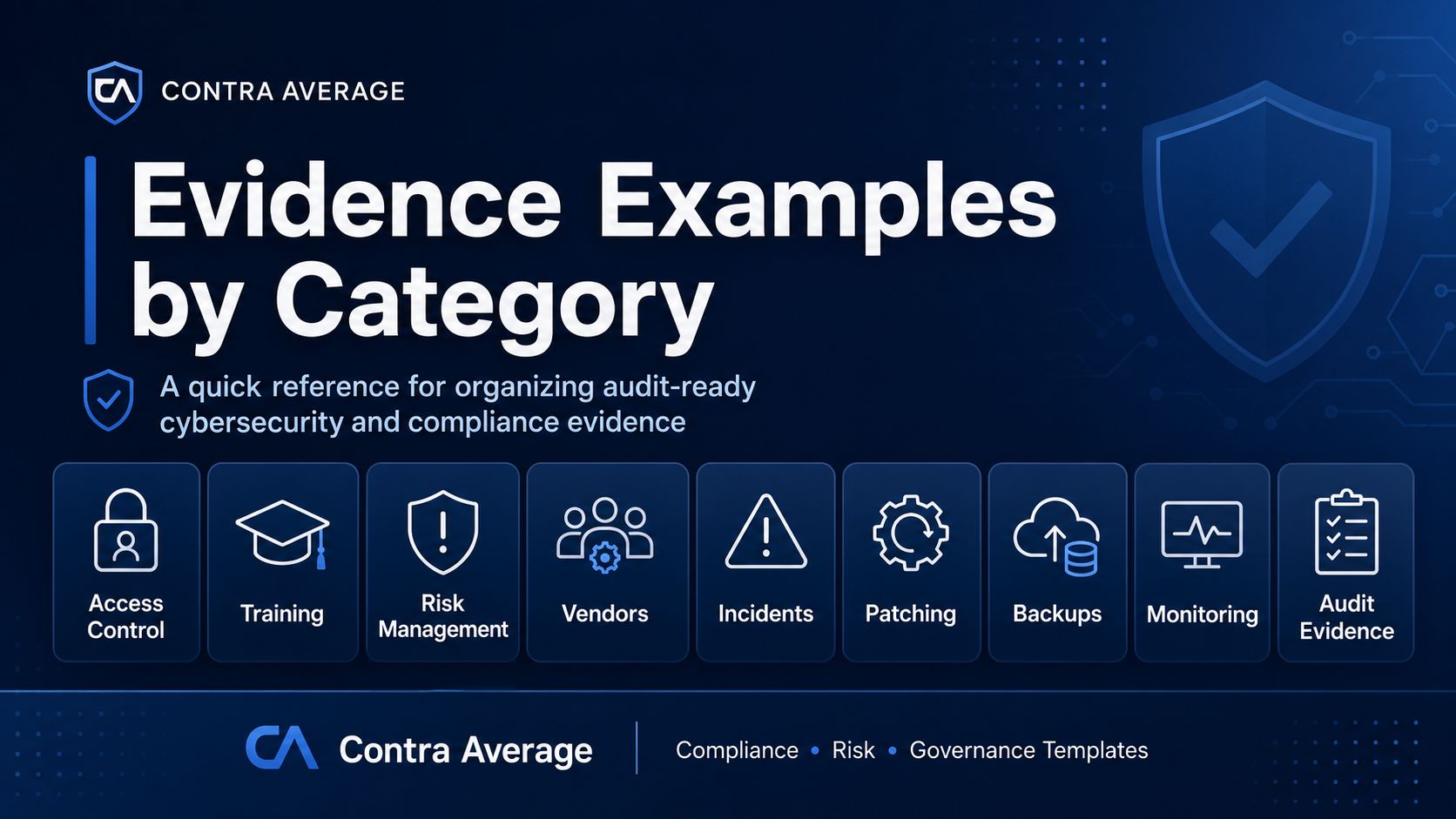


Evidence Examples by Category
Use this page as a quick reference when organizing compliance, cybersecurity, audit, or customer questionnaire evidence.
Good evidence does not need to be complicated. It should show that a control exists, is assigned, is followed, and can be reviewed.
1. Policy & Governance Evidence
Examples:
Approved information security policy
Acceptable use policy
Access control policy
Incident response policy
Vendor risk management policy
Data classification policy
Policy approval record
Policy review log
Board or management meeting minutes
Risk committee notes
Policy attestation forms
Best use: Shows that the organization has documented expectations, leadership approval, and governance oversight.
2. Access Control Evidence
Examples:
User access review log
Role-based access matrix
New user approval record
Access removal confirmation
Privileged access review
MFA configuration screenshot
Password policy settings
Admin account inventory
Access exception approval
Terminated employee access removal record
Best use: Shows that access is approved, limited, reviewed, and removed when no longer needed.
3. Security Awareness & Training Evidence
Examples:
Training completion report
Security awareness calendar
Phishing simulation results
Employee acknowledgment forms
New hire training checklist
Annual refresher training records
Policy acknowledgment log
Training slide deck
Quiz results
Remediation training records
Best use: Shows that employees have been trained and that training is tracked.
4. Risk Management Evidence
Examples:
Risk register
Risk assessment report
Risk treatment plan
Control gap analysis
Risk acceptance form
Remediation tracker
Exception log
Business impact analysis
Risk review meeting notes
Management approval records
Best use: Shows that risks are identified, assessed, assigned, and monitored.
5. Vendor & Third-Party Evidence
Examples:
Vendor inventory
Vendor risk rating
Vendor security questionnaire
Due diligence checklist
SOC 2 report review notes
Contract security clause review
Data processing agreement
Business associate agreement, if applicable
Vendor offboarding checklist
Third-party access review
Best use: Shows that vendors are reviewed before and after onboarding and that third-party risk is tracked.
6. Incident Response Evidence
Examples:
Incident response plan
Incident register
Incident triage form
Investigation notes
Timeline of events
Notification decision record
Root cause analysis
Corrective action plan
Lessons learned report
Tabletop exercise results
Best use: Shows that incidents are identified, investigated, documented, and improved after review.
7. Asset & Inventory Evidence
Examples:
Hardware inventory
Software inventory
System owner list
Data inventory
Cloud service inventory
AI tool inventory
Business application register
Critical system list
Asset classification record
Disposal or offboarding record
Best use: Shows that the organization knows what systems, tools, data, and assets it is responsible for protecting.
8. Vulnerability & Patch Management Evidence
Examples:
Vulnerability scan report
Patch status report
Remediation tracker
Critical vulnerability exception record
Patch management policy
System update log
Configuration baseline
Change approval record
Penetration test report
Retest or closure evidence
Best use: Shows that security weaknesses are identified, prioritized, remediated, and tracked.
9. Backup, Recovery & Continuity Evidence
Examples:
Backup schedule
Backup success report
Restore test results
Disaster recovery plan
Business continuity plan
Recovery time objective records
Recovery point objective records
DR tabletop exercise notes
Emergency contact list
Post-test improvement plan
Best use: Shows that the organization can recover critical systems and continue operations during disruption.
10. Monitoring & Logging Evidence
Examples:
Security monitoring procedure
Log review checklist
Alert triage records
SIEM screenshot
Endpoint detection report
Failed login review
Admin activity review
Monthly monitoring report
Exception or escalation records
Evidence of issue closure
Best use: Shows that security events are monitored and reviewed.
11. Compliance & Audit Evidence
Examples:
Evidence request list
Control matrix
Compliance checklist
Internal audit plan
Internal audit report
Management response tracker
Corrective action tracker
Control owner list
Audit interview notes
Evidence index or binder
Best use: Shows that compliance work is organized, traceable, and ready for review.
Practical Tips for Better Evidence
Strong evidence is usually:
Current
Dated
Owner-assigned
Clear enough for a reviewer to understand
Stored in a consistent location
Linked to a control, requirement, or policy
Reviewed on a defined schedule
Avoid relying only on screenshots when a log, report, approval record, or completed tracker would provide stronger support.
Simple Evidence Naming Format
Use a consistent naming convention such as:
ControlArea_EvidenceType_System_Date_Owner
Example:
AccessControl_UserAccessReview_GoogleWorkspace_2026-06-30_IT
Important Note
These examples are for general educational and documentation support purposes only. They are not legal advice, do not guarantee compliance, and may need to be adjusted based on your organization’s systems, industry, contracts, and regulatory obligations.