simple-file-converter
Easy File Converter: Format, Reorder & Trim Offline
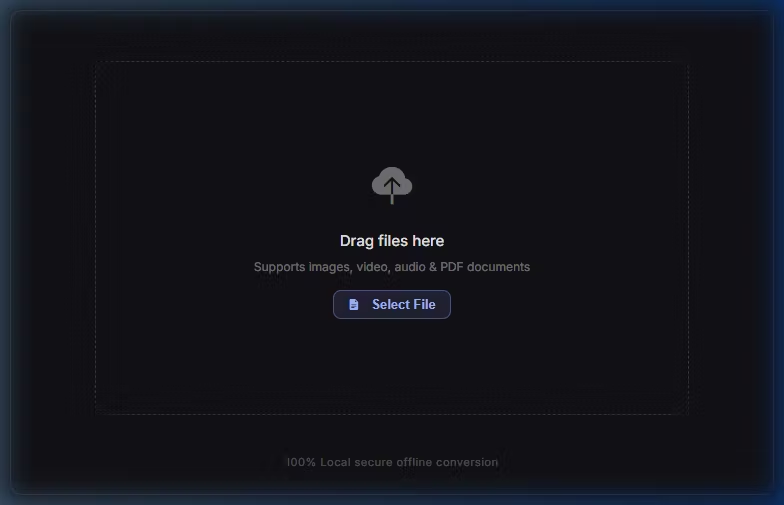
A simple, offline utility tool for converting and editing PDFs, images, videos, and audio.
Everything runs locally on your computer. Your files are never uploaded to any server, keeping your documents and private data safe.
> ⚠️ Note: This module requires the Pro Version (正式版) of SmallTools. The Free version does not support importing custom extensions.
Features
1. PDF Tools
Visual Reordering: View pages in a grid to rotate, delete, or drag-and-drop to reorder them.
Merge & Split: Combine multiple PDFs into one, or extract specific page ranges (e.g.,
1-3, 5).Offline Compression: Reduce PDF file size without uploading.
2. Image Tools
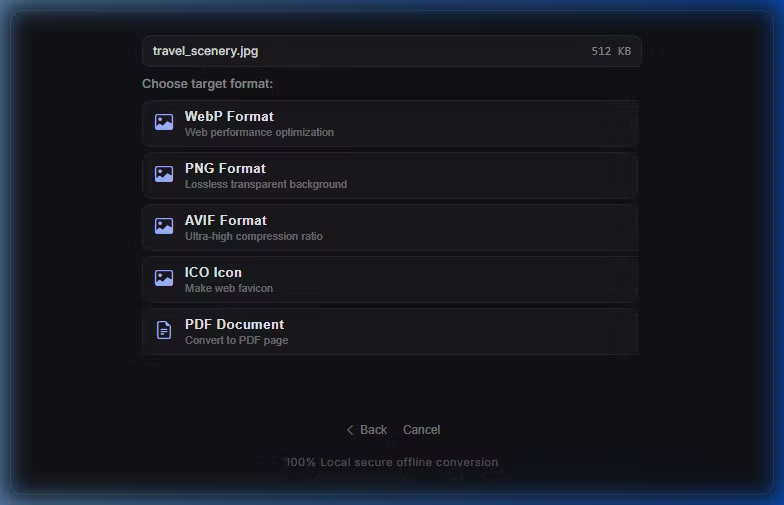
Format Conversion: Convert between PNG, JPG, WebP, AVIF, Favicon (.ico), and HEIC.
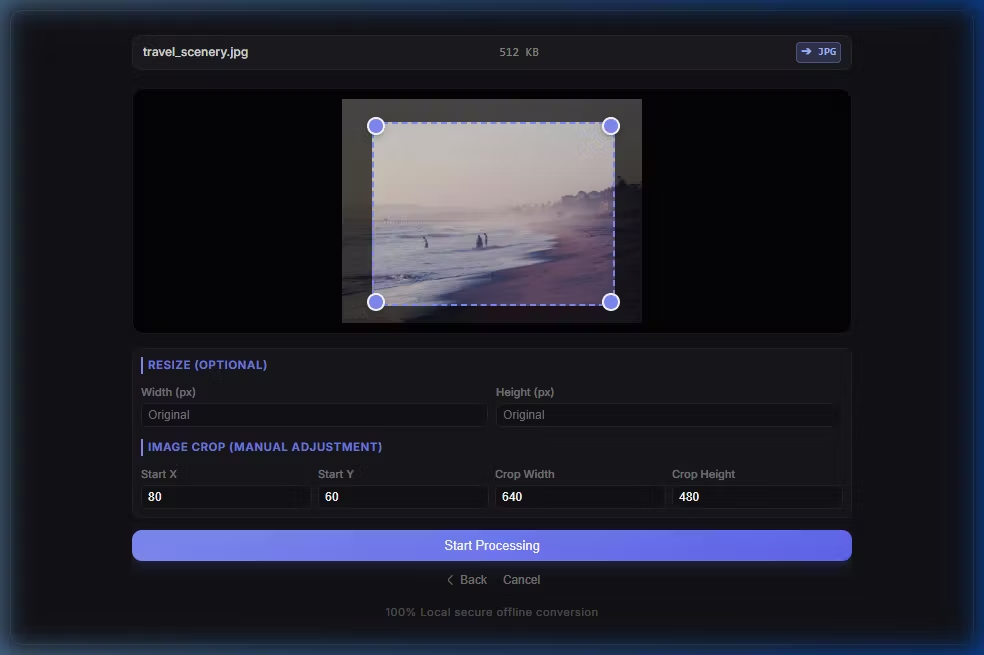
Crop & Resize: Crop images manually or enter exact pixel dimensions to resize.
3. Video & Audio Tools
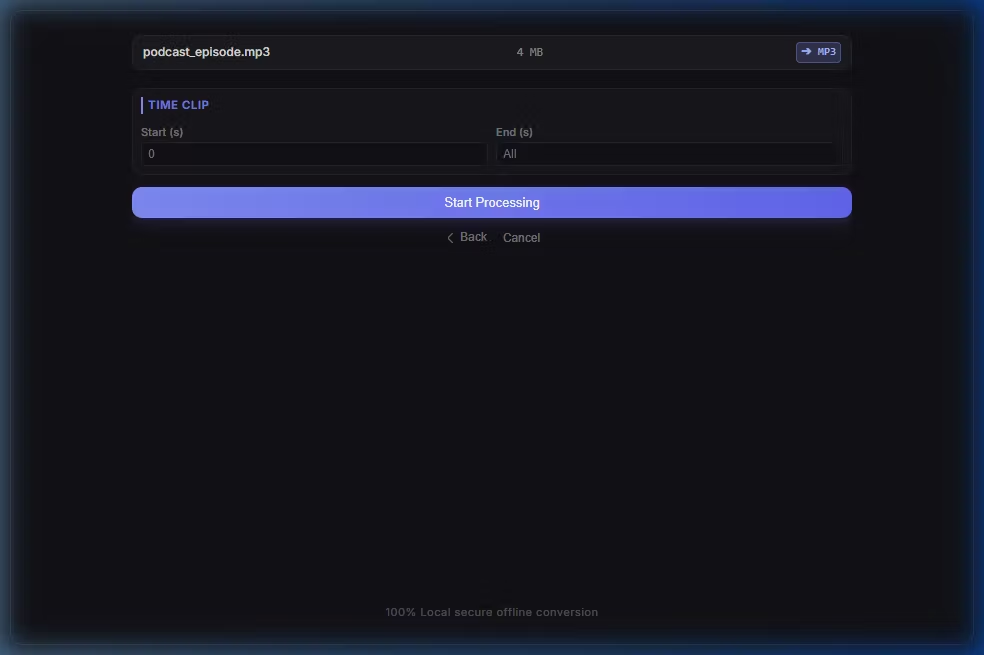
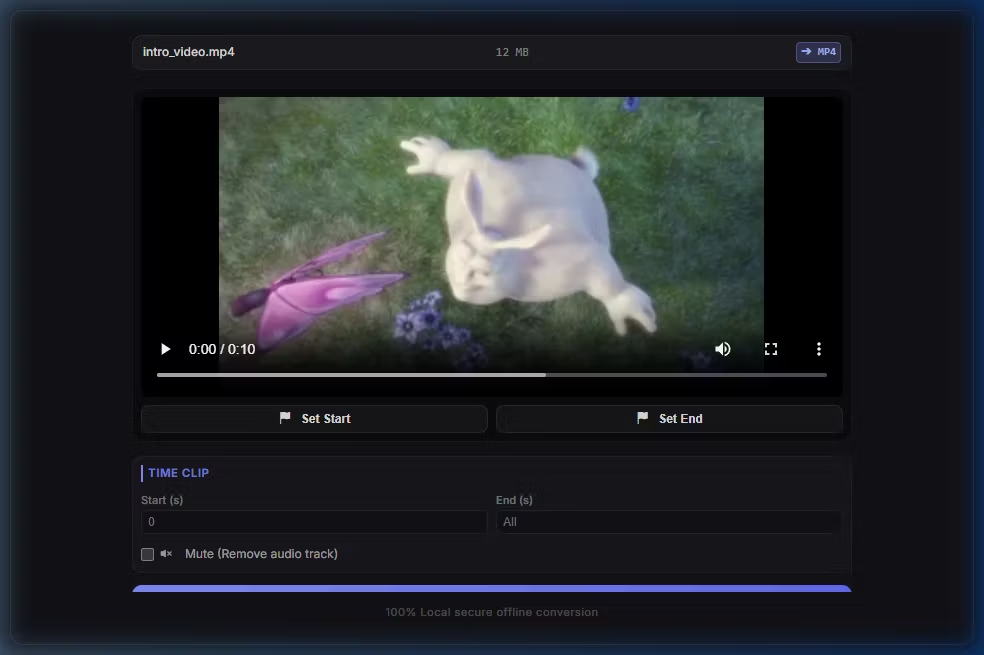
Timeline Trimming: Set start and end markers to cut video and audio clips locally.
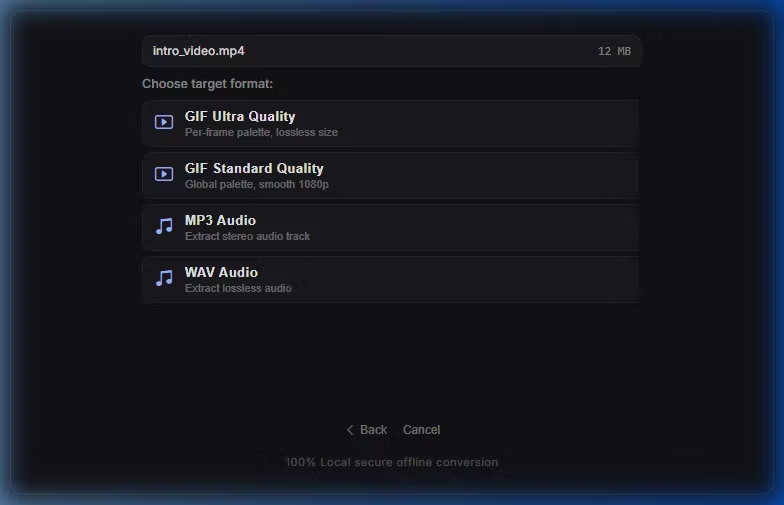
GIF Maker: Convert video segments into GIFs.
Audio Extraction: Save video soundtracks as MP3 or WAV files.
Audio Converter: Convert between MP3 and lossless WAV.
How to Install
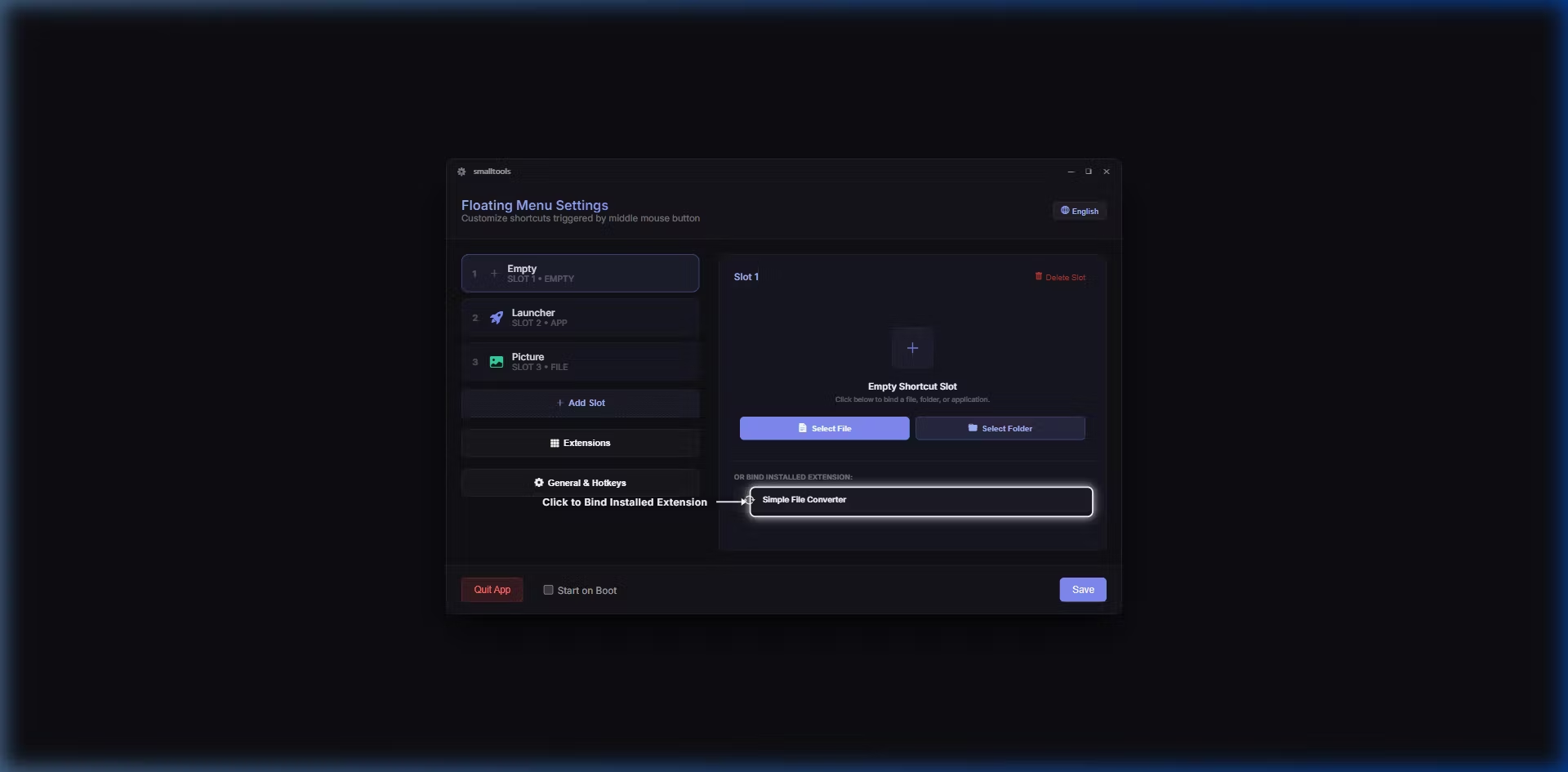
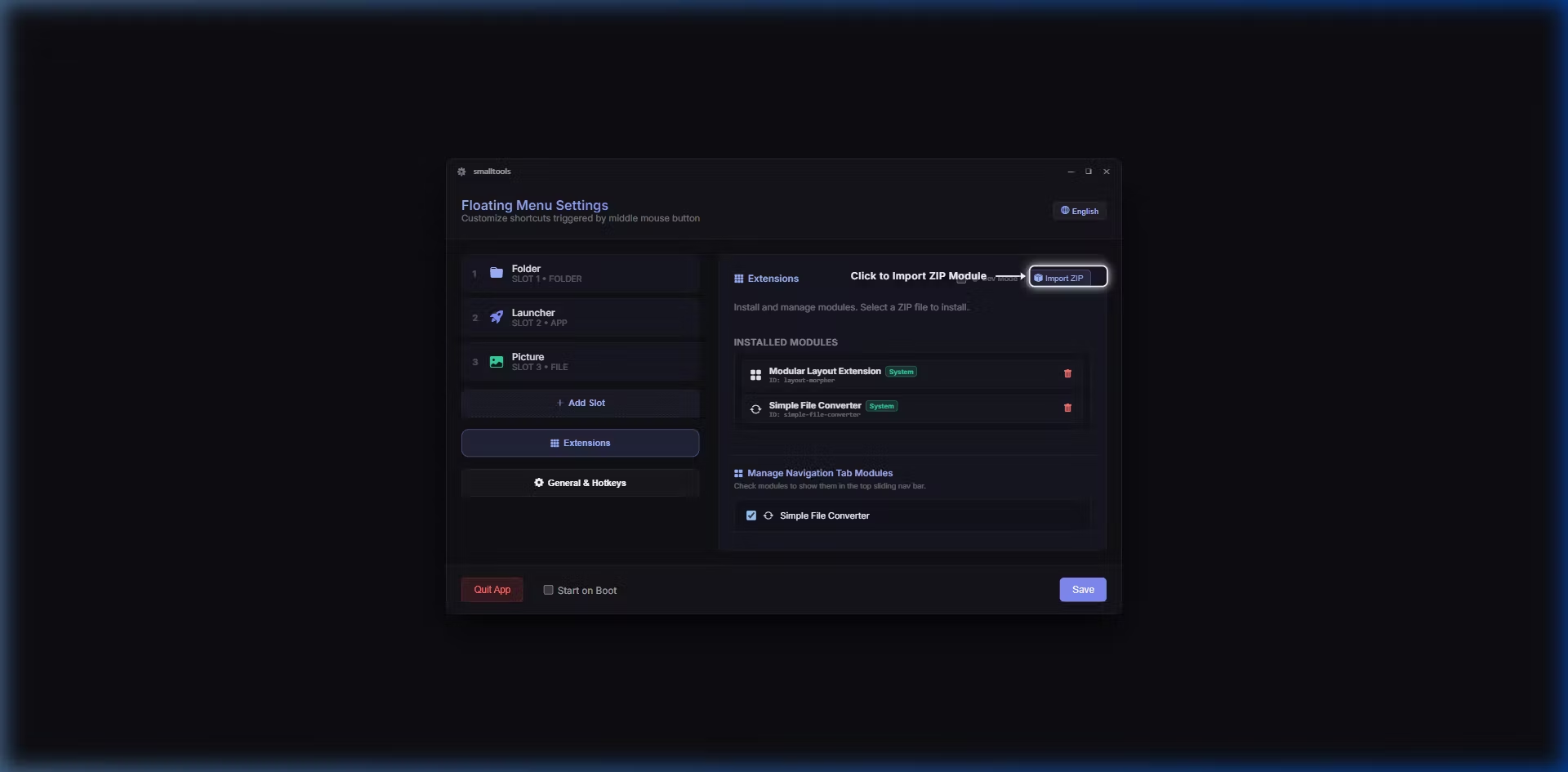
Open your SmallTools (Pro Version) Settings panel.
Click the Extensions tab and select Import ZIP.
Choose the downloaded
simple-file-converter.zippackage.Click on any empty Shortcut Slot and select File Converter & Editor to bind it.