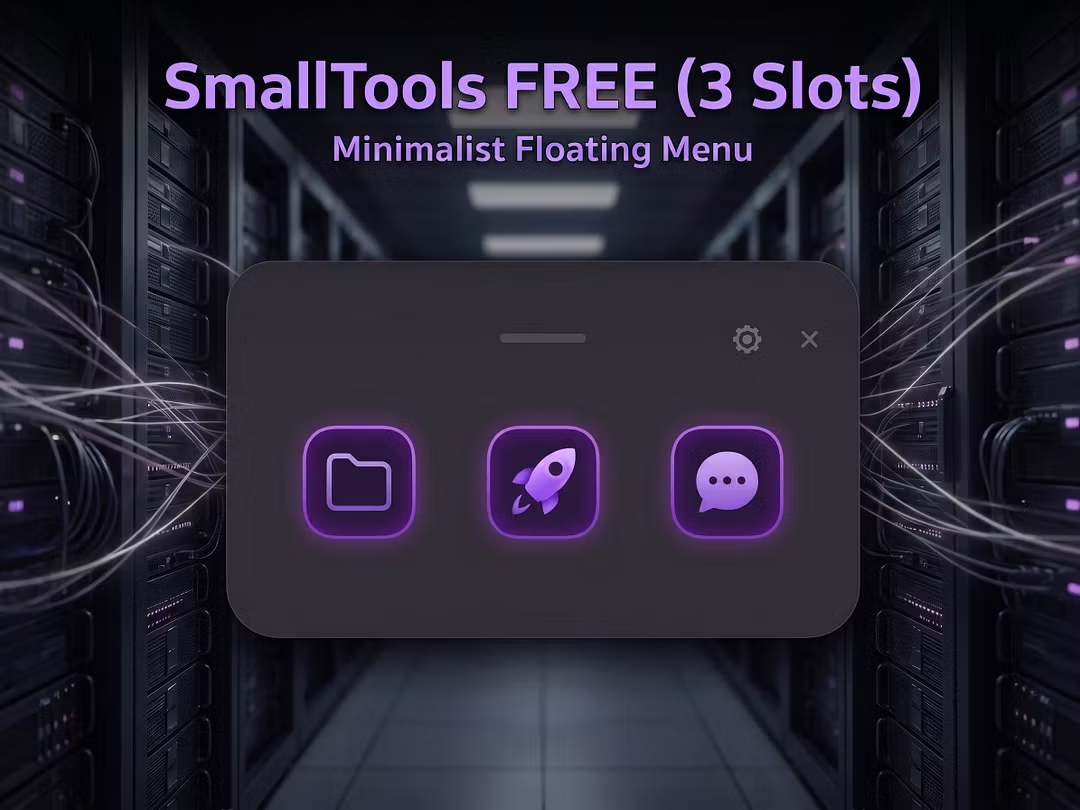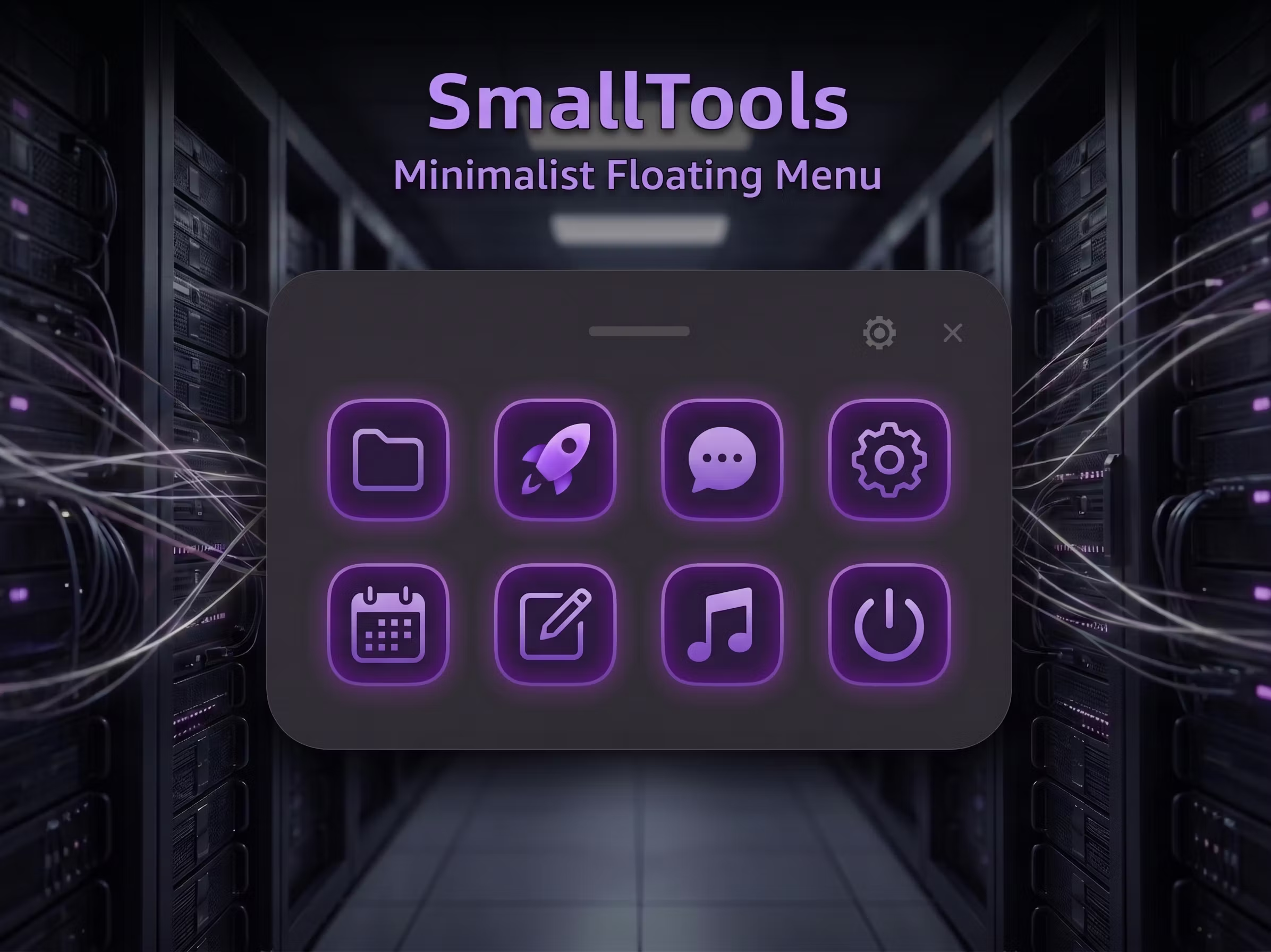
SmallTools
Minimalist Floating Menu
SmallTools — Minimalist Floating Menu (Lifetime)
Tired of desktop clutter? SmallTools is a clean, floating shortcut panel that stays out of your way until the exact second you need it.
🕹️ Quick Start
Launch
SmallTools 1.0.0.exe(runs silently in your System Tray).Hold your trigger key (Default: middle mouse) to summon the panel at your cursor.
Left-click the System Tray icon to configure slots, hotkeys, and themes.
🚀 Standard Edition Features
8 Slots: Bind up to 8 slots for apps, folders, or files with drag-and-drop.
Custom Hotkeys: Record any keyboard combination or mouse side-buttons.
Themes: Instantly apply premium glassmorphism or retro style themes.
Zero FPS Impact: Low memory footprint; zero impact on game performance.
Future Proof: One-click install for future extension modules (like converters).
✍️ Developer's Note
Built for my own workflow. As a solo dev, I offer no active customer support but will keep the app stable. Updates are self-paced. This is a one-time purchase—no subscriptions.
(Note: If Windows blocks the app, please read the included README_Standard_Run_First.txt for quick unlocking instructions.)