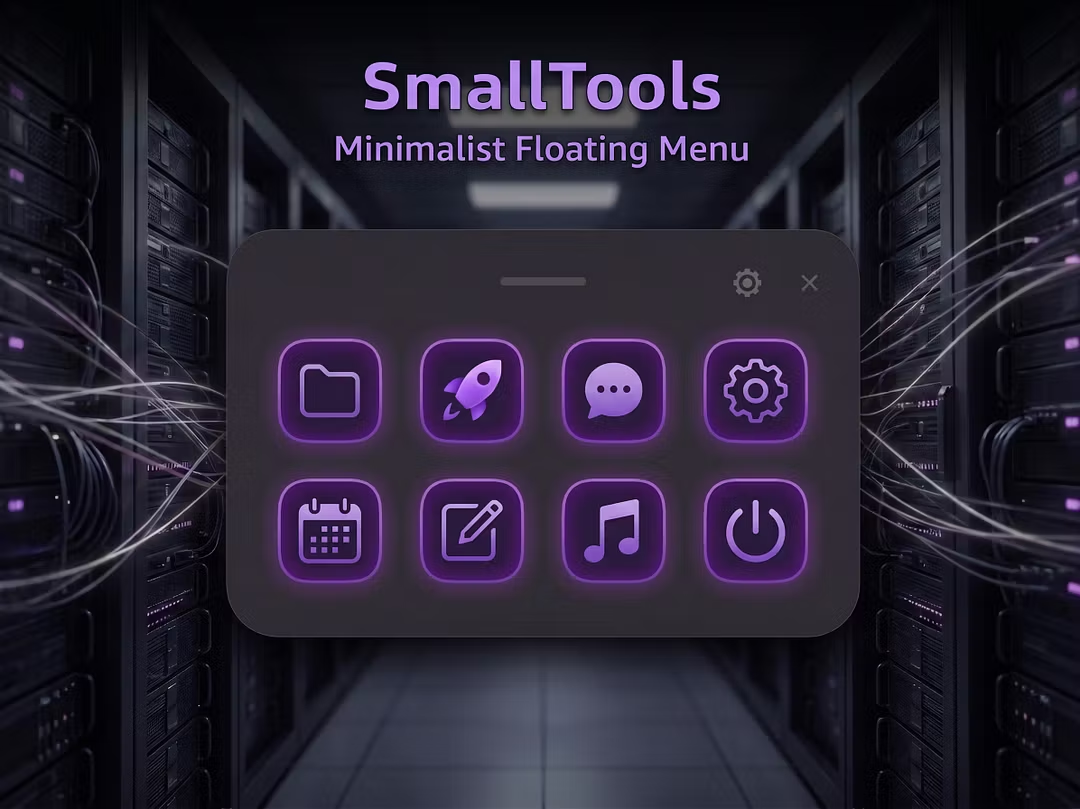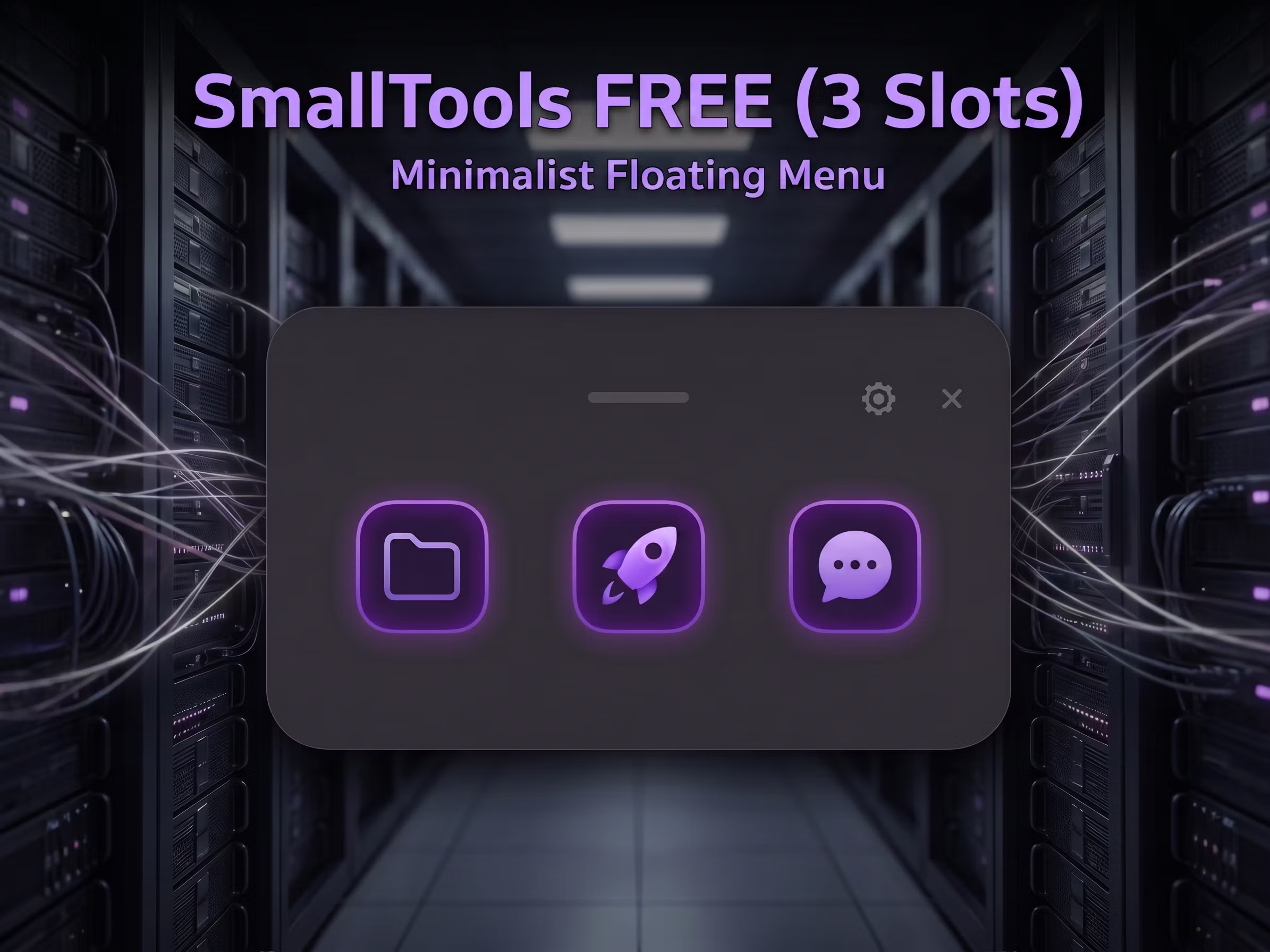
SmallTools Free
Lightweight Floating Menu (3 Slots)
SmallTools FREE — Lightweight Floating Quick Launcher
Tired of desktop clutter or minimizing games just to open folders? SmallTools FREE is a clean, floating shortcut panel that stays out of your way until the exact second you need it.
🕹️ How to Use (Quick Start)
Launch
SmallToolsFree 1.0.0.exe(runs silently in your System Tray at the bottom right).Press and hold middle mouse button (scroll wheel) for 0.8s to summon it.
Left-click the System Tray icon to open Settings and configure your slots.
🛠️ Core Features
Cursor-Centric Summon: Summons the panel instantly at your cursor location.
3 Slots: Bind your most-used apps, folders, or files with drag-and-drop.
Zero FPS Impact: Low memory usage, perfect for gaming or coding.
Acrylic UI: Beautiful glassmorphism theme with clean iOS-style squircles.
Set and Forget: Built-in auto autostart via Windows Task Scheduler.
✍️ Developer's Note
Built for my own workflow. As a solo dev, I offer no active customer support but will keep the app stable. Updates are self-paced. If a Pro version launches later, it will be a one-time purchase—no subscriptions.
(Note: Extract the zip and run. If Windows blocks the app, please read the included README_Run_First.txt for quick unlocking instructions.)