ClipRoute

Free clipping guides and courses: Clip Kit, Campaign Filter, Launch Protocol, Edit Standard, Retainer Route, Campaign Radar, AI Clipping...
7 joined
Profile picture
Cristian ChitimusProfile picture@cristianchitimus·13h

The caption trick top editors use (and most clippers miss)


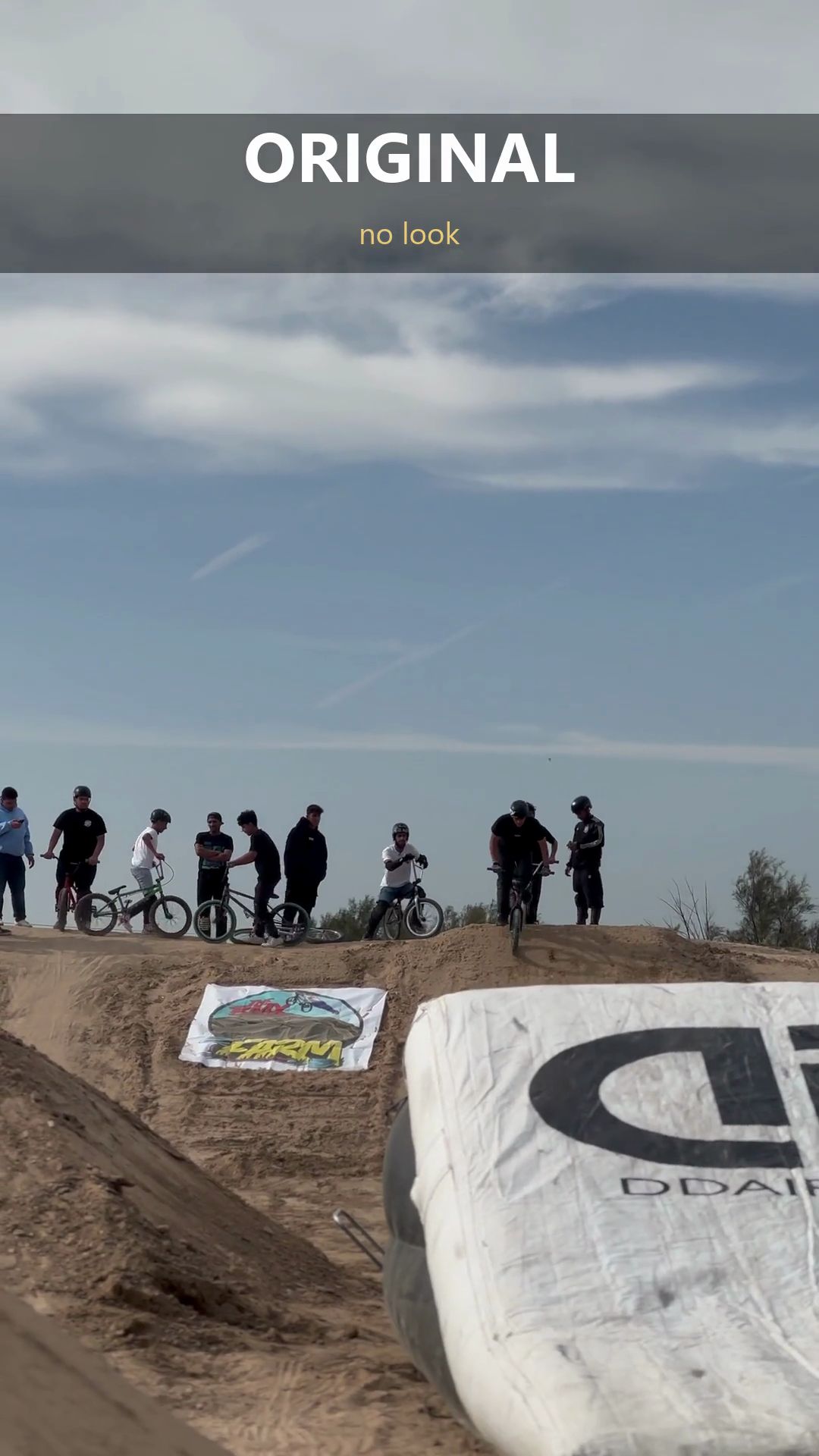
I went frame by frame through a viral creator reel today (1,671 frames). The big difference wasn't the font or the colours. It was how the text ENTERS and LEAVES:


  1. The key word flies in from off-screen as a motion-blur smear, lands slightly TOO big (it even gets cut by the edge), then snaps back in ~7 frames.

  2. The small connector words just come into focus in place (blur to sharp, 5 frames).

  3. The whole block never slides out. It defocuses, scales up ~12% and fades in 7 frames, while the next block is already coming in on top.

  4. While it's on screen, the block drifts a tiny bit. Static text reads as cheap.


All lowercase, 2-3 lines, one accent word in bold italic yellow with glow. I'm adding it to FXLIB as a caption preset your AI can apply. Want a before/after? Comment "CAPTIONS".

Profile picture
Cristian ChitimusProfile picture@cristianchitimus·1d

CLIPROUTE RELAUNCH: every clipping guide is now free


What changed today (23 September):


  • 7 guides are now free: Clip Kit, Campaign Filter, Launch Protocol, Clip Edit Standard, Retainer Route, Campaign Radar and the AI Clipping System.

  • Every PDF has a new dated "field update" page with what a month of real Content Rewards submissions taught us. Biggest fix: one TikTok account per niche. We used to recommend pivoting one account between campaigns. That was wrong, and the guide now says so.

  • New: ClipRoute Academy, 3 free courses written as lessons: Content Rewards from zero, the winners analysis template (blank template included), and TikTok vs YouTube vs Instagram.

One finding from the winners analysis: on two Prime Video UK campaigns, channels of 195 to 2,000 subscribers made 20K to 200K views per clip with the full scene, one meme line and zero effects. Account size did not decide who got paid.


Start here:


FXLIB (224 measured effects your AI can apply) stays the only paid clipping product.


Which guide should we update next? Reply below. No views, jobs or earnings are guaranteed.

Profile picture
Cristian ChitimusProfile picture@cristianchitimus·1d

What the #1 Hazbin Hotel clipper did ($1,177 from 12 clips)


We pulled the top 16 clips from the Prime Video UK campaigns (Hazbin Hotel + Helluva Boss) on Content Rewards. The pattern:


1) Platform: 7 YouTube Shorts, 8 Instagram Reels, 1 TikTok. The #1 clip (653K views) is a 14-second YouTube Short.

2) The full 16:9 scene, letterboxed. No vertical crop, no zoom.

3) One meme line on top, white text + emoji, for the whole clip. Not a question, a relatable reaction.

4) 10-15 seconds. Original audio. Zero effects.

5) We clipped the exact same scene: 264 views on TikTok. Theirs: 653K on YouTube. The footage wasn't the problem. Platform and format were.


Takeaway: before you edit anything, open the campaign's top clips and copy the format. Complexity hides weak selection.


Which campaign are you clipping this week? Drop it below.

Profile picture
Cristian ChitimusProfile picture@cristianchitimus·2d

RALLY SHORT: EDITED 100% WITH FXLIB


New showcase: a rally and drift Short, planned, rendered and checked by an AI agent with FXLIB. No timeline.


What's in it:

  • Character effects on the cars themselves: materialize from light, contour echo, particle disperse, speed dash, energy teleport, shapeshift burn.

  • A speed ramp that lands on the pass, transitions picked per shot (split, bar wipe, rotate, ink wipe, light streak, spin).

  • 5 different colour looks, one per section, from the FXLIB look set.

  • 27 different effects in 18 seconds, none used more than twice.


Want the free pack? Comment FXLIB below and I'll reply. The 8 free colour LUTs are also in the earlier post in this feed.


Full library:

Profile picture
Cristian ChitimusProfile picture@cristianchitimus·2d

FXLIB UPDATE: 224 EFFECTS + 8 FREE COLOUR LUTS


FXLIB grew from 186 to 224 effects since launch last week.


What's new: 32 original colour looks, now exportable as .cube LUTs. They work in CapCut desktop, DaVinci Resolve, Premiere and ffmpeg, not only inside FXLIB. Plus new effect IDs across transitions, character effects, captions and graphics, each with measured parameters and frame sheets.


Free for everyone: 8 of the 32 looks are attached to this post (teal & orange, golden hour, cinema matte, crushed B&W, vintage faded, cold steel, neon cyan, pastel). Use them in any personal or client video. Start at 60-80% on skin tones.


The full library, built so an AI agent can plan, render and check an edit without a timeline:


Which look do you want next? Reply with a reel and the colour you're after.

zip
FXLIB-free-looks-8-LUTs.zipArchive · -1.0 B
Profile picture
Cristian ChitimusProfile picture@cristianchitimus·Sep 16
Pinned post

START HERE: FXLIB - video effects your AI can actually use.


224 measured effects as JSON plans, catalog, recipes, tools and GPU render code. Your AI agent (Claude Code, Cursor, any agent that can read files and run commands) reads the catalog, writes a plan, renders, runs QA and reads the frame sheets. No After Effects, no timeline, no keyframes.


Watch it work - a rally Short with 27 different effects, character effects on the cars, cut entirely by an AI:


Free pack: 8 colour LUTs (CapCut, Resolve, Premiere) are attached to the "FXLIB UPDATE" post in this feed.


Get FXLIB - $49 founding lifetime, every update included (new effects daily):


Requirements: Python 3.11, ffmpeg, Node, optional NVIDIA GPU. Third-party stock assets come as a licensed manifest + downloader with your own free API keys, not as resold files. Refunds: 7 days if nothing renders on a supported setup and we could not fix it with you.


Also here, all free since 23 September: the clipping guides (Clip Kit, Campaign Filter, Launch Protocol, Clip Edit Standard, Retainer Route, Campaign Radar, AI Clipping System), 3 ClipRoute Academy courses and Clippers Chat. No views, jobs or earnings are guaranteed.

Profile picture
Cristian ChitimusProfile picture@cristianchitimus·Sep 11

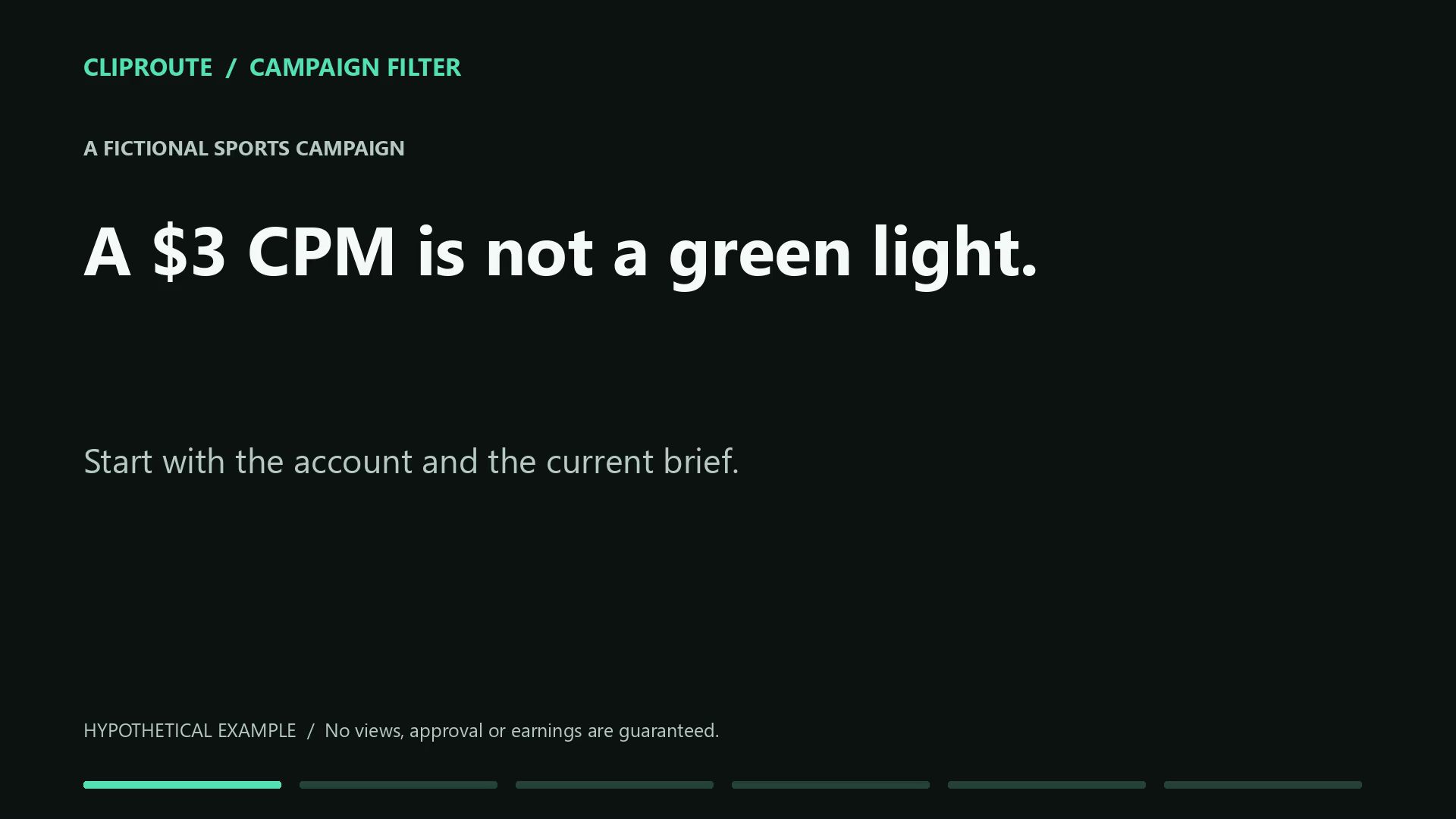
A $3 CPM DOES NOT MEAN YOUR ACCOUNT IS READY.


Try this 60-second example before your next edit.


Fictional campaign: sports page, $3 per 1,000 qualifying views, $12 minimum per clip, application approval required before posting.


Your page fits the theme. Your application is still pending.


The math: $12 / $3 x 1,000 = 4,000 qualifying views per clip. Two clips at 2,000 each do not individually reach that per-clip threshold.


The decision is CHECK. The rate and theme do not replace approval, audience requirements or permission to use the source.


Your exercise: write down the campaign link, your exact account, the current brief and the first fact you cannot verify. Ask that one question through the campaign's approved help route before editing.


The free Clip Kit downloads now include a two-page Campaign Fit practice sheet. Use it on one campaign and bring the first unclear rule to Clippers Chat:


The video and calculations are illustrative, not a current campaign or payout. No views, approval or earnings are guaranteed.

Profile picture
Cristian ChitimusProfile picture@cristianchitimus·Sep 10

YOUR FIRST LINE MAKES A PROMISE. DOES THE CLIP DELIVER?


Before adding another transition, check whether a new viewer can understand why this moment matters.


Example for a story where someone rejects an offer, then explains what changed:


Vague: "You need to hear this."

Specific: "He turned down the offer. Here's what changed his mind."


Use the specific version only if the footage actually tells that story. A hook should clarify the moment, not invent one.


Three checks before exporting:


  1. CONTEXT: Can someone understand the opening without watching the full episode? Keep the detail they need.

  2. PACING: Remove repeated setup and dead air. Keep pauses that make the reaction or explanation land.

  3. PAYOFF: Does the ending answer the question raised at the start? Watch once with sound, then check that captions preserve the meaning.


Try this on your next edit: write two truthful openings for the same moment and choose the clearer one before adding effects.


Want a repeatable review process? The Clip Edit Standard includes a 9-page guide and a printable per-clip checklist for hooks, pacing, framing and sound. $39, one-time.


Get the checklist:

Profile picture
Cristian ChitimusProfile picture@cristianchitimus·Sep 9

CHECK FIRST. EDIT SECOND.


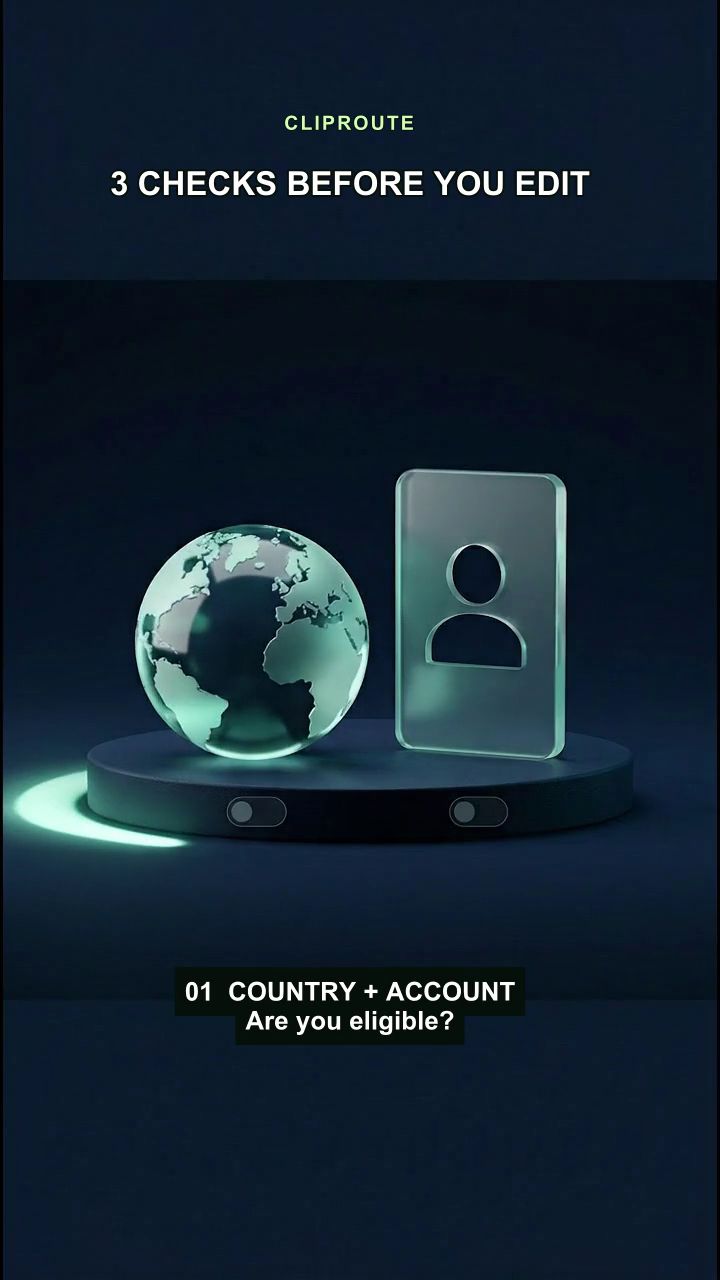
Before editing for a campaign, check country/account eligibility, minimum payout, and which views and clips qualify for approval.


Our AuditDock card-clipping project shows why these checks matter. We work from a campaign's approved source material, choose a story rather than just a price reveal, cut the dead air, and track each upload and submission separately.


A dated checkpoint from our project log: on September 7, 2026, YouTube Studio showed 39,174 channel views over 28 days and 73 new subscribers. These are channel metrics recorded at that time, not current totals, verified payouts, or proof that buying a guide will produce the same result.


The lesson: a published clip, a campaign submission, an approval and a payment are different milestones. Views alone do not establish earnings. Audience geography and campaign terms can change whether a clip qualifies.


Try this first: take one transcript you own or are allowed to use, choose a moment, write a hook and check the subtitles. Then apply the campaign's current requirements before posting.


Get the free 10-prompt Clip Kit:


Optional guides: Campaign Filter for pre-edit checks; Clip Edit Standard for editing and quality checks; Launch Protocol for account setup and an observation journal.


This is our independent workflow example, not an endorsement from Topps. The short video uses AI illustrations and a synthetic voice; it does not show an actual campaign or payout. No views, acceptance or earnings are guaranteed.

Profile picture
Cristian ChitimusProfile picture@cristianchitimus·Sep 8

Before you edit, check the payout threshold.


Example: a $10 minimum at $2 per 1,000 views means 5,000 qualifying views. Check whether that minimum applies per clip or across clips, then read the platform, audience and approval rules. This is an illustrative example, not a current job offer.


Bring one campaign question to Clippers Chat: paste the campaign link, your platform and the rule you are unsure about. The community and 10-prompt Clip Kit are free.


Want to see the method first? The Campaign Filter page includes a 50-second demo and a real checklist preview. The full PDF is $19 once.


Tried a prompt or a check? Tell us what helped and what was confusing. Honest feedback helps improve the tools. No views, approval or earnings are guaranteed.