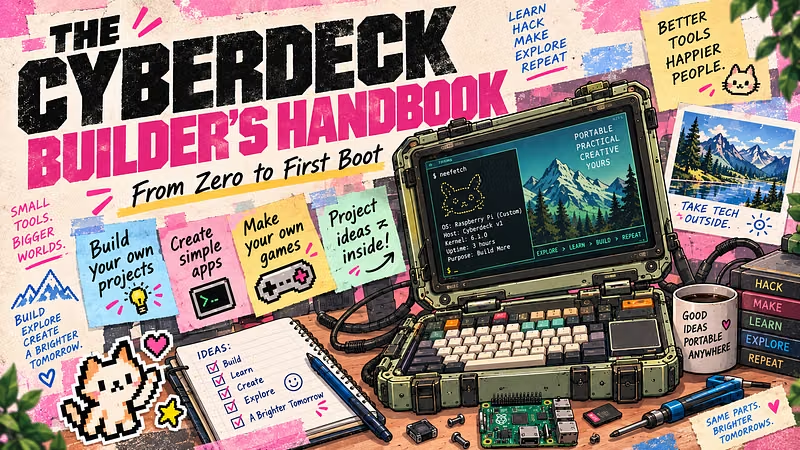


A hands-on visual guide for makers, engineering students, Raspberry Pi enthusiasts and creative coders who want to build a cyberdeck from scratch — and actually do something interesting with it.
You’ll start with a simple working Raspberry Pi setup, then move into custom software and hardware projects including NFC automations, retro gaming, your own Python games, camera/OCR experiments, SDR exploration, custom controls and personal dashboards.
No advanced engineering background required.
What you’ll build & learn
Build the core cyberdeck
Prepare Raspberry Pi OS
Connect and test your display
Set up keyboard input
Plan your cyberdeck layout
Get from loose components to a working system
Make it your own
Create your own Python projects
Build simple pixel games with Pygame
Design a personal cyberdeck dashboard
Launch projects and workflows with NFC tags
Create physical buttons and macro controls
Explore real hardware projects
Camera + OCR projects
Object and document recognition ideas
USB SDR signal exploration
NFC / RFID automation projects
Custom hardware/software workflows
Go beyond the basic build
Retro gaming setup ideas
Creative project concepts
Troubleshooting guide
Ideas for future cyberdeck upgrades and experiments
Who it’s for
Perfect for:
Makers & DIY builders
Engineering students
Raspberry Pi beginners
Hobby programmers
Creative coders
Retro-tech enthusiasts
Anyone interested in combining software + hardware
You do not need to be an experienced engineer or programmer to start.
What’s included
Digital Cyberdeck Builder’s Handbook
Visual step-by-step PDF guide
Beginner-friendly explanations
Python project examples
Hardware project ideas
Troubleshooting reference
Lifetime access to the handbook