DigitalNest

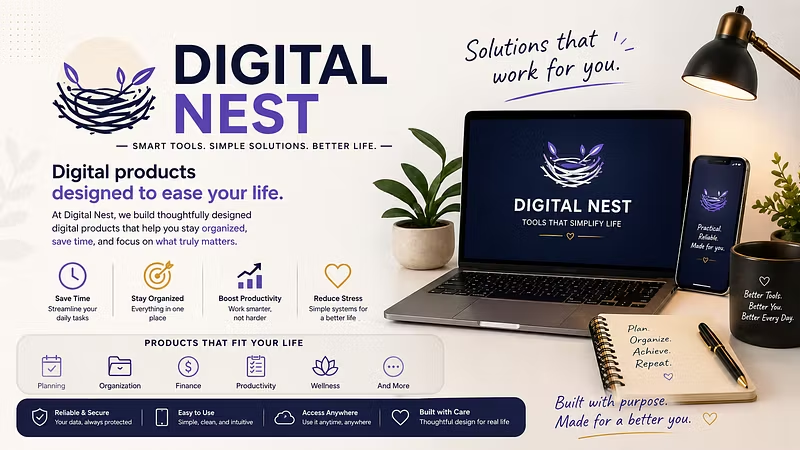
Building small digital tools and figuring things out along the way. Focused on keeping things simple and useful.
1 joined
Profile picture
Miral PatelProfile picture@miralf7·Apr 30

I didn’t expect event planning to get this messy.

Between guest lists, budget tracking, tasks, and random notes, everything ended up scattered across different places. It got frustrating pretty quickly.

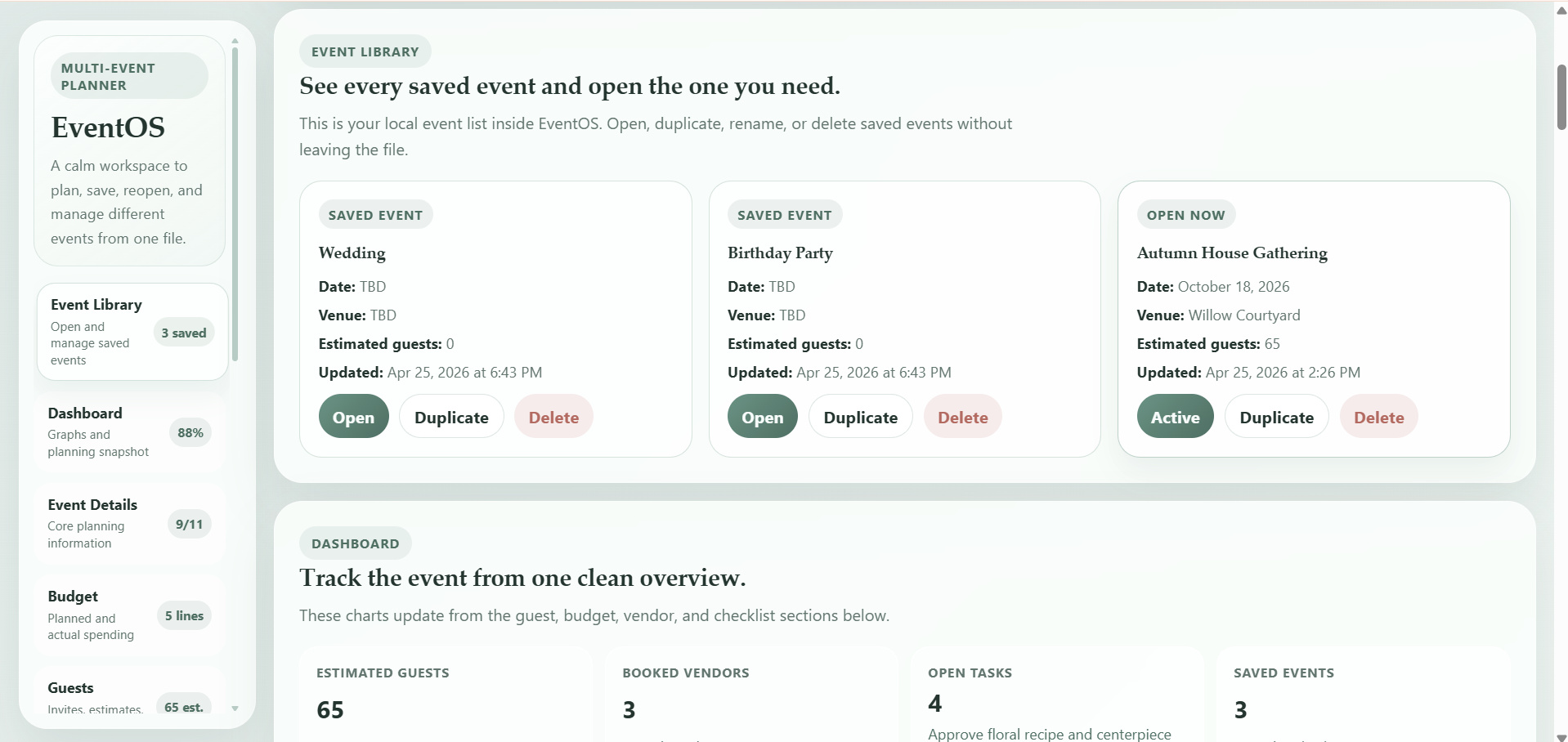
So I made something simple for myself — EventOS.

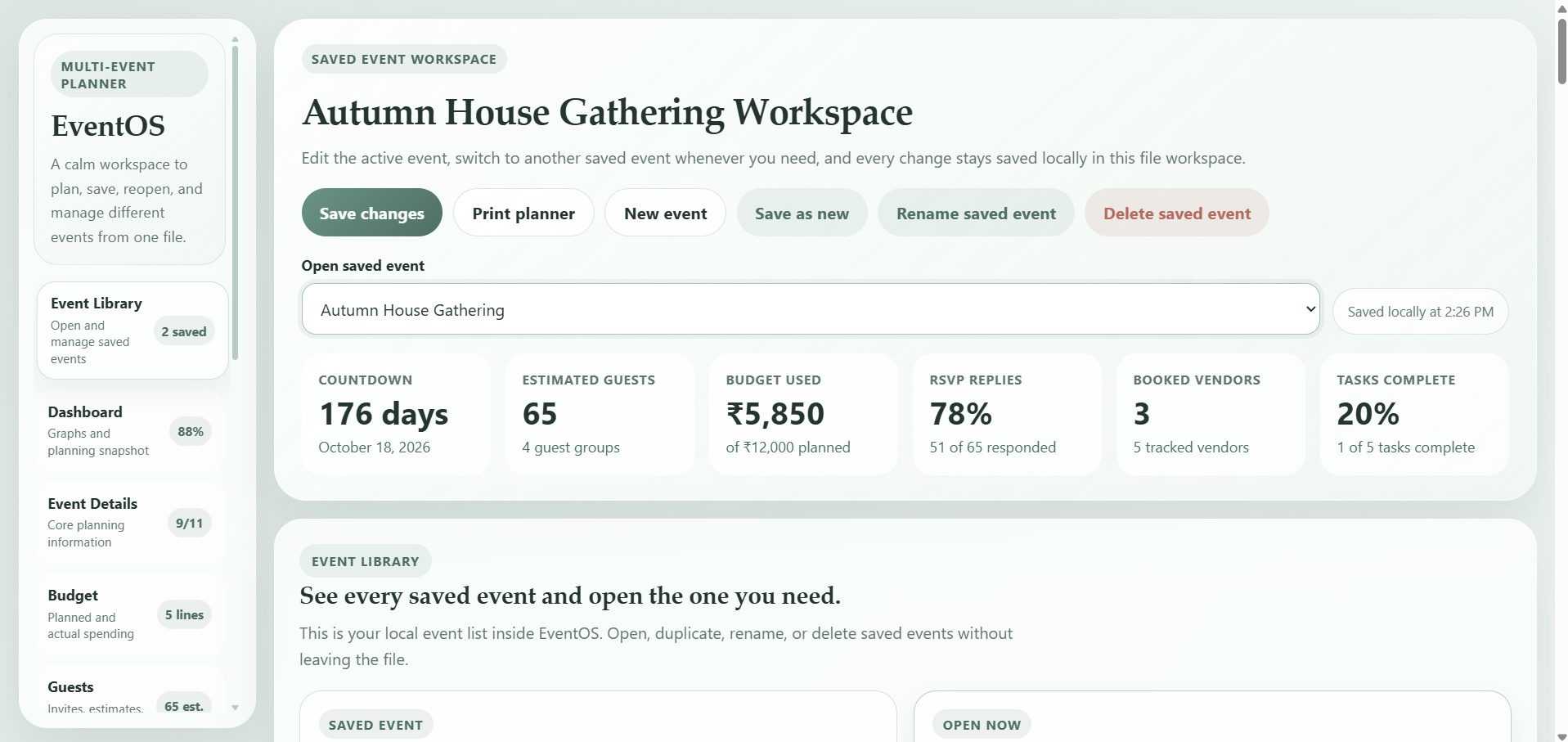
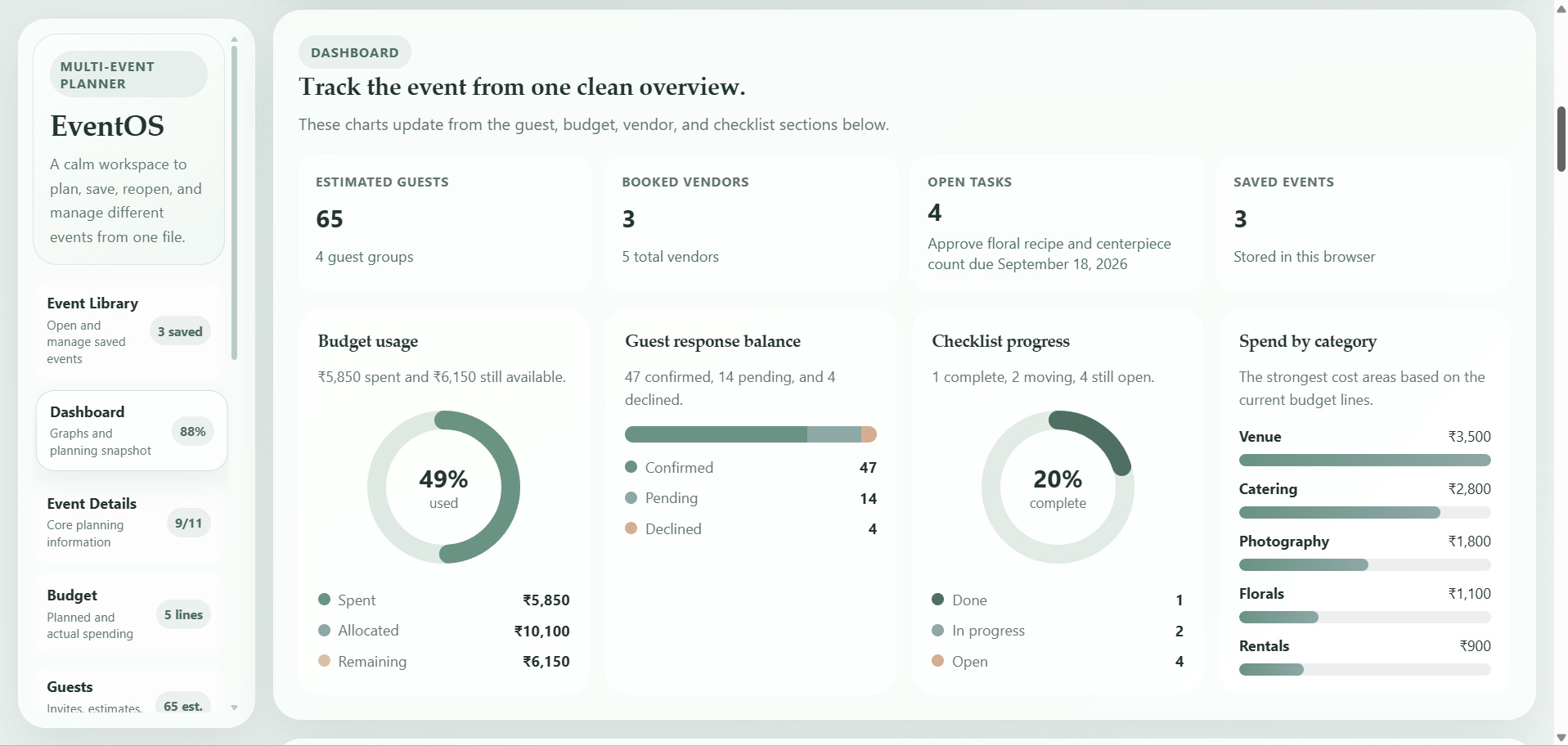
It’s just one place where I can manage everything for an event without switching between tools. Guests, budget (even in different currencies), tasks, timeline… all together.

No setup, no login — just open it in the browser and start using it. It also saves automatically, which makes things easier.

I’ve been using it for a while and it genuinely helped me stay more organized.

Sharing it here in case someone else finds it useful too.
file_7iPd3dEh8gqUg
file_eUpX7jLdDTF3a
file_v62iJcjDmucca
Profile picture
Miral PatelProfile picture@miralf7·Apr 28

Nobody tells you this…

The difference between average marketers and high-performing ones isn’t effort — it’s SYSTEMS.

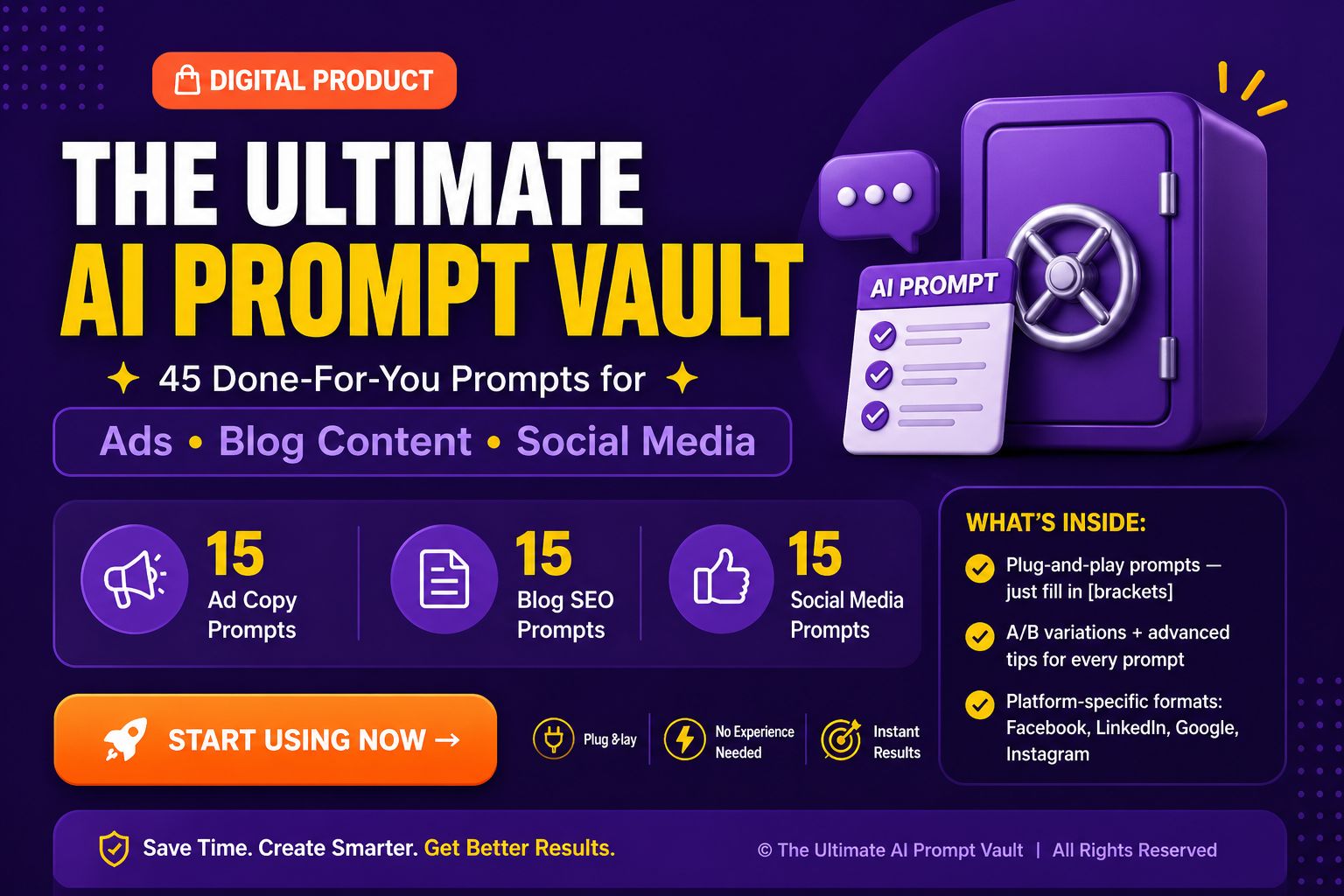
This Ultimate AI Prompt Pack gives you exactly that.

✔ Proven ad prompts that convert
✔ SEO prompts that bring traffic
✔ Social prompts that drive engagement

All in ONE bundle.

If you're serious about growing faster…
this is something you don’t want to miss ⏳

👉 Unlock it now

file_jggDnHkHq4lYw
Profile picture
Miral PatelProfile picture@miralf7·Apr 27

I built something to make event planning actually manageable.

If you’ve ever planned an event, you know how quickly things get messy — guests in one place, budget somewhere else, tasks scattered everywhere.

So I created EventOS.

It’s a simple web-based planner where you can manage everything in one place:

✔ Guest lists & RSVPs
✔ Budget tracking (with multi-currency support)
✔ Vendors & contacts
✔ Timeline & event flow
✔ Tasks & checklist
✔ Notes & planning details

No installation. No login.
Just open it in your browser and start planning.

It even works offline and saves everything automatically.

You can also manage multiple events and switch between them easily.

I built this mainly for myself, but it turned out really useful — so I’m sharing it here.

If you prefer simple, clean tools over complicated systems, you’ll like this.

👇 Check it out

Profile picture
Miral PatelProfile picture@miralf7·Apr 27

I recently built a small web app for myself to manage event planning, and it actually turned out more useful than I expected.

I had an event coming up and everything was scattered — guest lists in one place, budget in another, tasks somewhere else. It got messy fast.

So I made a simple tool where I can handle multiple events in one place — track guests, budget, vendors, timeline, and tasks without switching between apps.

It runs in the browser and saves everything locally, so it’s pretty straightforward to use.

I’ve been using it for a bit now and it made things a lot less stressful.

Just curious — how do you usually manage events?

Do you use any tools or just keep everything manually?