
CUBE Setup Kit — One Look
One look — nine wallpapers, desktop and phone, and the icons to match
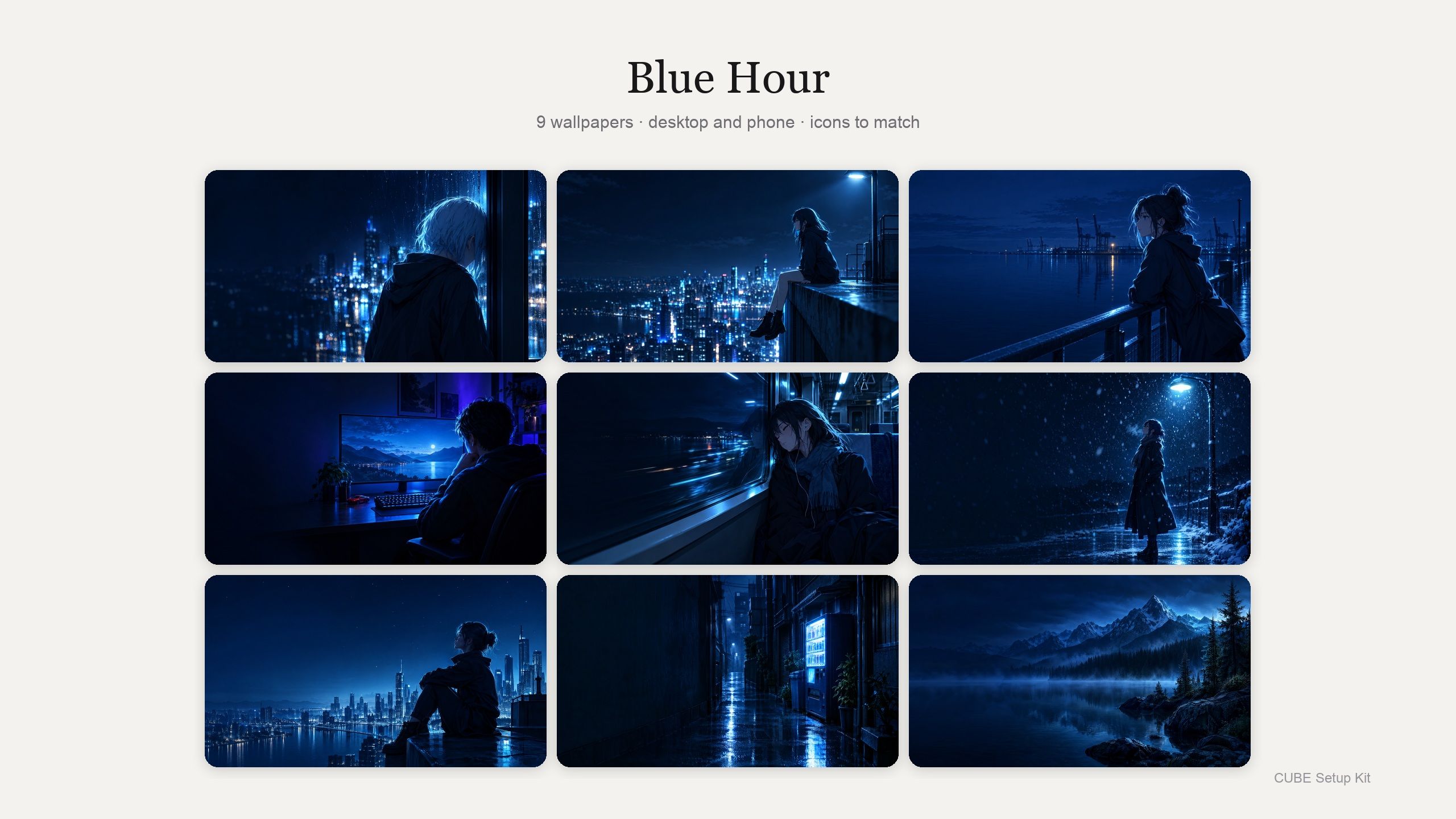
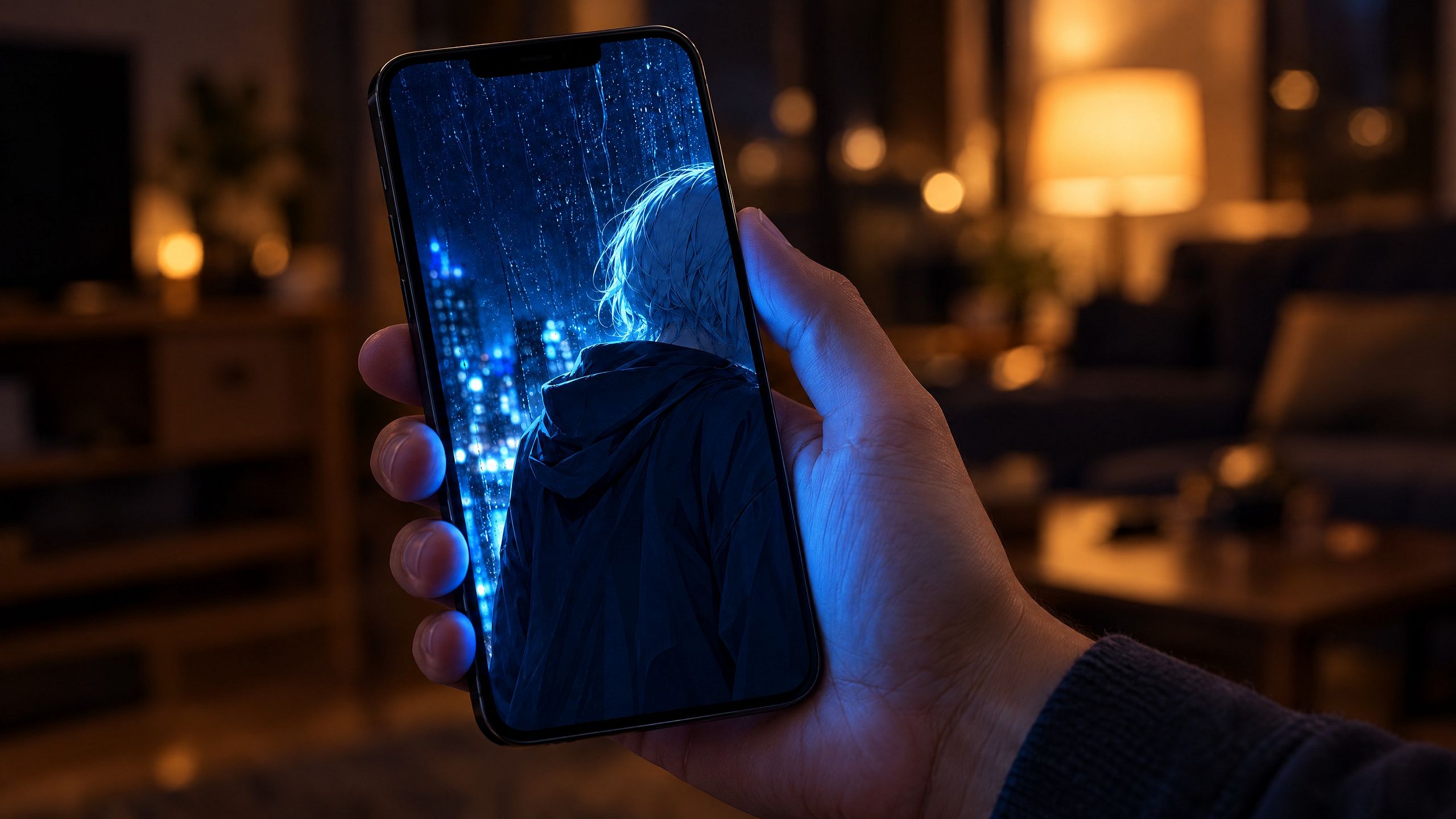
The Blue Hour look on its own - nine wallpapers, and the icons that go with them.
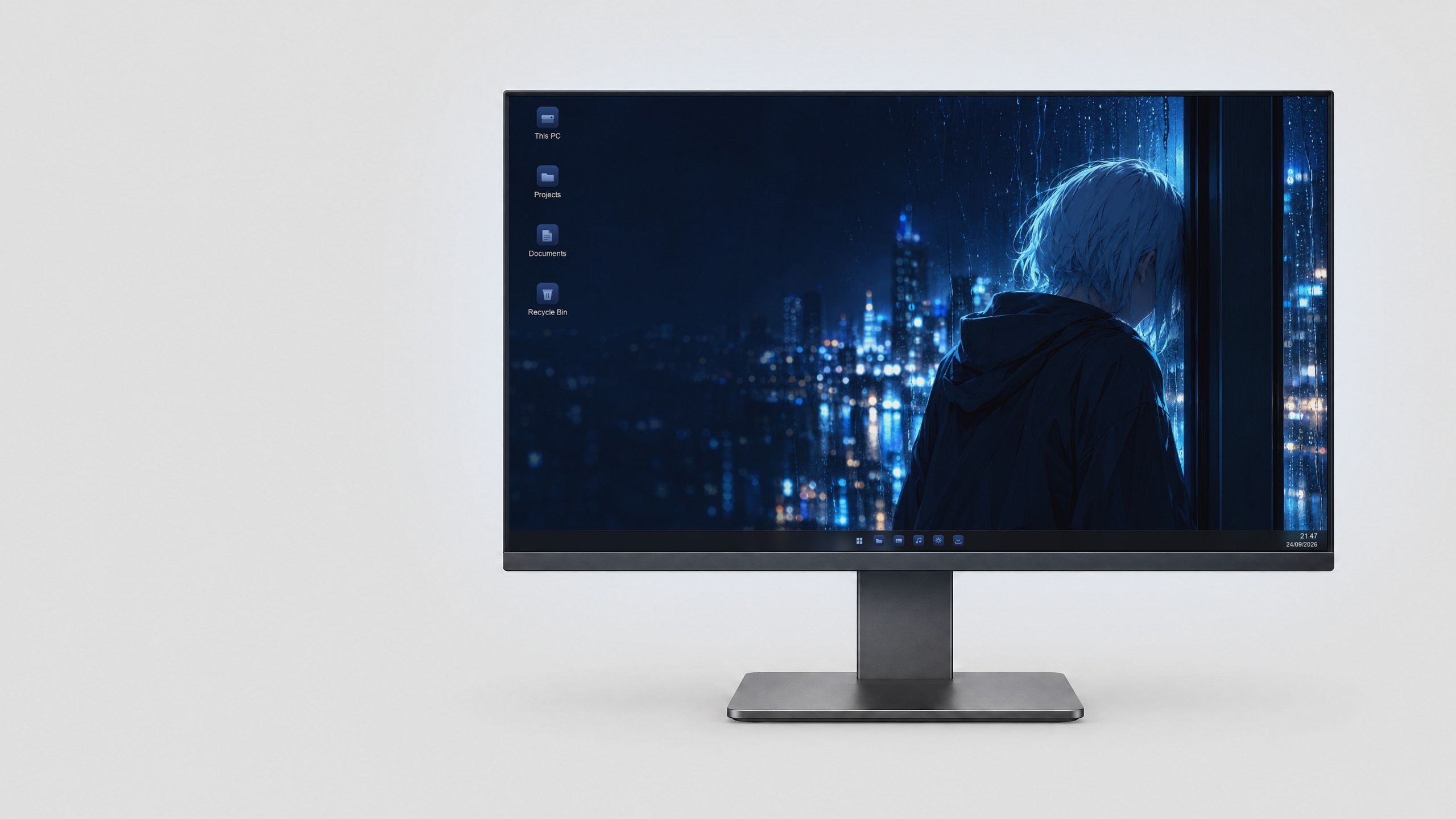
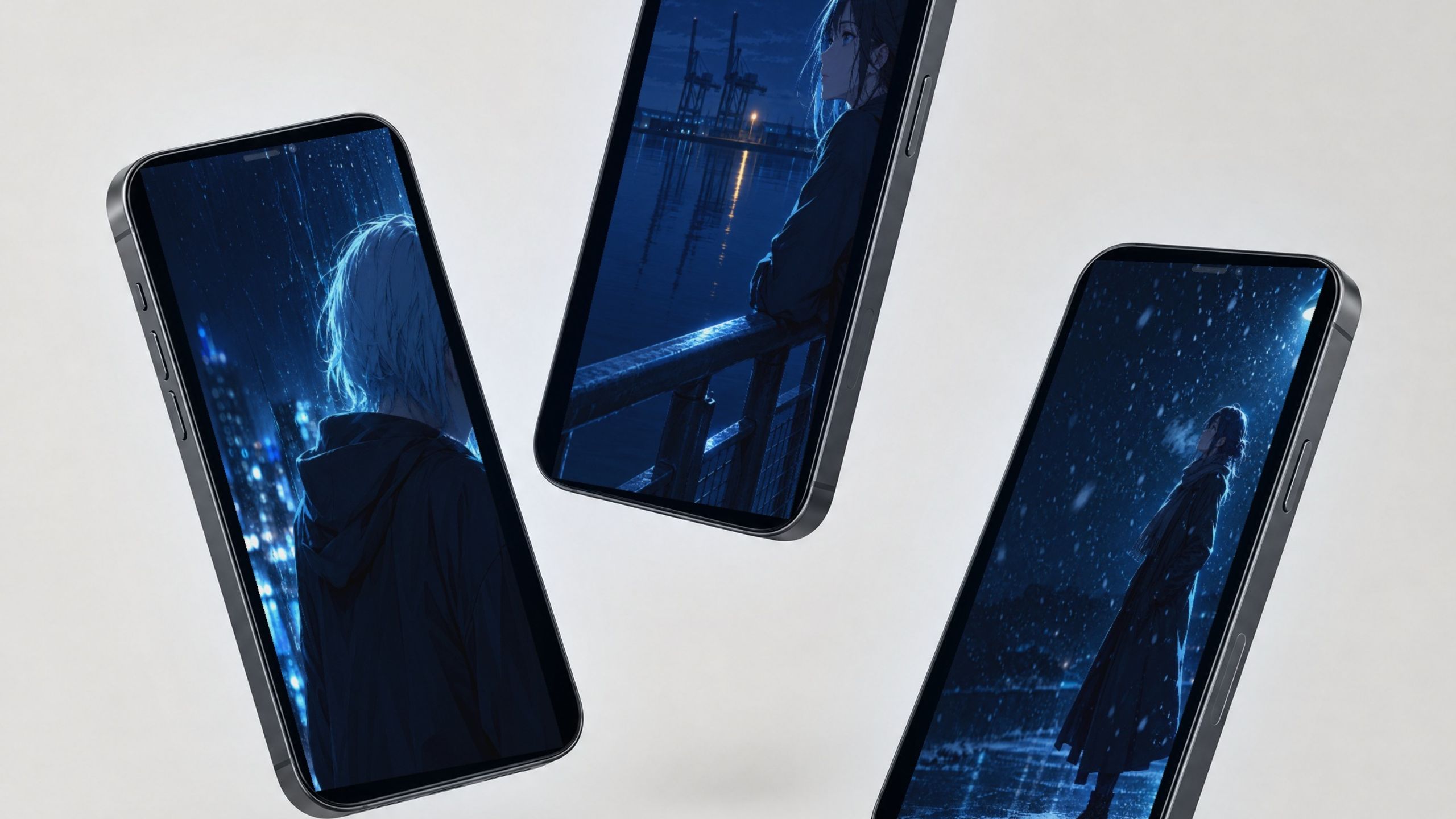
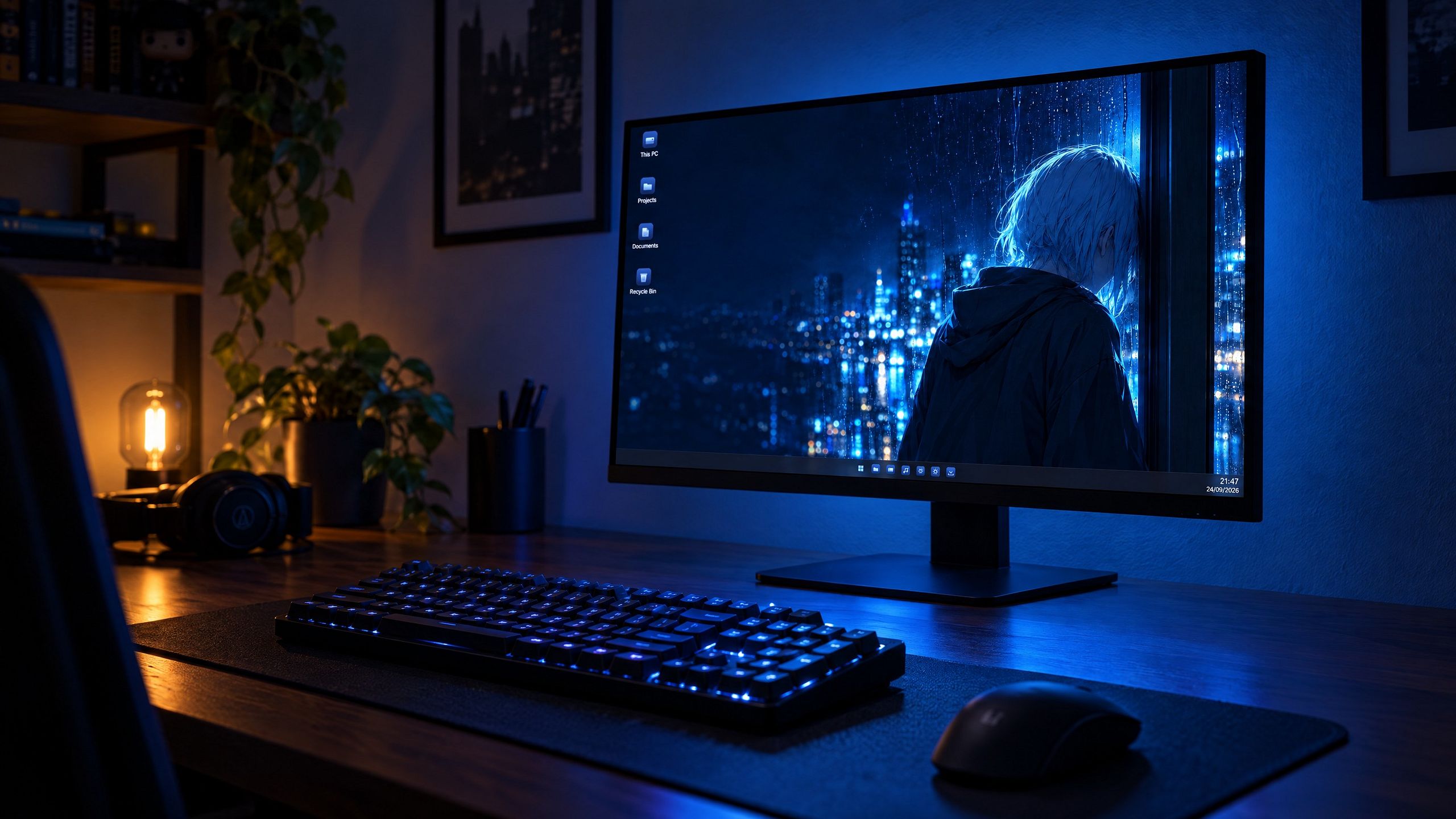
Six animated wallpapers and three stills at 3840x2160, every one cropped for your phone, the Blue Hour icon set, and the Colour Studio.
The Colour Studio recolours any of these nine to any colour you pick, in your browser, and saves the result. So nine is the floor, not the ceiling.
Same files as the full kit, one look instead of four. All four looks - 36 wallpapers, five icon sets - is $19, and it’s the better buy. This is here for people who only want Blue Hour.
HOW TO USE IT
- Buy it. The files land in your account and stay there.
- Download the folder and unzip it.
- Open “Start Here”. It runs in your browser, needs no internet, and walks you through every wallpaper.
- Stills: right-click the image, “Set as desktop background”.
- Animated: install Lively Wallpaper (free, Microsoft Store), open it, and drag in the wallpaper’s folder. It isn’t ours and we get nothing from it.
- Phone: send yourself the file from the phone folder, then set it as your wallpaper.
- Colours: open the Colour Studio, pick a wallpaper, pick a colour, save.
It won’t slow your PC. The animation pauses by itself when you open a game or a full-screen app, and there’s a page in the folder with the real numbers.
WHO ANSWERS IF SOMETHING’S WRONG
I do - amit.h.hoffman@gmail.com, within 48 hours. Not Cube Sites’ DMs. 14 days to ask for a refund, no questions asked.