
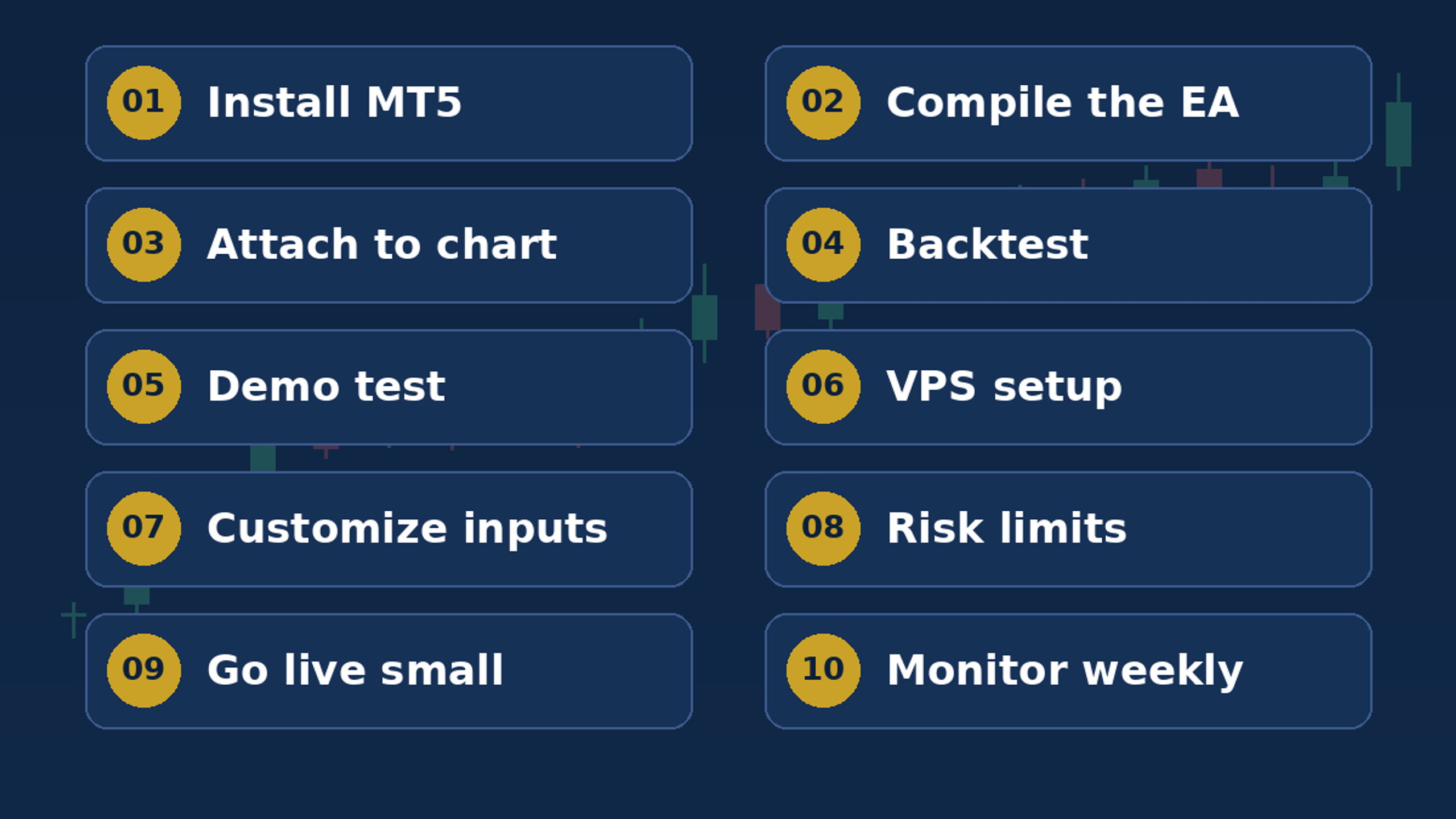
EA Setup Guide for PC & Laptop
Learn to install and configure your EA for free, step-by-step.
This comprehensive guide walks you through setting up Expert Advisors on your PC or laptop from scratch. No technical experience needed—just follow along as we cover every installation step, configuration requirement, and troubleshooting tip.
You’ll have your EA running smoothly within minutes. Whether you’re on Windows or Mac, this guide has you covered with clear instructions, screenshots, and common solutions.
- Step-by-step EA installation instructions
- PC and laptop configuration guide
- Troubleshooting common setup issues
- Video walkthrough (if applicable)
- Support resources and next steps