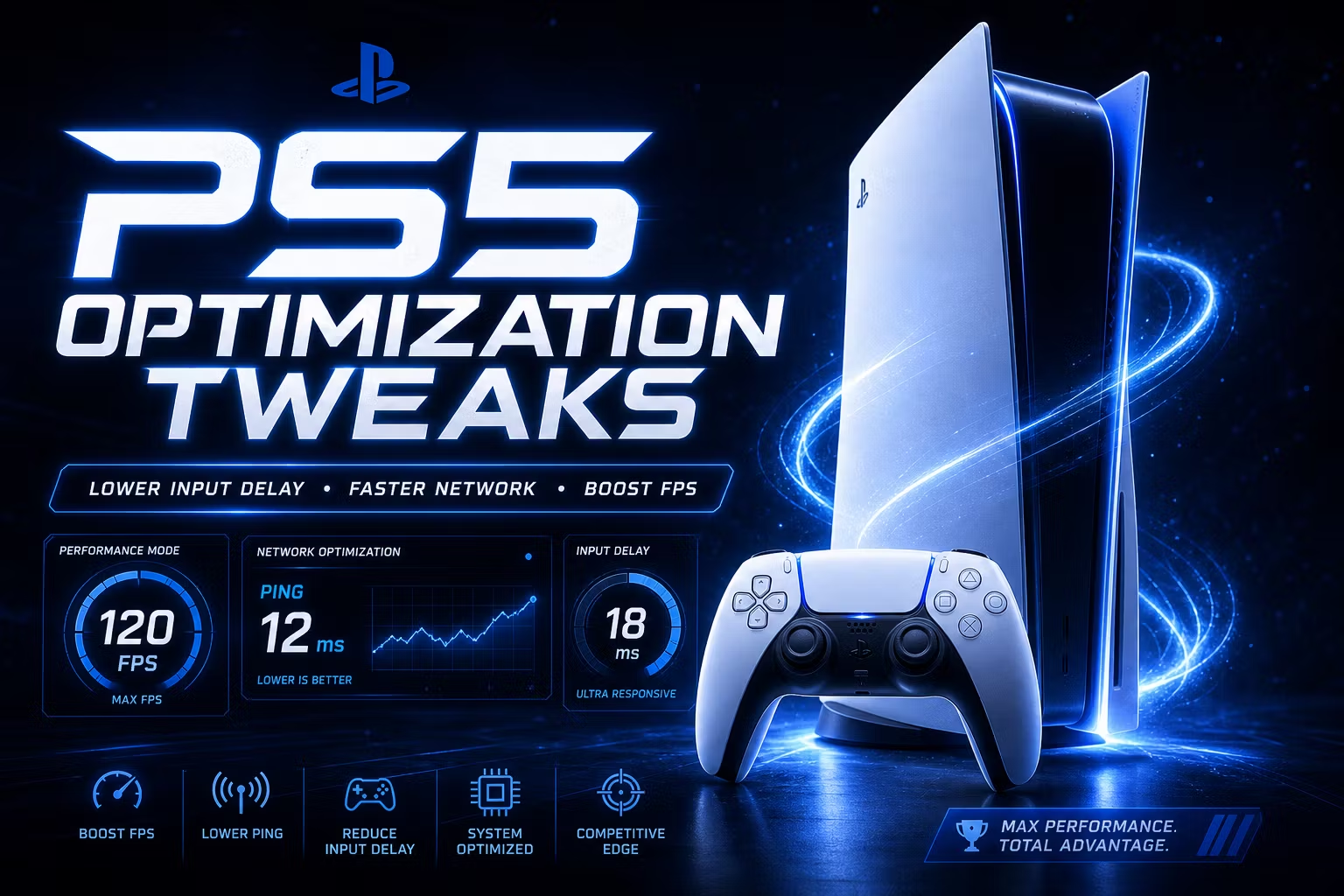
PS4 / PS5 Optimization Tweaks — Lower Input Delay & Maximize Performance
Your PS5 Has Hidden Performance Settings — Here’s All of Them
Sony ships the PS4 and PS5 with settings designed for the average user. That means auto-updates running mid-session, vibration eating controller battery, notifications interrupting your focus, and network settings stuck on slower defaults.
This optimization guide covers every setting you should change right now to get the most responsive, lowest-latency console experience possible — whether you play competitive shooters, sports games, or anything in between.
What’s covered:
Network — Force 5GHz Wi-Fi, manual DNS (Google + Cloudflare options) to cut ping
System Settings — HDCP off, HDMI device link off, power savings disabled for zero interruptions
Display & Video — Auto Low Latency Mode (ALLM) enabled, screen dimming off
Controller — Triggers off, vibration off, USB wired mode for fastest possible input
Game Presets — Force Performance Mode globally so every game defaults to highest FPS
Notifications & Captures — Disable pop-ups, auto-uploads, and trophy tracking that eat resources
Works with: PS5 and PS4. Most settings apply to both consoles.
- 1 month ago
Support was quick!
- 1 month ago
W Totally recommend Worth EVERY dollar 100/10
- 1 month ago
Definitely worth getting, worth very penny and you get everything!!
- 1 month ago
Recommended and the owner is always active and supportive