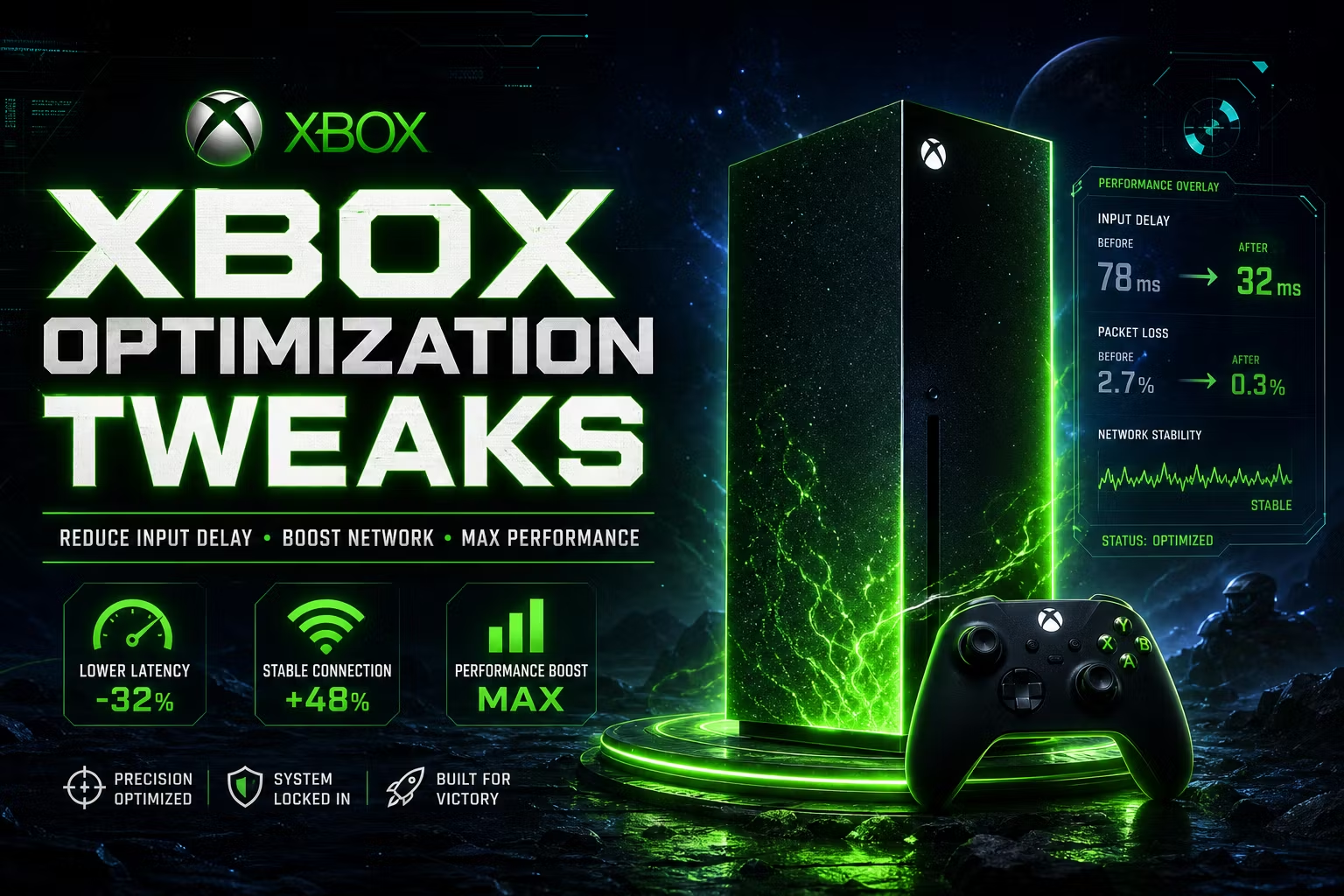
Xbox Optimization Tweaks — Reduce Input Delay & Boost Network Performance
The Xbox Settings Microsoft Doesn’t Tell You About
Your Xbox Series X/S ships with settings that are optimized for casual use — not competitive gaming. Background apps running, suboptimal DNS, wrong display color settings, and enabled features that quietly add delay every single frame.
This guide gives you the exact settings changes to turn your Xbox into a performance machine. No modding, no risk — just menu-level tweaks that make a real difference.
What’s covered:
Display & Video — YCC 4:2:2, color depth & PC RGB settings for the sharpest, lowest-latency image
� udd0c Power & HDMI — Always Active power mode + HDMI-CEC for instant-on response
Network Tweaks — Custom DNS (1.1.1.1/1.0.0.1), manual MAC, port selection & DSCP tagging
� udcf6 Connections & Devices — Disable remote features eating background bandwidth
Controller — Vibration off, custom profile for faster response feel
� udce6 Storage — Free up space the right way to keep load times fast
Works with: Xbox Series X, Xbox Series S. Most tweaks compatible with Xbox One as well.
- 4 days ago
owner is great works with you on the spot. great setup videos and guides to get you going. would recommend!
- 9 days ago
they have videos to help set up your values. They have an AI bot to help you and if that doesnt work the owner himself helps you out
- 11 days ago
Totally recommend. Script is amazing and the owner is great!