Welcome to the community! 🎉 Congratulations on taking action to change your life.
Follow these instructions to securely log in, navigate your Whop dashboard, and access your purchased courses or mentorship programs.
Logging In
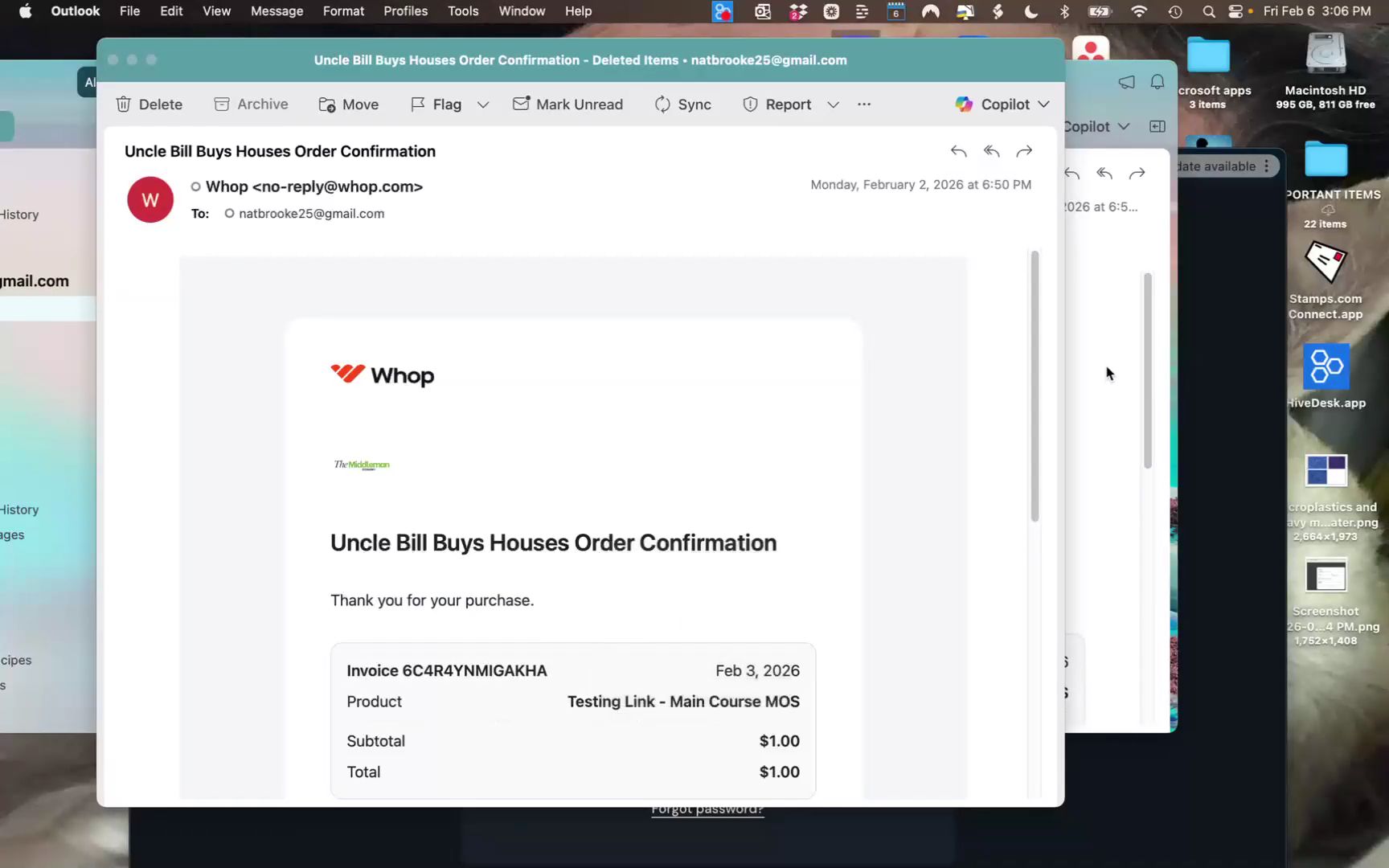
Check Your Inbox: After your purchase, look for two emails from no-reply@whop.com (an order confirmation and an access link). If you don't see them, check your spam or junk folders.
Use the Right Email: You must log into Whop using the exact email address you used during checkout.
No Passwords Needed: Go directly to **whop.com/login**. Enter your email, and the system will send a unique, one-time code to your inbox. Enter that code to access your dashboard.
Navigating Your Dashboard
The Left-Hand Menu: All of your content—including course modules, PDFs, community announcements, and daily Q&A chats—is located on the left side of your screen.
Personalized Access: Your view is customized based on what you bought. You will only see the specific courses or mentorship areas included in your purchase tier. If you don't see a specific section (like the mentorship chat), it was not included in your package.
Getting Support & Contacting Me
Platform Support: Click Contact Support at the very top of the page, or click the Support Chat tab on your left-hand menu to get help right away.
1:1 with Vico: Book a call at www.vicolize.com/call
WhatsApp: Reach me personally at wa.me/61403812536