

Why I stopped starting artwork from a blank canvas
For years I'd sit down, open Clip Studio Paint, stare at a blank canvas, and feel stuck. Sound familiar?
Here's the workflow that changed everything for me:
Step 1: Write what you see. Before touching any art tool, I describe the scene in plain text. "A weathered knight standing in a flooded cathedral, golden hour light cutting through broken stained glass." The more specific, the better.
Step 2: Generate AI references. I feed that description into an AI image generator. Not to use the output as final art — but to get 4-5 rough visual references for composition, lighting, and color mood in seconds.
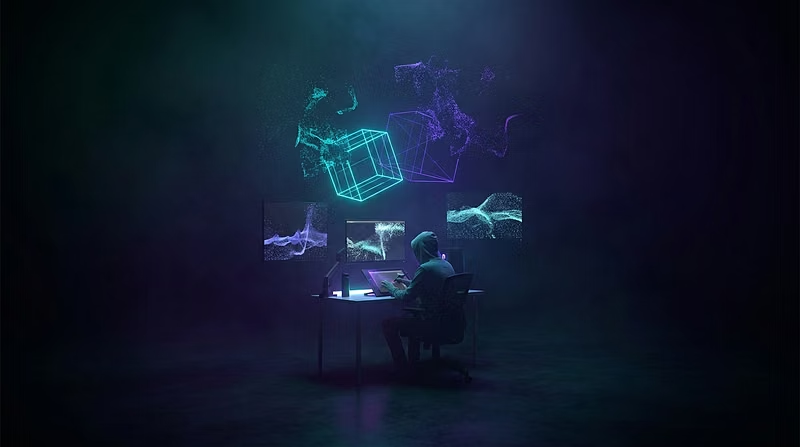
Step 3: Paint over in Clip Studio. With those references on a second monitor, I sketch and paint with real intention. No more guessing about light direction or color harmony — I have a visual anchor.
Step 4: Build depth in Blender. For anything with architecture or complex perspective, I rough out the scene in Blender first. Even a 5-minute blockout gives you a camera angle and perspective grid that's way more accurate than eyeballing it.
The result? I went from spending 2 hours just starting a piece to having a solid composition locked in within 30 minutes.
This is the exact workflow I teach inside VisionForge Studio. If you're a hobbyist illustrator who wants to level up your process, come check it out.