
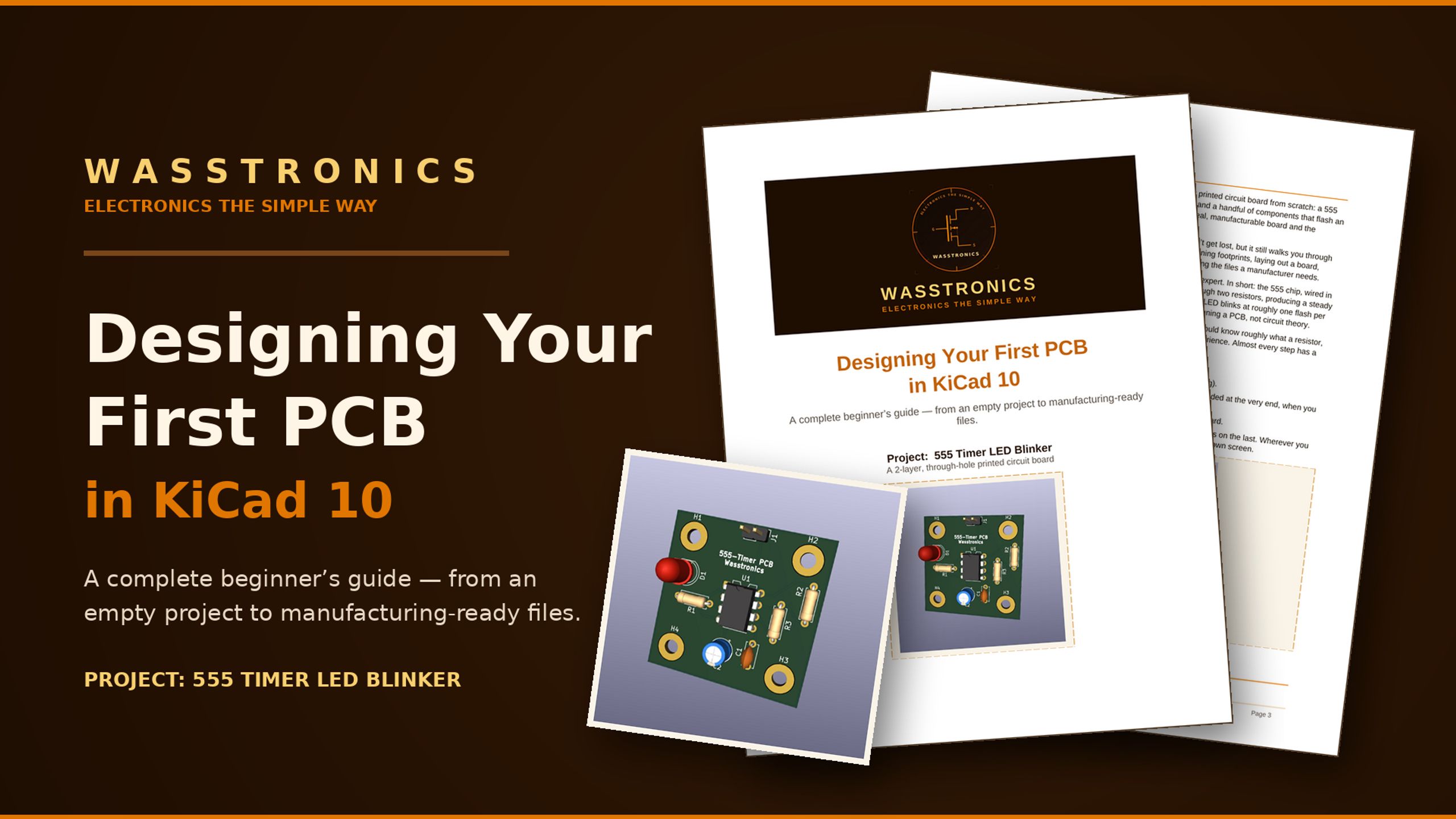
Your First PCB in KiCad 10
£15
Design your first PCB from scratch — complete KiCad 10 guide
If you’ve been following the series and want to actually build this — this is where to start. This complete beginner’s guide takes you from an empty KiCad 10 project to a real, orderable PCB. Step by step. Screenshots at every stage. No experience needed.
After this guide, you’ll be able to:
- Read and draw a schematic from scratch in KiCad
- Place components and route traces in the PCB editor
- Run a design rules check and understand what the results mean
- Export Gerber files — the manufacturing files every factory accepts
- Order your finished board from JLCPCB for under £5
What’s inside:
- Setting up your KiCad 10 project
- Drawing the schematic — components and connections
- Assigning footprints — linking symbols to real-world parts
- PCB layout — placing components on the board
- Routing — drawing the copper connections
- Design rules check — catching mistakes before ordering
- Generating Gerber files — what the manufacturer needs
- Ordering from JLCPCB — your first real PCB for £3.50
Project: 555 Timer LED blinker on a 2-layer board
All you need:
A computer (Windows, Mac, or Linux) KiCad 10, free at kicad.org No previous PCB design experience About £3.50 if you want to order your finished board
Questions before buying? DM me on Instagram, happy to answer anything.
Customer reviews
5.01 ratings
Top reviews
- 1 month agoAmazing guide for those who are taking their first steps into PCB Design. It's very straightforward with no filler just straight to the point. I was able to design my first PCB quite easily, which is great because I was stressed about learning how to do so before I found this guide!Written 14 days after purchase