Local Claude PC Install Playbook (Windows GPU)
Run AI Locally on Your Windows PC Without Cloud Fees
What you get
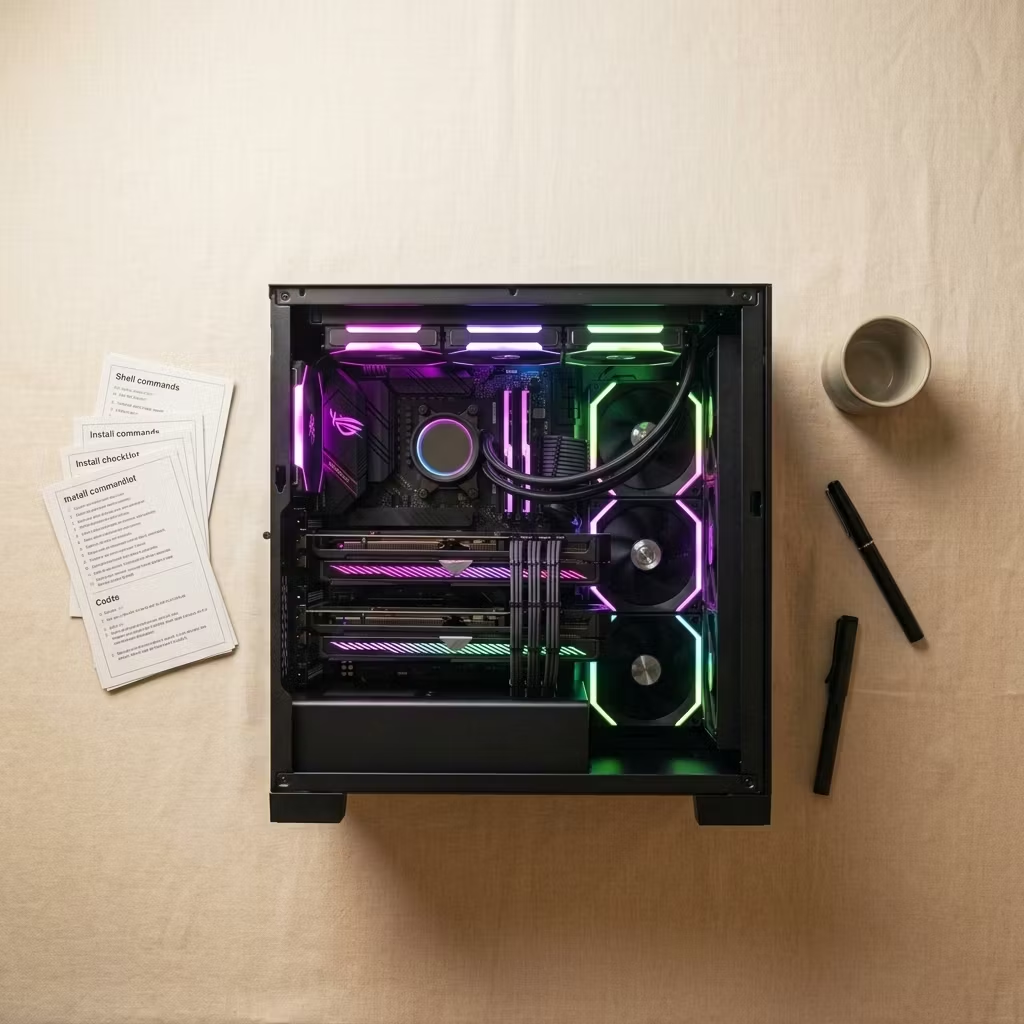
A concise playbook that walks you through installing Ollama on Windows, pulling a fast coder model, enabling GPU acceleration, and running verification tests. Includes a quickstart cheat sheet, the exact commands to run, and a troubleshooting checklist.
Who it’s for
Developers, AI hobbyists, and engineers who want a reliable local Claude-style coder for coding assistance, experimentation, or privacy-sensitive tasks. You should be comfortable running installers and following terminal commands.
Why it’s worth the money
For $19 you get a proven sequence of steps that saves hours of trial-and-error. The guide focuses on one practical result: a runnable coder model with measurable inference speed and offline confirmation, so you know it works when you need it.
First run today
Install Ollama on Windows, pull a fast coder model (e.g. ollama pull qwen2.5-coder:7b), run it and ask a simple test prompt. The playbook tells you what to record (tokens/sec) and how to confirm it still responds with Wi‑Fi disabled.
Simple, targeted, and supportive — the playbook gets you to a working local coder quickly.