
Which one do you use
The Edit Lab
7 joined
S
Samuel AsmamawTL @samuelasmamaw·Apr 27
@samuelasmamaw·Apr 279 votes
S
Samuel AsmamawTL@samuelasmamaw·Apr 23
@samuelasmamaw·Apr 23Why your edits still look amateur (and how to fix it)
I've reviewed hundreds of beginner editor portfolios. The same 3 mistakes keep showing up:
1. You're not color grading. Throwing a preset on footage isn't color grading. Real editors use scopes, match shots, and build a look intentionally. After Effects and Premiere Pro have insane built-in tools that most beginners never touch.
2. Your exports are destroying your quality. You spend hours editing, then export at the wrong bitrate and wonder why it looks blurry on YouTube. Topaz can upscale and enhance, but you need to understand the export pipeline first.
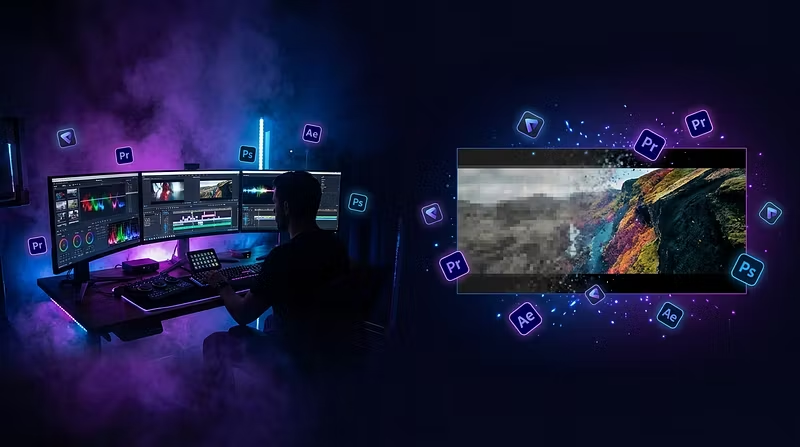
3. You're stuck in one app. The best editors use Photoshop for thumbnails and graphics, Premiere for timelines, After Effects for motion, and Topaz for quality enhancement. Using them together is what separates amateur from professional.
I built The Edit Lab to fix exactly this. It's a one-time $29 course + community where I walk you through the professional workflows in each app — from zero to getting paid for your work.
If your edits don't look the way you want them to, it's not a talent problem. It's a knowledge problem. And that's fixable.