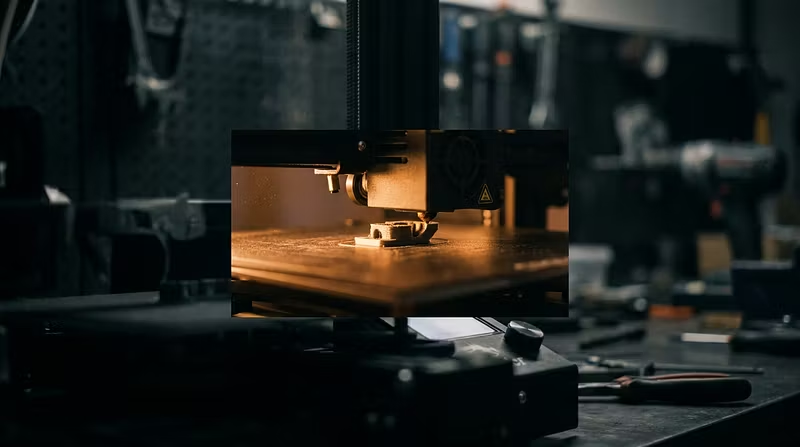


Your printer is probably fine. Your first layer isn't.
I run online fix sessions for people whose 3D printers "stopped working." Here is the honest breakdown of what actually turns up.
Out of the last stretch of sessions, roughly:
~60% were first-layer problems. Dirty plate, wrong Z-offset, first layer printing too fast.
~20% were filament problems. Wet PETG, or PLA that had been sitting open in a humid garage since spring.
~15% were slicer profile problems. Someone imported a profile for a different machine and never checked the nozzle diameter.
~5% were actual hardware failures. Worn nozzle, loose belt, dying thermistor.
Nineteen times out of twenty it is not the machine. People buy a new hotend to fix a problem that a bottle of dish soap and a 0.04mm Z-offset change would have solved.
The three things worth doing before you buy anything:
Wash the build plate with dish soap and warm water. Not IPA — IPA moves finger oil around instead of removing it.
Print a single-layer 100x100mm square and look at it closely. The extrusion lines should be slightly flattened and fused with no gaps between them. Adjust Z-offset in 0.02mm steps until they are.
Drop first-layer speed to 20mm/s. That is it. Just the first layer.
If your prints still fail after that, it is worth actually diagnosing rather than guessing — and the diagnosis is almost always visible in a photo of the failed first layer plus your filament and slicer.
This is also why I ship functional STLs with the slicer settings baked into the description instead of just dropping files in a folder. A part that prints beautifully on my machine and fails on yours is not a useful part.