

Everyone's using the same 3 AI tools for their YouTube channel. That's the problem.
I spent months testing AI image and video tools before I found a workflow that actually produces something watchable — not just "AI slop" that gets skipped in 2 seconds.
Here's the mistake almost every beginner makes: they open an AI image tool, type a random prompt, get something cool-looking, and call it a day. Then they wonder why their channel doesn't grow.
What actually works is treating it like filmmaking, not prompting:
Character first, prompts second. If your AI character doesn't look the same in every scene, viewers lose trust in the story within 10 seconds. Lock in a character reference before you generate a single video clip.
Story structure beats visual quality. A mediocre-looking video with a strong hook and pacing will outperform a gorgeous video with no narrative tension. Write the story before you touch an image generator.
Sound design is the most skipped step — and the most noticeable when it's missing. Silence (or generic royalty-free music) is the #1 tell that a channel is low-effort. It's also one of the fastest, cheapest fixes.
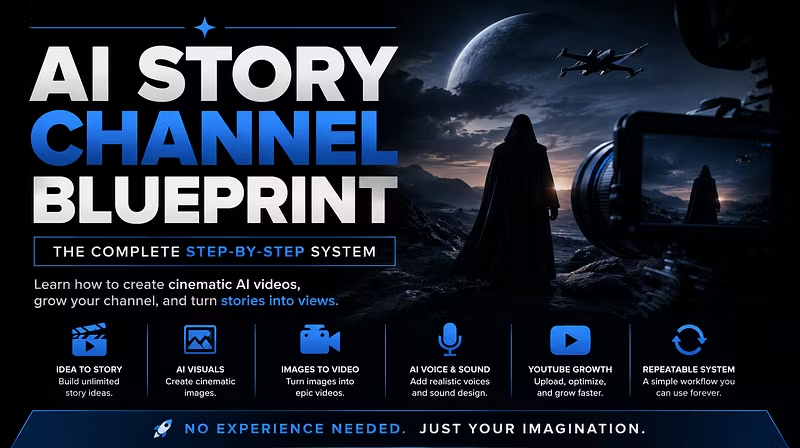
Your workflow needs to be repeatable, not a one-off miracle. If you can't explain your process in 6 steps, you don't have a channel, you have a lucky video.
None of this is theory — it's what I use to make cinematic AI videos for YouTube. If you're starting a faceless AI channel and keep getting stuck between "cool image" and "actual finished video," the gap is almost always story and consistency, not tool quality.
Happy to answer questions if anyone's stuck on a specific part of the process.