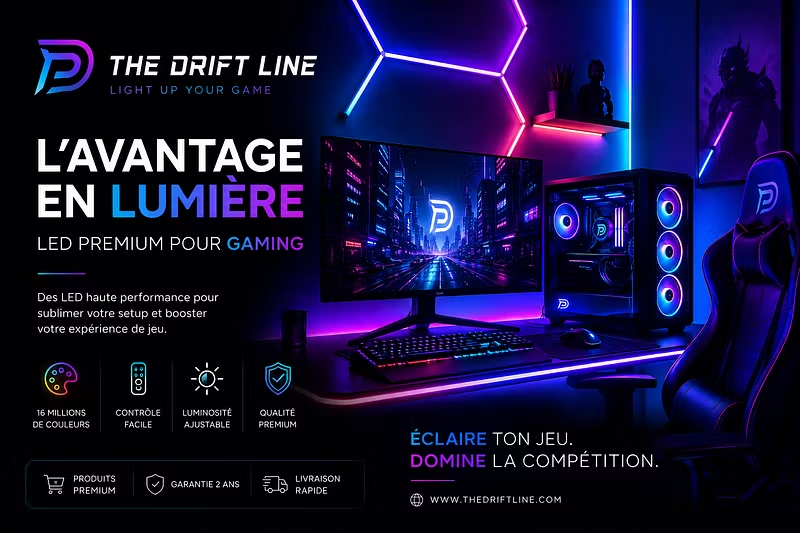

Bonjour à tous
Je viens de créer mon premier produit n’hésitez pas à l’acheter et à me dire ce que vous en pensez.😁
Merci à vous

 @azerqui·Jul 6
Bonjour à tous
Je viens de créer mon premier produit n’hésitez pas à l’acheter et à me dire ce que vous en pensez.😁
Merci à vous
@azerqui·Jul 6Been lurking in setup communities for a while and noticed the same pattern: people drop $2000+ on a rig — top-tier GPU, mechanical keyboard, ultrawide monitor — and then film it under a single overhead light that makes everything look flat and grey.
The accessory that actually moves the needle on "does this look good on camera" isn't the hardware. It's lighting. Ambient RGB behind the monitor and along the desk edge does more for perceived setup quality than another $300 of components — because it's what shows up on stream, in photos, in the background of every call.
A few things I learned building Driftline that apply no matter where you buy your lighting:
Bias lighting (behind the monitor) reduces eye strain AND makes the screen colors pop more on camera
Sync it to music or game audio, not just a static color — static RGB reads as "try-hard," reactive RGB reads as "intentional"
Warm-to-cool gradients photograph better than single solid colors, especially on stream
If you're optimizing a setup on a budget, fix your lighting before your next hardware upgrade. It's the cheapest visual upgrade you can make.
Happy to answer questions on install/placement if anyone's tinkering with their own setup this week.