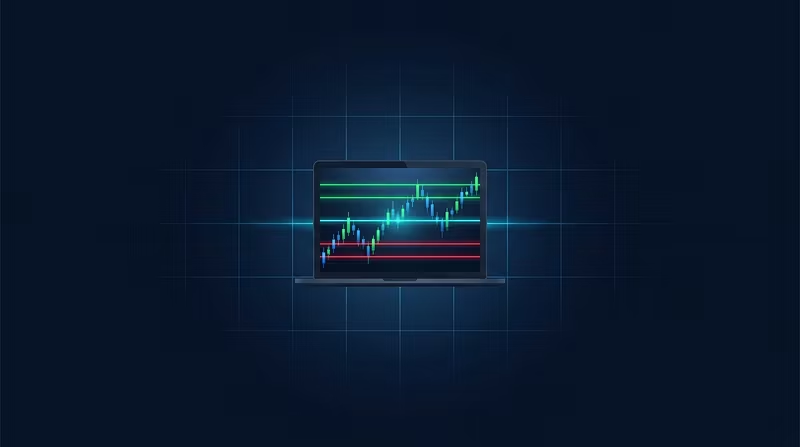


GexTV has been updated to 0.4.16.11 RC11. This is a focused maintenance and usability release: a new way to visualize the strike profile, a fix for pinned labels getting pushed off-screen, and a few terminology refinements to make the panel easier to parse at a glance.
NEW: FULL-WIDTH HEAT BANDS
Popup → Overlay → Strike profile → Full-width heat bands
Each strike now projects as a translucent horizontal band across the full chart panel, with opacity scaling dynamically by absolute Net GEX:
Positive gamma renders green; negative gamma renders red.
Strikes with under 4% of peak exposure are filtered out to keep dominant liquidity and key pin levels clear and uncluttered.
The classic right-edge histogram remains available via toggle.
Scope note: Heat bands only render on the primary chart pane where the GexTV pill is active. Passive/secondary panes continue to omit the strike profile.
FIXED: OVERLAPPING BASIS LABELS
When Volume and OI walls clustered tightly together, the secondary label could get pushed too far left and slide entirely out of view. Labels now automatically stack vertically with a discreet leader line pointing back to their precise price level, moving only when a true overlap occurs.
CLEARER PANEL READINGS
Negative gamma phrasing is now clarified as
negative Gamma (spot below 0γ level).The route line now explicitly flags when the derived layer provides a better structural reference.
Added a tooltip clarifying that the continuous sample counter (
continuous ↑ ×N) is distinct from the 1m / 5m / 15m net shift metrics.
WHAT REMAINS UNTOUCHED
The Volume/OI split logic, empty-wall detection (with 15s backoff), and underlying data contracts are unchanged. No reconfiguration or manual setting reset is required.