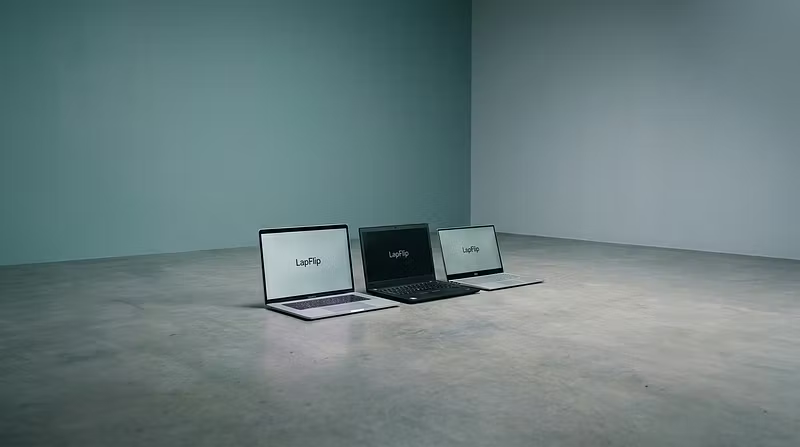


How to buy a used laptop without getting burned
I've been flipping secondhand laptops for a while now, and the #1 question I get is: "How do I know I'm not buying junk?"
Here's my 5-point checklist:
1. Battery health matters more than specs
A laptop with an i7 and 16GB RAM is worthless if the battery dies in 45 minutes. Always ask for battery cycle count or health percentage.
2. Check the screen for dead pixels
Open a pure white image and a pure black image. Scan for stuck or dead pixels — they don't fix themselves.
3. Run a stress test
Open 15 Chrome tabs, play a YouTube video, and run a download simultaneously. If it freezes, walk away.
4. Avoid anything with water damage indicators
Check the charging port and under the keyboard for corrosion or staining. These are red flags.
5. Buy from someone who actually tests their inventory
That's exactly what we do at LapFlip. Every laptop goes through a full diagnostic before it ships. Budget-friendly, tested, and ready for school or work.
If you're a student looking for a reliable laptop under $500, check us out 👇